
Quick Summary
- What it is: Samsung ID with CLEAR — a free Samsung digital passport stored in Samsung Wallet
- Where it works: Over 250 TSA checkpoints across the US + select sports venues
- Requirements: A valid US passport + any Galaxy phone running Android 9.0+
- Cost: Free (optional CLEAR+ paid upgrade for expedited lanes)
- Limitation: Domestic US flights only — physical passport still required internationally
- Security: Samsung Knox encryption + biometric authentication

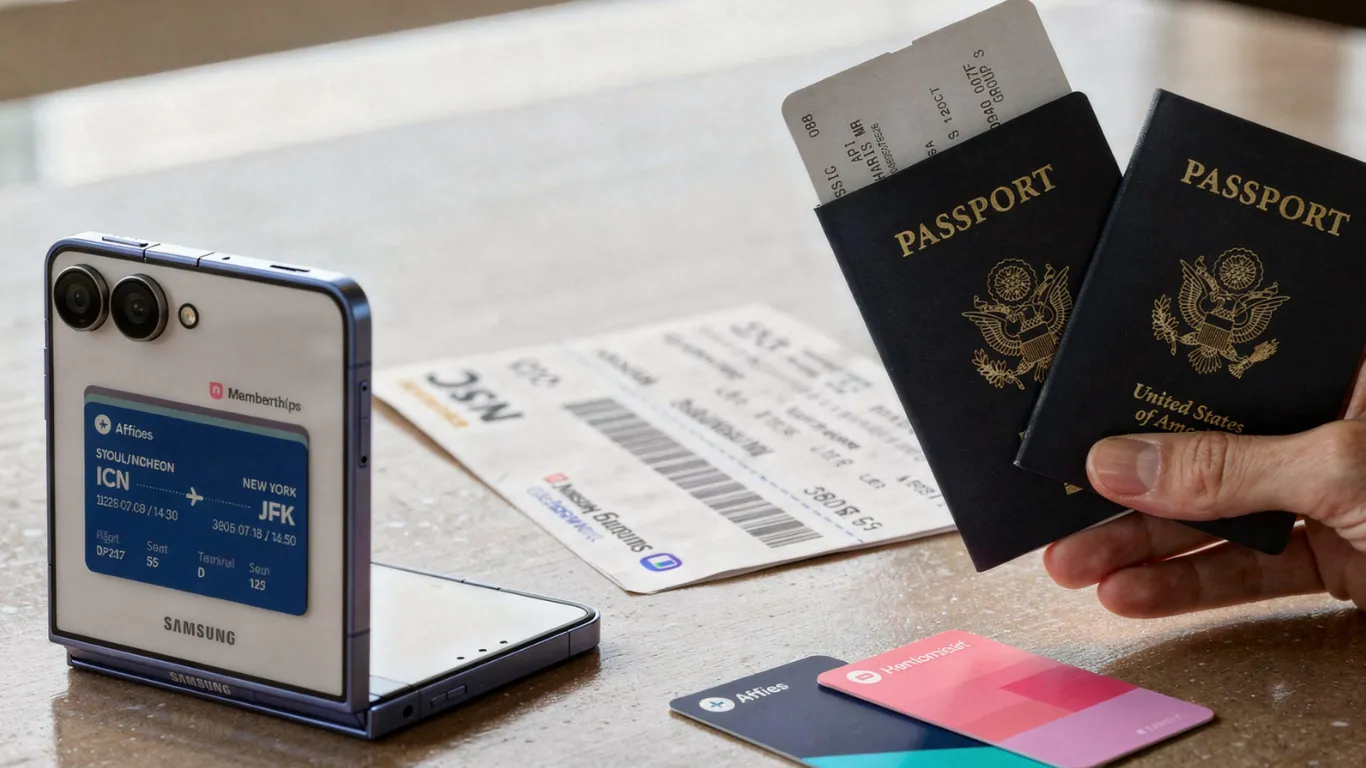
Galaxy phone owners can now leave their physical passport in their bag at domestic US airports — if they set this up first.
Samsung has partnered with identity verification platform CLEAR to introduce digital identity checks into Samsung Wallet. Android Central confirmed Samsung ID with CLEAR is a new free and secure mobile digital ID usable at over 250 TSA checkpoints across the United States, as well as select sports venues.
How to Set Up Samsung Digital Passport — 5 Steps
Android Central’s setup guide confirmed the process requires only a valid US passport and any Android device running Android 9.0 or higher.
- Step 1: Open the Samsung Wallet app on your Galaxy phone
- Step 2: Tap the “Quick Access” tab at the top
- Step 3: Tap the plus (+) sign to add a new item
- Step 4: Select “Digital IDs” → then tap “Samsung ID with CLEAR”
- Step 5: Follow on-screen prompts to scan your US passport and verify your identity
Once your passport is verified by CLEAR, the encrypted information stays on your device — protected by Samsung Knox security. You will need to authenticate with a fingerprint or PIN before the ID can be accessed at any checkpoint.
Where Can You Use It?
| Location Type | Details |
|---|---|
| TSA Checkpoints | Over 250 airports across the US |
| Sports Venues | Select locations including BMO Stadium, Los Angeles |
| Age Verification | 21+ verification at supported venues |
| International Flights | Not supported — physical passport required |
TechRadar’s Samsung Wallet guide confirmed that depending on the airport setup, you either tap your phone on a compatible TSA reader or scan a QR code. The process takes seconds — significantly faster than searching through a bag for a physical document.
Android Headlines’ Samsung Wallet coverage confirmed plans to expand to more venues beyond the current 250+ checkpoints.
3 Important Limitations to Know
1. Domestic US Travel Only
TechRadar confirmed the feature is restricted to domestic flights. For any international travel, your physical passport remains mandatory. This supplements — it does not replace — your traditional document.
2. Physical Backup Still Recommended
TSA still recommends carrying a physical ID while traveling. In fact, some airports may still require a physical boarding pass depending on their setup. Do not travel without your physical passport as a backup.
3. Samsung Galaxy Only — No Other Android
This feature is exclusive to Samsung Galaxy phones running Samsung Wallet. Pixel, OnePlus, and other Android devices are not supported. iPhone users have a separate Apple Wallet digital ID option covering driver’s licenses in select states.
Is It Safe to Store Your Passport on Your Phone?
Fox News’ Samsung CLEAR report confirmed all IDs in the app are protected by Samsung Knox, and users must authenticate with a fingerprint or PIN before the ID is accessible.
TechnoBezz’s launch coverage confirmed your passport data is stored locally on the device — not in the cloud — behind Samsung Knox hardware-level encryption and CLEAR’s own identity verification layer.
The security is solid. But as T3’s review noted, trusting even more personal data to one app carries risk. A physical backup remains the responsible choice.
Which Galaxy Phones Are Compatible?
Any Samsung Galaxy phone running Android 9.0 or higher with Samsung Wallet installed is compatible — including:
- Galaxy S26, S25, S24, S23 series
- Galaxy Z Fold 7, Z Fold 6, Z Flip 7, Z Flip 6
- Galaxy A55, A54, A35, and similar mid-range models
If your Galaxy phone can run Samsung Wallet, it can use Samsung ID with CLEAR.
Pixel Reviews will update this guide as Samsung and CLEAR expand the digital ID to more airports, venues, and use cases.
Frequently Asked Questions
Is Samsung digital passport free?
Yes. Samsung ID with CLEAR is completely free to set up and use at TSA checkpoints. Users can optionally upgrade to a paid CLEAR+ membership for expedited lane access.
Can I use Samsung digital passport for international flights?
No. The feature is currently limited to domestic US travel at TSA checkpoints. Your physical passport is mandatory for all international flights.
Do I need a CLEAR membership?
No. Samsung ID with CLEAR works without a paid CLEAR membership. The free version covers 250+ TSA checkpoints. Paid CLEAR+ adds expedited lanes.
What if my phone battery dies at the airport?
You cannot access your digital ID. TSA recommends always carrying a physical ID. Treat this as a convenience feature — not a replacement for your physical document.