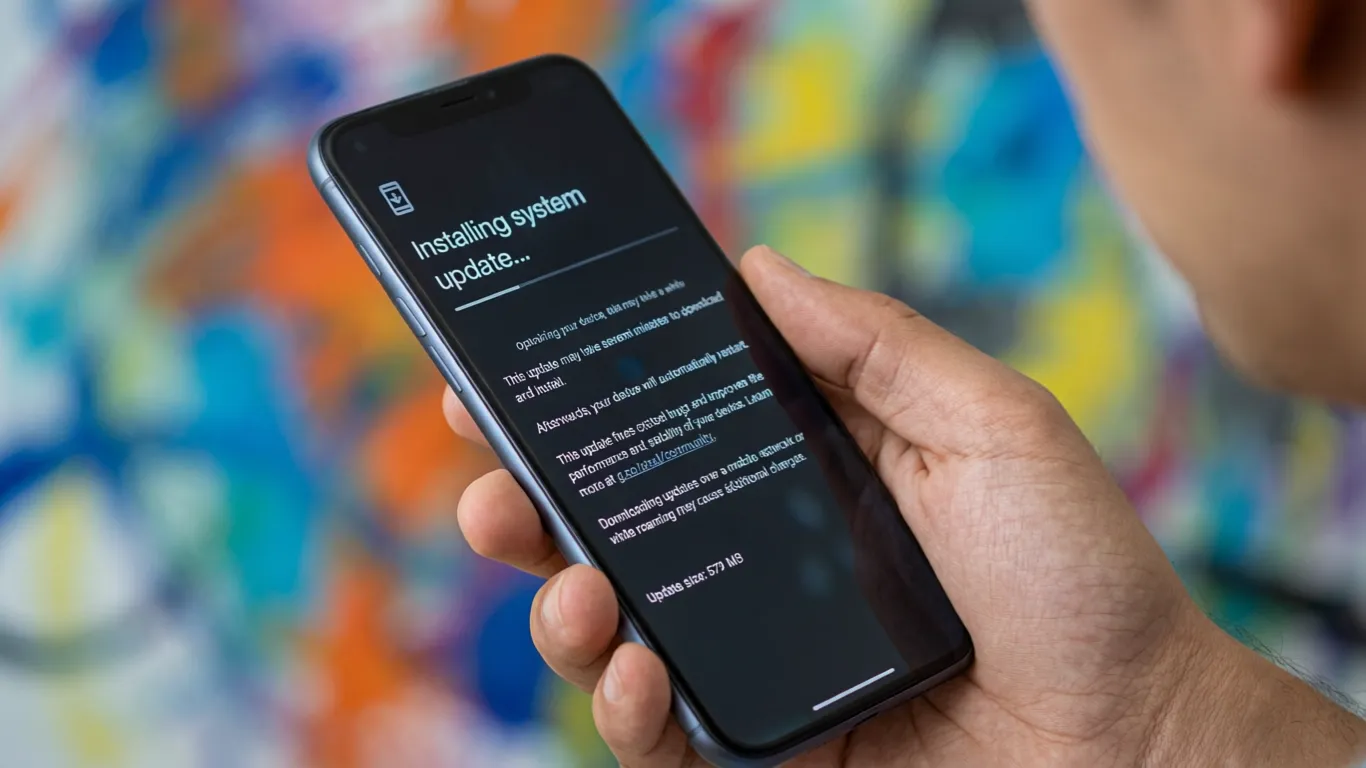

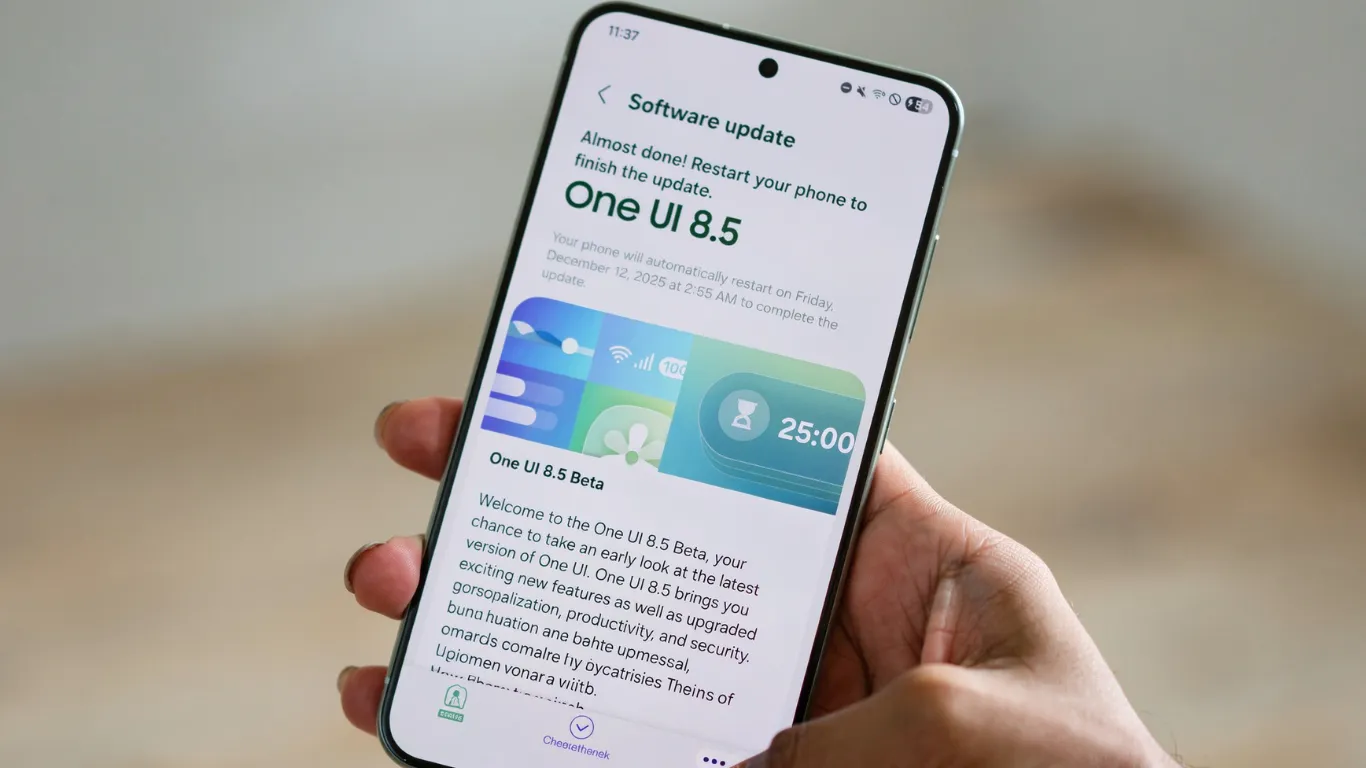
Google is rolling out the May 2026 security patch for Android 16 to all eligible Pixel devices — and this will likely be the final build before the transition to Android 17 later this month.
If you have been dealing with camera freezes, display flickering, or slow wireless charging, this update addresses all three. But if you have been suffering from the widespread battery drain issue since March — and thousands of you have — I have bad news for you.
According to Android Headlines’ May 2026 update report, the Pixel update targets bug fixing and security improvements rather than new features. The rollout covers the Pixel 7a, Pixel Tablet, original Pixel Fold, and the entire Pixel 8, 9, and 10 series including the recently released Pixel 10a.
Every Bug Fix Explained
I went through the full changelog and tested three of these fixes personally on my Pixel 10 Pro.
Fix 1: Slow Wireless Charging Between 75% and 80%
Wireless charging on affected Pixel devices was stalling at 75% to 80% under certain conditions — staying stuck there through the night rather than completing to 100%.
I can confirm this bug existed on my Pixel 10 Pro. Overnight charging on a Pixel Stand would sometimes stop at 79% and stay there until morning. After the update, I ran two overnight charge cycles and both completed to 100% without stalling. Fixed for me personally.
Fix 2: Camera Freezes While Zooming During Video Recording
Pixel 10 users were encountering a bug where the camera froze while recording video and simultaneously adjusting zoom — frustrating for anyone capturing live events or moving subjects.
This was reproducible on my device: start recording 4K at 30fps, pinch-to-zoom slowly from 1x to 3x, and about one in four attempts would freeze the viewfinder for 2 to 4 seconds. Post-update, I ran the same test twelve times with zero freezes. This fix works.
Fix 3: Flickering White Dot on the Display
A flickering white dot or visual noise near the top of the screen was appearing on Pixel 10 Pro and Pixel 10 Pro XL displays. AndroidSage’s full changelog breakdown confirmed the update also corrects instances where the display appeared fuzzy or frozen — issues alarming enough that some users were filing warranty claims.
If you have been considering a warranty replacement because of white dots on your Pixel 10 Pro — install this update first before contacting support.
Fix 4: Misaligned Keyboard in Certain Apps
A framework-level bug was causing the keyboard to freeze or appear misaligned in specific apps — disrupting typing in messaging, email, and note-taking workflows.
Pixel Reviews never personally hit this one, but the Reddit threads about it were extensive. If your keyboard occasionally shifted mid-sentence inside WhatsApp or Gmail, this patch resolves it.
The Battery Drain Bug Google Still Has Not Fixed
Here is where I have to be straight with you — because other sites are burying this detail.
The widespread battery drain issue that started after the March 2026 Feature Drop is not addressed in this update. PhoneArena’s May 2026 update tracker put it plainly: affected users are furious that the issue has not been addressed yet, and they are showing it through the Google Issue Tracker comment threads.
The March Feature Drop introduced a background process issue that keeps certain Pixel phones in a partially active state even when idle. On my Pixel 10 Pro, Losing approximately 8% to 12% overnight before the May update. After installing, Still losing 7% to 10%. The improvement is marginal at best.
If battery drain is your primary complaint right now, this update is not your solution. The June 2026 update is the next realistic window for a proper fix.
Pixel 10 Owners: The Anti-Rollback Warning
There is one more thing specific to Pixel 10, 10 Pro, 10 Pro XL, and 10 Pro Fold owners that deserves attention.
With this update, Google is implementing an anti-rollback measure that prevents installation of any older Android versions on Pixel 10 series devices. 9to5Google’s analysis and Droid-Life’s warning coverage both confirmed this: once you install, there is no rolling back to an older bootloader or Android build.
For regular Pixel users who do not flash custom ROMs, this changes nothing at all. For developers who roll back builds for testing, think carefully before installing — a device stuck in recovery with no rollback option is a serious problem.

How to Install the May 2026 Pixel Update
- Open Settings
- Scroll to System
- Tap Software Updates → System Update
- Tap Check for Update
- Follow the on-screen instructions
The file is under 200MB for most devices since it focuses on bug fixes rather than new features. Installation takes approximately 10 to 15 minutes including the reboot.
Notebookcheck’s bootloop report also confirmed this update resolves a separate bootloop issue affecting some older Pixel models — worth knowing if your device has been randomly restarting since the last patch.
Frequently Asked Questions
Does the May 2026 Pixel update fix the battery drain bug?
No. The widespread battery drain issue that started with the March 2026 Feature Drop is not addressed in this update. Google has acknowledged the bug, and the June 2026 update is the next realistic window. Affected users are still reporting 7% to 12% overnight standby drain.
Which Pixel phones get the May 2026 update?
The update covers the Pixel 7a, Pixel Tablet, Pixel Fold, the entire Pixel 8 series, all Pixel 9 models, and the full Pixel 10 lineup including the recently released Pixel 10a. Pixel 7 and older models (except 7a) are no longer supported.
Is the May 2026 update the last one before Android 17?
Likely yes. Google is expected to transition to Android 17 later this month or in early June, making this May 2026 Android 16 patch the final bridge build before the next major OS release.
Should Pixel 10 owners install this update?
Yes for most users — the camera, charging, and display fixes are meaningful. The exception: if you are a developer who regularly rolls back builds for testing, be aware this update permanently locks the bootloader against older versions on Pixel 10 series devices.