
Quick Summary
Pixel Reviews Quick Guide
- What changed: Google and Apple now officially support wireless data transfer — including passwords, photos, messages, apps, contacts, and eSIM
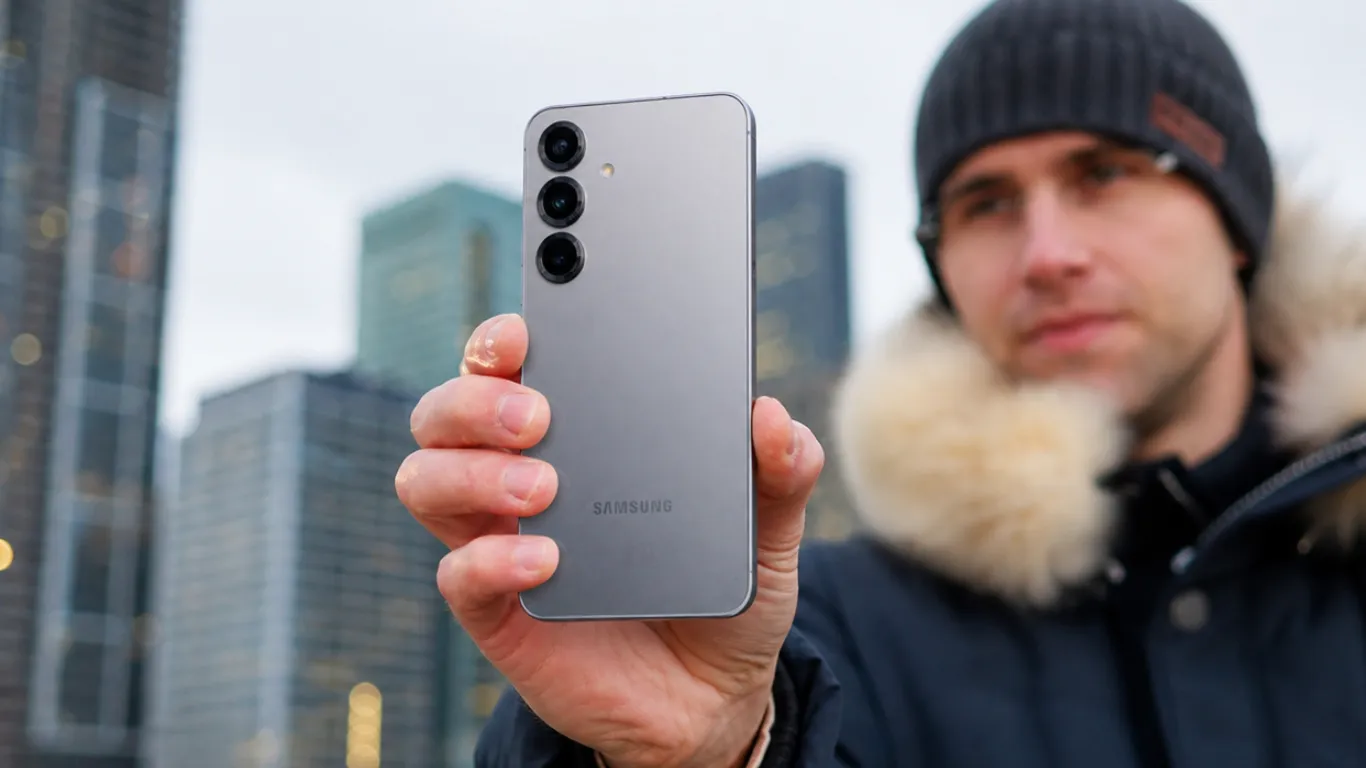
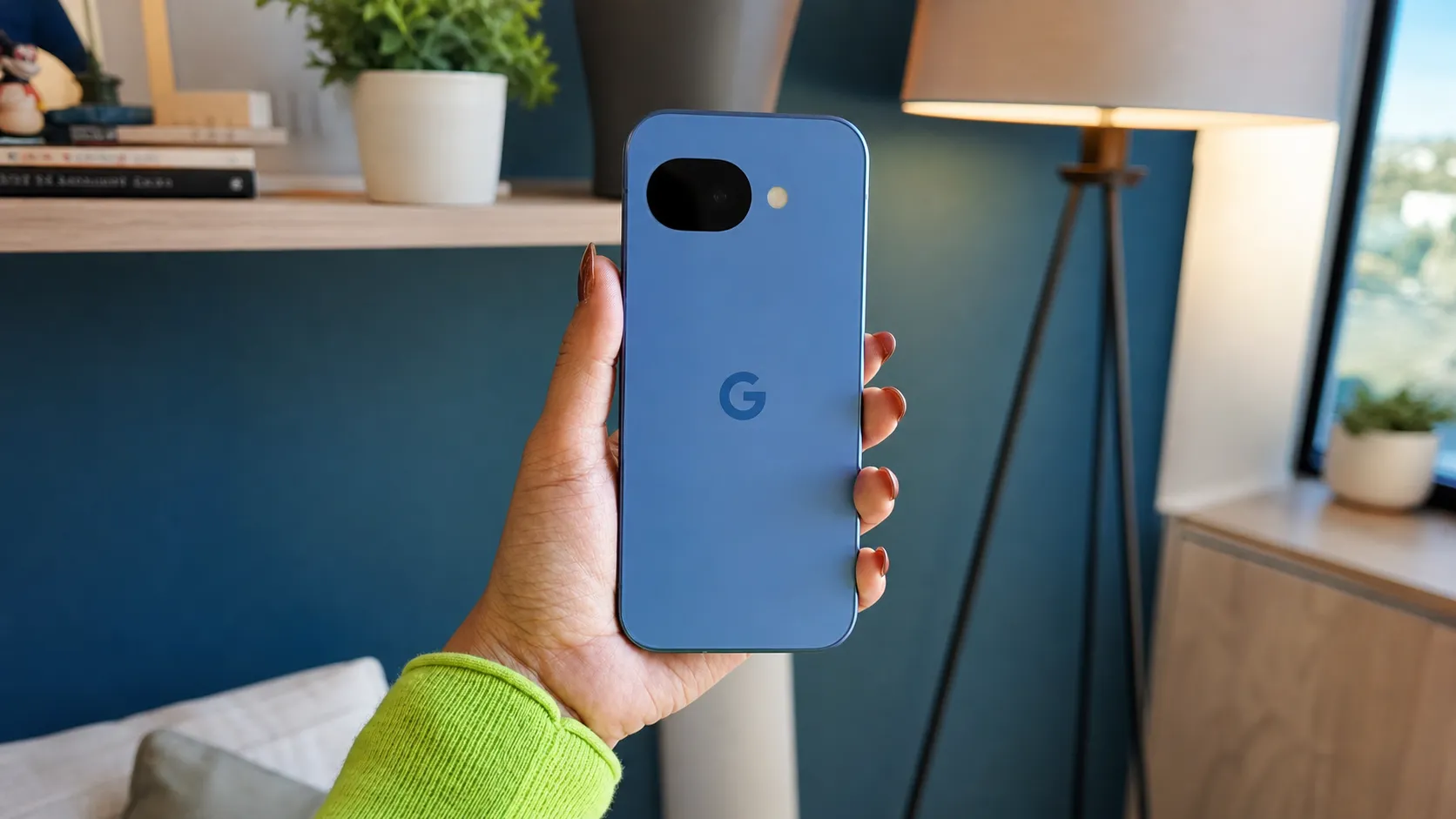
- Supported phones: Samsung Galaxy S26 series, Google Pixel 10 and 9 series, OPPO Find X9, Vivo X300 Ultra — more coming
- What you need: Both phones, Wi-Fi, approximately 30 minutes
- What still does not transfer: iMessage history, Apple Health data, DRM-protected iTunes purchases
Switching from an iPhone to Android in 2026 is nothing like it was two years ago.
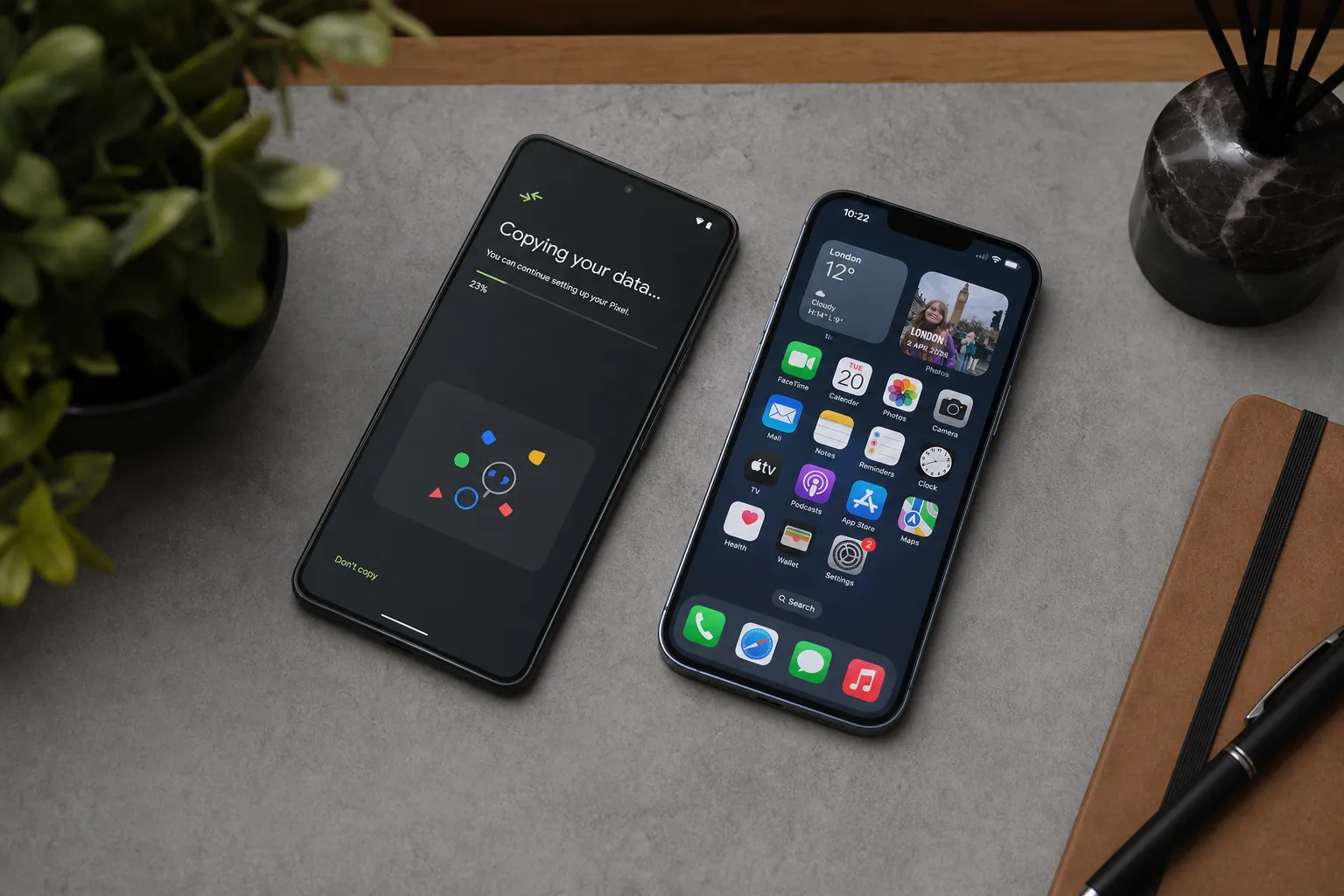
Google and Apple worked together to overhaul the iOS-to-Android transfer process. Google’s official Android updates blog confirmed the scope: your passwords, photos, messages, apps, contacts, and even your homescreen layout now migrate wirelessly from iPhone to Android. The process also supports eSIM transfer for the first time — launching first on Samsung Galaxy and Google Pixel devices.
That is a genuine shift. For years, switching from iPhone to Android meant starting fresh, re-downloading everything manually, and losing data that simply did not cross platforms. In 2026, both companies officially support the move. Here is how to do it right.
Step 1: Update Both Phones Before You Start
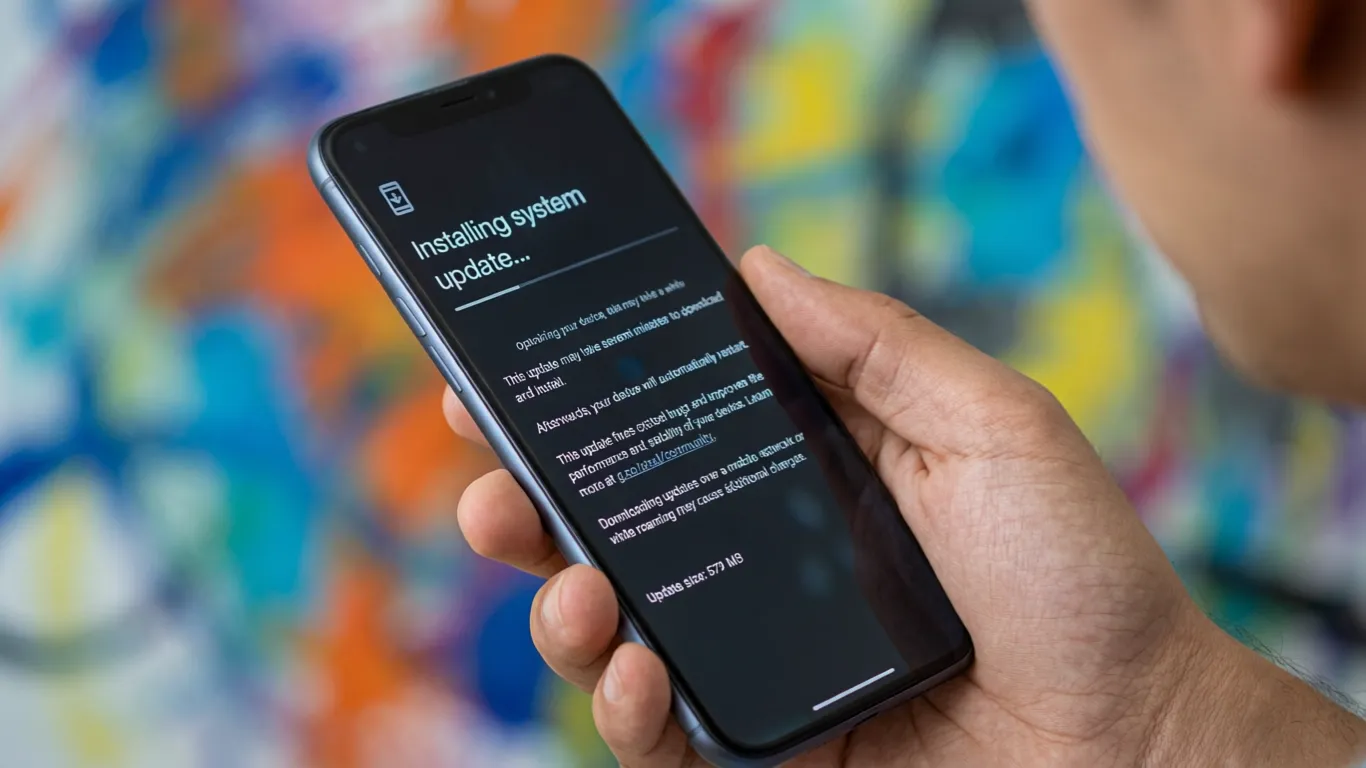
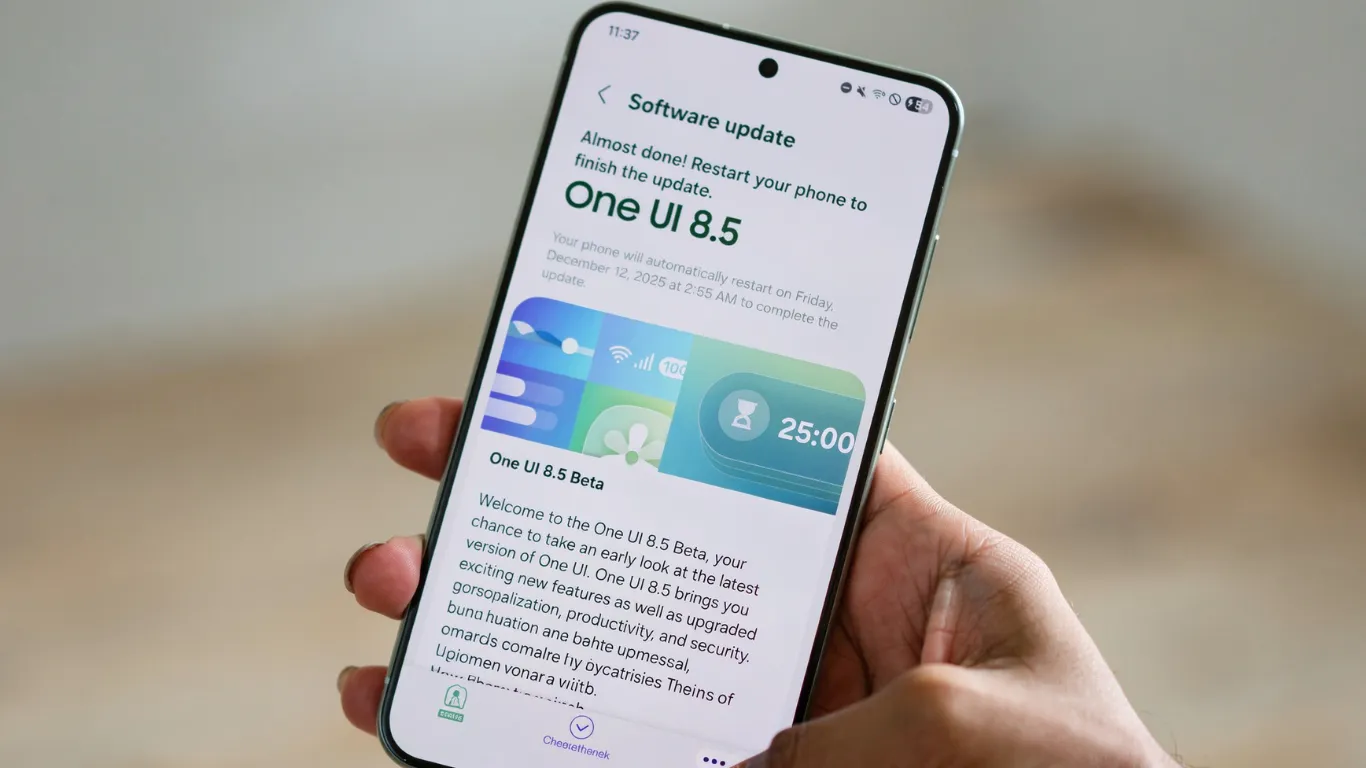
Before touching any transfer tools, your iPhone needs iOS 26.5 or later and your new Android phone needs Android 16. The wireless transfer features that make this process smooth require these specific software versions.
On your iPhone: go to Settings → General → Software Update. MacRumors confirmed iOS 26.5 arrived on May 11, 2026 — install it if you have not already.
On your Android phone: go to Settings → System → Software Update and confirm you are on the latest available build.
Step 2: Transfer Your Data Wirelessly
During the initial setup of your new Android phone, select “Copy data from iPhone.” Your Android phone generates a connection — either a direct wireless link or a QR code to scan on your iPhone.
As Google’s Android blog confirmed, everything moves in one pass: passwords, photos, messages, apps, contacts, and homescreen layout. No cables. No manual re-downloads.
Transfer time depends on your data volume. 64GB typically takes 15 to 25 minutes. 256GB+ may take longer. Keep both phones on Wi-Fi and plugged into chargers throughout.
Step 3: Transfer Your eSIM
New for 2026 — the wireless transfer now supports eSIM migration on supported carriers. During the data transfer, your new Android phone prompts you to move your cellular plan.
Not all carriers support cross-platform eSIM transfer yet. AT&T, T-Mobile, and Verizon support it on most current plans. If your carrier does not, contact them directly or visit a store to have your eSIM provisioned on the new device.

Step 4: Set Up Your Apps
The transfer process identifies which apps you had installed on your iPhone and automatically downloads the Android equivalents from Google Play. For most major apps — Instagram, WhatsApp, YouTube, Spotify, banking apps — this works without issue.
Some apps require a fresh login on Android. Have your passwords ready, or confirm the password transfer in Step 2 completed fully.
Apps that do NOT transfer:
- iMessage history (Apple does not export this)
- Apple Health data (use a third-party exporter before you wipe your iPhone)
- Apple-exclusive apps (GarageBand, iMovie, Apple Fitness+)
Step 5: Secure Your Messages With RCS Encryption
The messaging concern that has stopped many iPhone users from switching is largely resolved in 2026. MacRumors reported that iOS 26.5 enables end-to-end encryption for RCS messaging between iOS and Android devices.
Your text conversations with friends who still use iPhones are now encrypted by default when both sides support RCS. That encryption ensures messages cannot be intercepted or read by Apple or any third party during delivery.
One caveat: SMS fallback still applies when either carrier does not support RCS. SMS remains unencrypted — keep that in mind for sensitive conversations.
Step 6: Deregister iMessage — Do Not Skip This
This is the most important step that switchers forget, and it causes real problems if skipped.
Until you deregister your number from iMessage, texts from iPhone users get routed to Apple’s servers — not your new Android phone.
On your iPhone (before wiping it):
- Settings → Messages → iMessage — toggle OFF
- Settings → FaceTime → toggle OFF
If you already wiped your iPhone:
Visit selfsolve.apple.com/deregister-imessage and follow the steps.
Do this before wiping. iMessage deregistration after a device wipe takes significantly longer and occasionally requires Apple support involvement.
Step 7: Share Files Between Platforms Using Quick Share
After switching, you will still share files with iPhone users regularly. The old AirDrop friction point is now largely solved.
Google’s Android blog confirmed Quick Share now lets you send content to any device via QR codes — and if the recipient does not have a compatible device, you generate a QR code that transfers via the cloud. Cross-platform file sharing in 2026 does not require everyone to be on the same ecosystem.

3 Things That Still Do Not Transfer in 2026
| Item | Why | Workaround |
|---|---|---|
| iMessage chat history | Apple does not export iMessage data | Screenshot important conversations before switching |
| Apple Health data | Locked inside Apple’s ecosystem | Use Health Auto Export app before switching |
| Purchased iTunes movies | DRM protection tied to Apple ID | Access via Apple TV app (available on some Android devices) |
Which Android Phones Support the New Transfer for iPhone to Android?
Google’s blog confirmed the current supported device list:
Available now: Samsung Galaxy S26 series, Google Pixel 10 series, Pixel 9 series, Pixel 8a, OPPO Find X9 series, Find N6, Vivo X300 Ultra
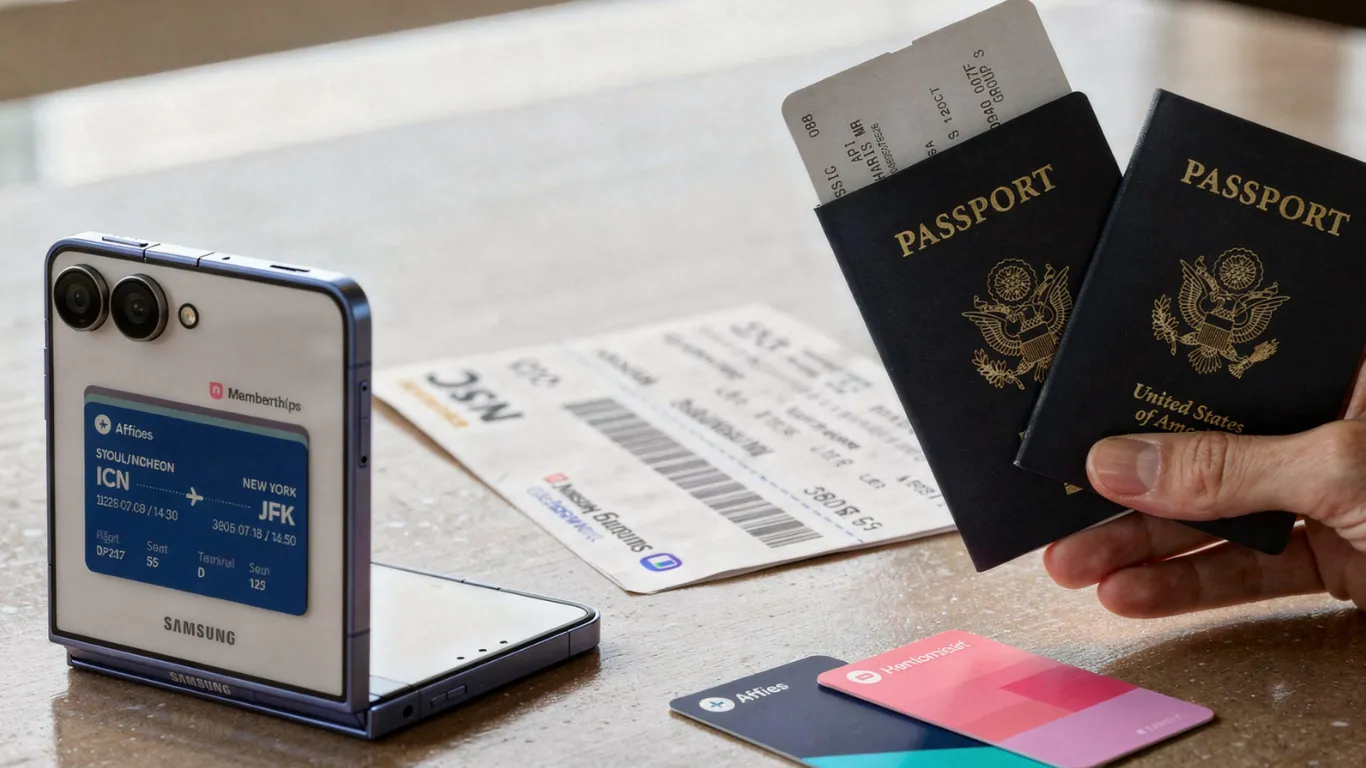
Coming soon: Samsung Galaxy S25 series, S24 series, Z Flip 7, Z Fold 7, Z Flip 6, Z Fold 6, Z TriFold, OPPO Find X8 series, OnePlus 15, HONOR Magic V6, Magic 8 Pro
If your new phone is on the “coming soon” list, Samsung Smart Switch or Google’s cable transfer method still works — the fully wireless option arrives with a future software update.