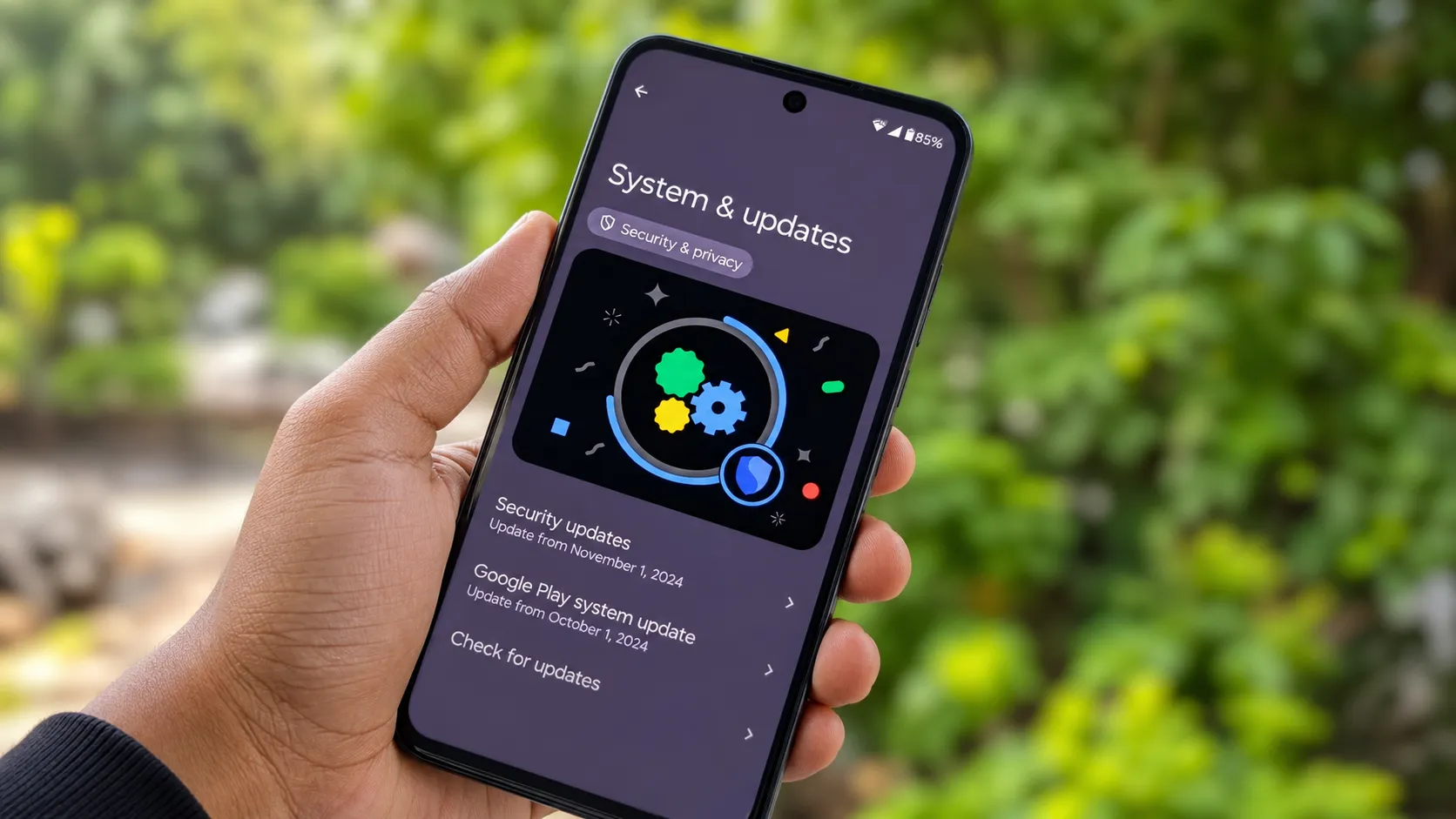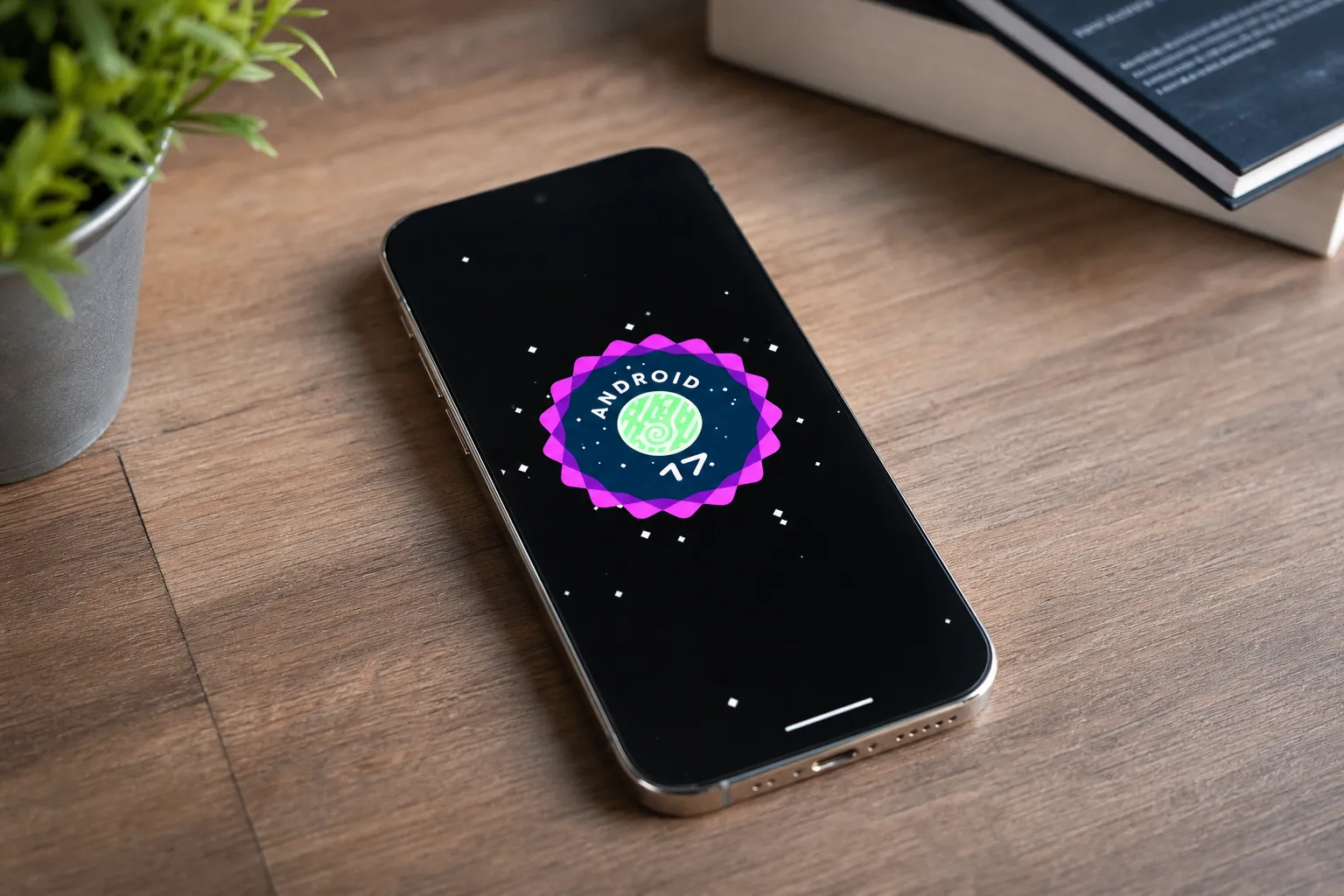

Android 17 for Pixel phones started rolling out yesterday and it is the biggest update Google has shipped this year.
As of June 16, Google is rolling out its June 2026 Pixel Feature Drop, which includes the stable build of Android 17. This is not a small feature update — it changes how multitasking works, adds AI video and music creation tools, and fixes dozens of bugs across every supported Pixel.
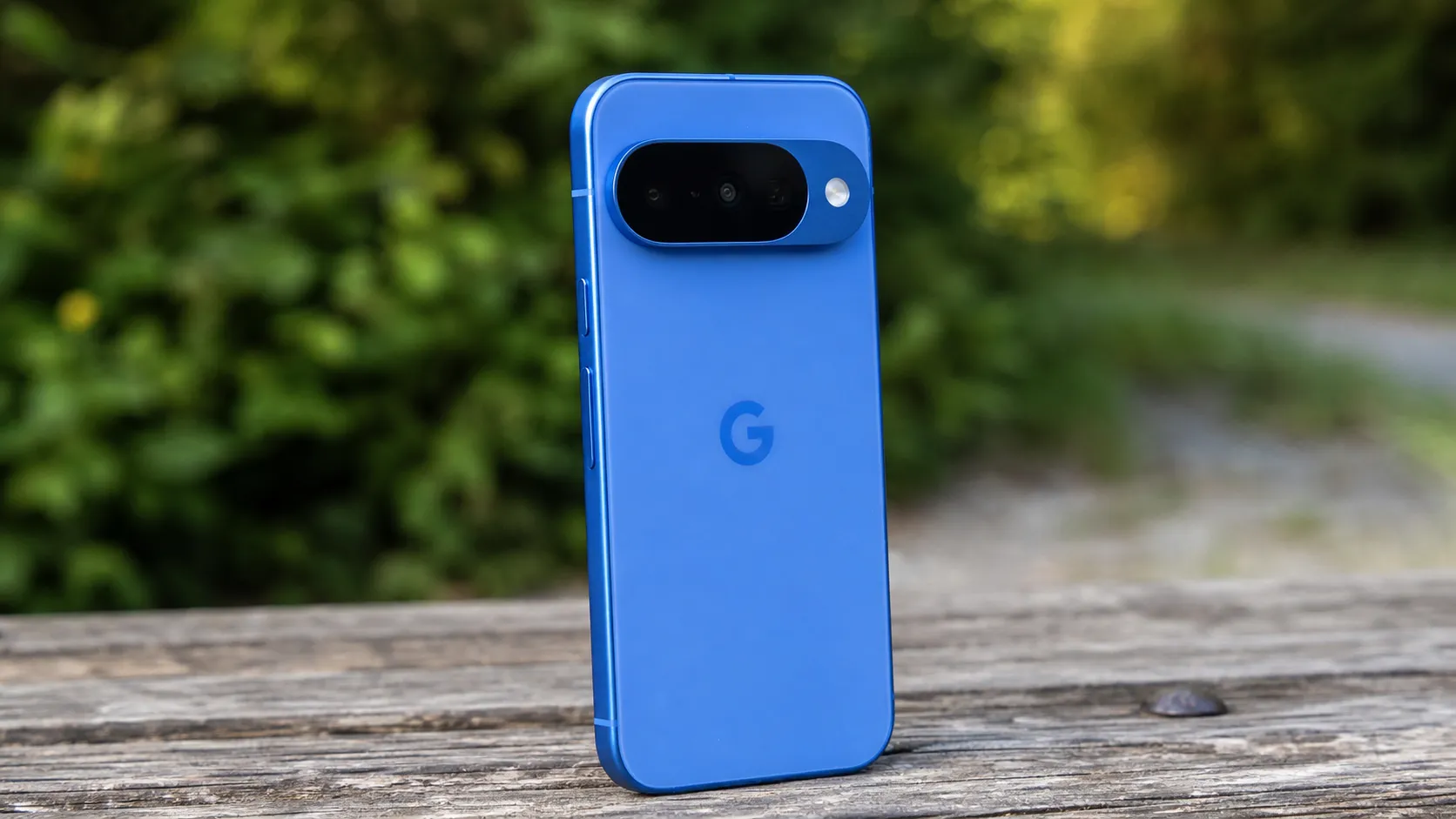
The good news: every officially supported Pixel phone is eligible, from the Pixel 6 to the Pixel 10 Pro XL.
Which Pixel Phones Get Android 17
9to5Google’s Pixel Drop breakdown confirmed the full list — every Pixel from 2021 onward is getting Android 17 with the June 2026 security patch:
| Pixel Generation | Gets Android 17? |
|---|---|
| Pixel 6, 6 Pro, 6a (2021) | ✅ Yes |
| Pixel 7, 7 Pro, 7a (2022) | ✅ Yes |
| Pixel 8, 8 Pro, 8a (2023) | ✅ Yes |
| Pixel 9, 9 Pro, 9 Pro XL, 9a (2024) | ✅ Yes |
| Pixel 10, 10 Pro, 10 Pro XL, 10a (2025–26) | ✅ Yes |
| Pixel Tablet, Pixel Fold, 9 Pro Fold, 10 Pro Fold | ✅ Yes |
| Pixel 5 and older | ❌ No |
The 8 Best New Features in Android 17
1. Bubbles: A New Way to Multitask
This is the most visible change in Android 17. You can now open apps in small floating windows that hover over your current screen — like chat heads from Messenger, but for any app. Tap the bubble to expand it. Drag it to the side to shrink it.
On Pixel Fold devices, a new Bubble Bar lets you access floating apps in a dedicated strip at the bottom-right corner of the unfolded display.
2. Screen Reactions: Record Yourself Over Your Screen
The new floating screen recorder lets you overlay a selfie video over your screen recording with a green screen effect. If you create tutorials or app walkthroughs, this replaces the need for a separate screen recorder app entirely.
3. Gemini Omni: Create Videos With AI
This is a Gemini Pro paid feature — not free. But if you subscribe, you can describe a video in plain text and Gemini will generate it from your prompt.
4. Lyria 3: Create Music With AI
Type a description of the music you want, choose a style, and Lyria 3 generates an original AI track with custom vocals and tempo. Useful for content creators who need royalty-free background music without a subscription service.
5. Quick Share Now Works With AirDrop on More Pixels
Quick Share’s AirDrop compatibility now extends to the Pixel 8a and 9a globally — previously limited to Pixel 10 series and select Samsung devices.
6. Emergency Sharing on Pixel Watch
The Pixel Watch now integrates Emergency Sharing into its Car Crash, Fall, and Loss of Pulse Detection. When a severe event is detected, your Pixel contacts emergency services and selected contacts automatically.
7. Voice Translate Comes to Pixel 10a
Voice Translate — previously Pixel 10 Pro exclusive — now expands to the budget Pixel 10a. Real-time voice translation arrives for the entire Pixel 10 lineup.
8. Dozens of Bug Fixes
Fixes include the Pixel Launcher crashing during certain system operations, the status bar and quick settings disappearing, and the system UI crashing under specific notification and lock screen conditions. If your Pixel has been buggy recently, this update addresses the most-reported issues.
How to Install Android 17 Right Now
- Open the Settings app on your Pixel
- Scroll down and tap System
- Tap Software updates
- Tap System update
- Tap Check for update
The update weighs approximately 1.5GB — connect to Wi-Fi before downloading. The rollout is happening in phases, so not every Pixel will see it immediately. If nothing shows today, check again tomorrow.
Should You Update Right Now?
Yes. Android Authority’s update coverage described this as the biggest Pixel update of 2026 so far.
The only reason to wait: if you depend on a specific app that has not been tested on Android 17 yet. Banking apps and enterprise apps occasionally need a day or two to update compatibility. For most users, install it today.
For current Pixel pricing — if you’re still deciding whether to upgrade your device before this update — see our Pixel 10 Pro deal at Best Buy and Pixel 10a deal at Amazon pieces.
Frequently Asked Questions
Does my Pixel 6 get Android 17?
Yes. Every Pixel from the Pixel 6 onward receives Android 17 with the June 2026 Pixel Drop. Check Settings → System → Software updates.
How big is the Android 17 update?
Approximately 1.5GB. Connect to Wi-Fi first and ensure you have at least 3GB of free storage on your phone.
What are Bubbles in Android 17?
Bubbles let you open apps in small floating windows over your current screen. You can resize, move, and switch between them. On Pixel Fold devices, a dedicated Bubble Bar appears at the bottom of the unfolded display.
Pixel Reviews will update this article as new Android 17 features roll out in phases over the coming weeks.