
Phone overheating is one of the most searched phone problems on Google, and for good reason.
An overheating phone is not just uncomfortable. It can signal deeper issues affecting performance, battery life, and even security. From heavy app usage to hidden malware, excessive heat is often a warning sign your device is under strain. Understanding the causes is key to fixing the problem before it leads to permanent damage.
This guide covers the 9 real reasons your phone gets hot, the fastest safe way to cool it down, and 3 popular “fixes” that actually make things worse.
The 9 Real Causes of Phone Overheating
Here is the full list with a fix for each one.
| # | Cause | Fix |
|---|---|---|
| 1 | Heavy gaming or video streaming | Take a 10-minute break every 30 minutes |
| 2 | Too many background apps | Close unused apps in task manager |
| 3 | Charging while using the phone | Stop using the phone while it charges |
| 4 | Direct sunlight or hot car | Move to shade immediately |
| 5 | Outdated software with bugs | Update your OS and all apps |
| 6 | Thick phone case trapping heat | Remove the case when phone feels warm |
| 7 | Weak Wi-Fi or cellular signal | Turn on Airplane Mode briefly |
| 8 | Faulty or cheap charger | Switch to a certified charger |
| 9 | Malware or rogue app | Run a Play Protect scan |
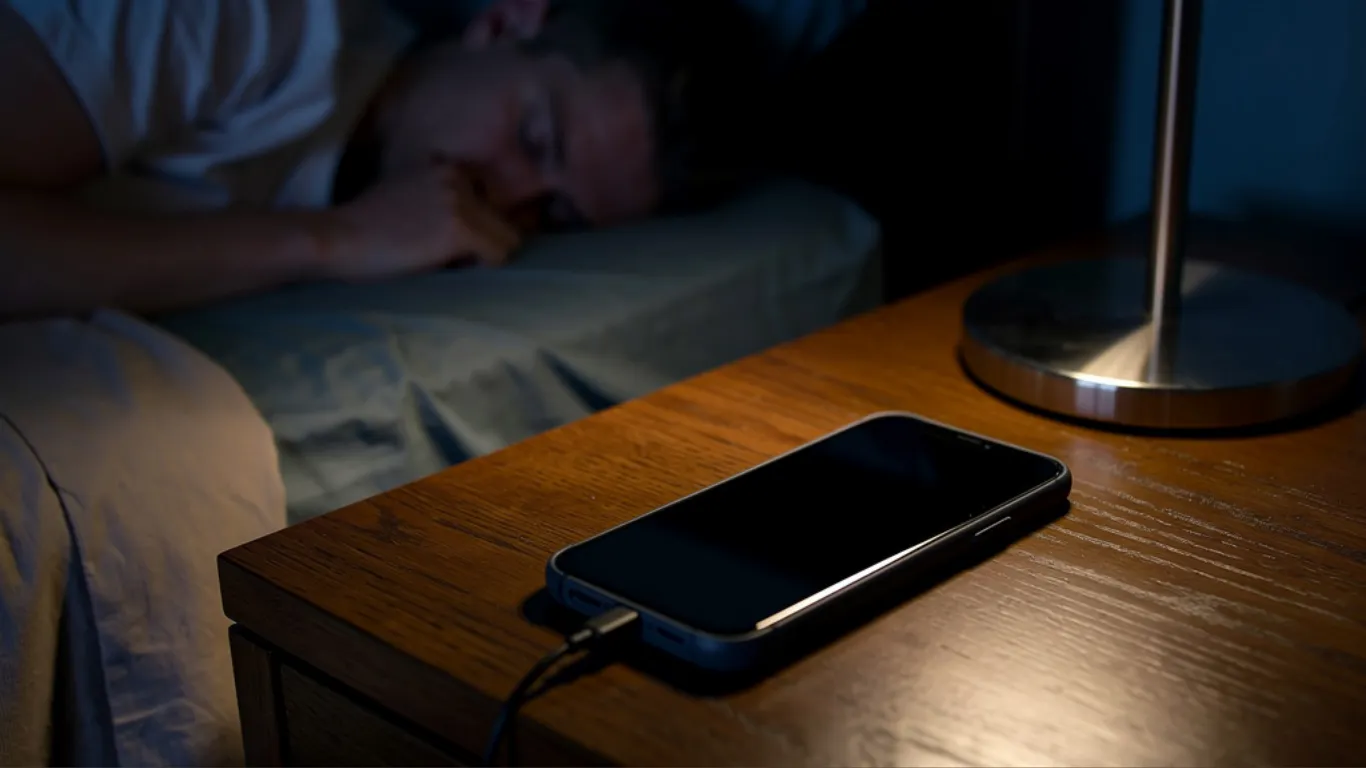
Cause 1: Heavy Gaming or Video Streaming
Bitdefender’s phone overheating guide confirms phone overheating is usually caused by excessive workload. Power-intensive apps like gaming, video streaming, or GPS push the CPU and GPU to their limits, generating significant heat.
Your phone is a small computer without a fan. When you push it hard with a game or a long streaming session, heat builds up fast. TechTimes’ overheating prevention guide confirms sustained workloads generate internal temperatures between 70°C and 90°C.
The fix: Take a break every 30 minutes of heavy use. Close the game or streaming app for 5 to 10 minutes. Your phone will cool down on its own.
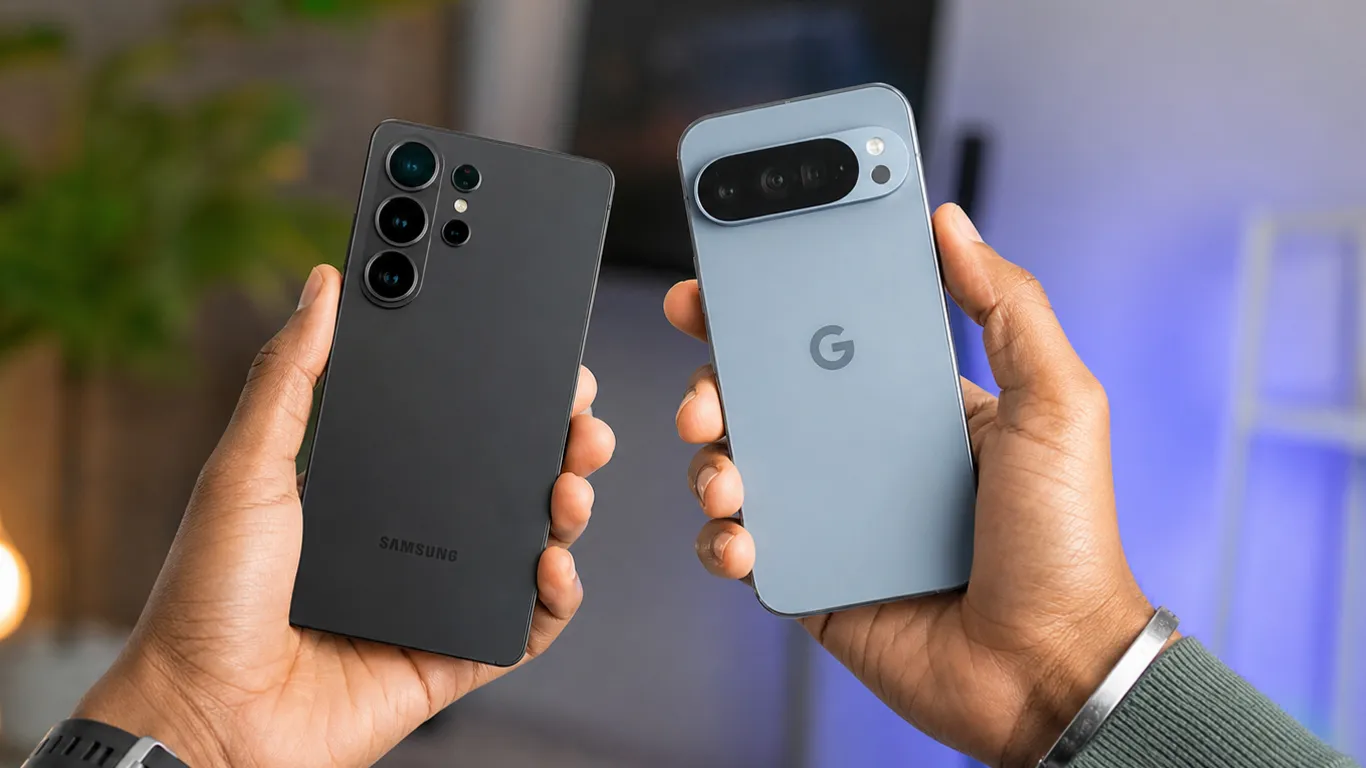
Cause 2: Too Many Background Apps Running
Even apps you are not actively using can run processes in the background. Social media apps, navigation apps, and messaging apps constantly pull fresh data — and that constant activity generates heat.
The fix on Android: Go to Settings > Apps > All apps and force-stop any app you do not need right now. On Samsung One UI, go to Settings > Battery > Background usage limits and restrict heavy apps.
The fix on iPhone: Double-swipe up from the bottom of the screen and swipe away unused apps.

Cause 3: Charging While Using the Phone
Charging produces heat. Using the phone while it charges produces even more heat.
Best Buy’s overheating guide confirms that charging your phone generates more heat, so using your phone for demanding tasks at the same time you are charging it can make your device even hotter.
The fix: Put the phone down while it charges. A quick message check is fine. But gaming, streaming, or video calling during charging is asking for heat problems.
Cause 4: Direct Sunlight or Hot Car
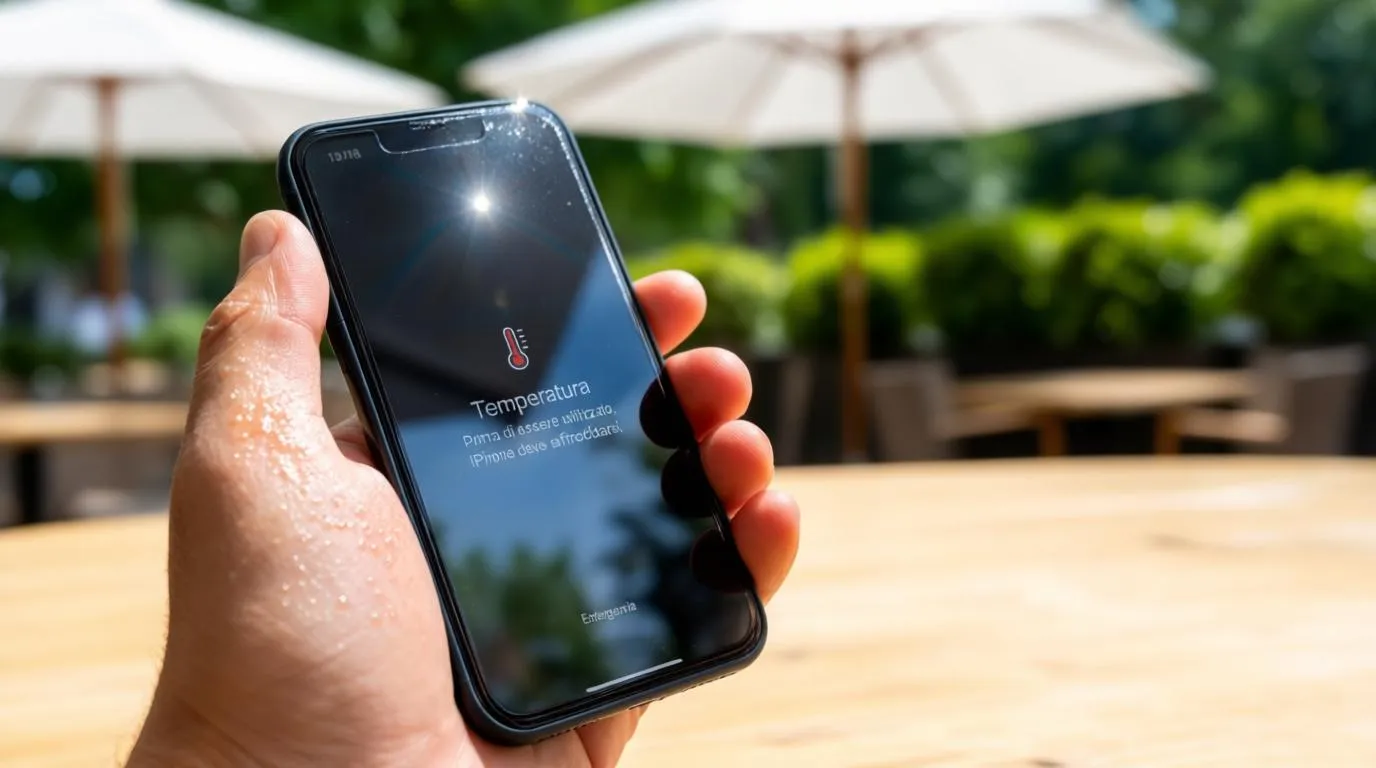
Leaving your phone on a car dashboard in summer can push internal temperatures past safe limits within minutes. Bitdefender confirms that environmental factors including direct sunlight and hot surroundings can quickly raise device temperature.
The fix: Never leave your phone in direct sunlight or inside a parked car. If the phone is already hot from the sun, move it to a cool, shaded area and let it rest before using it again.
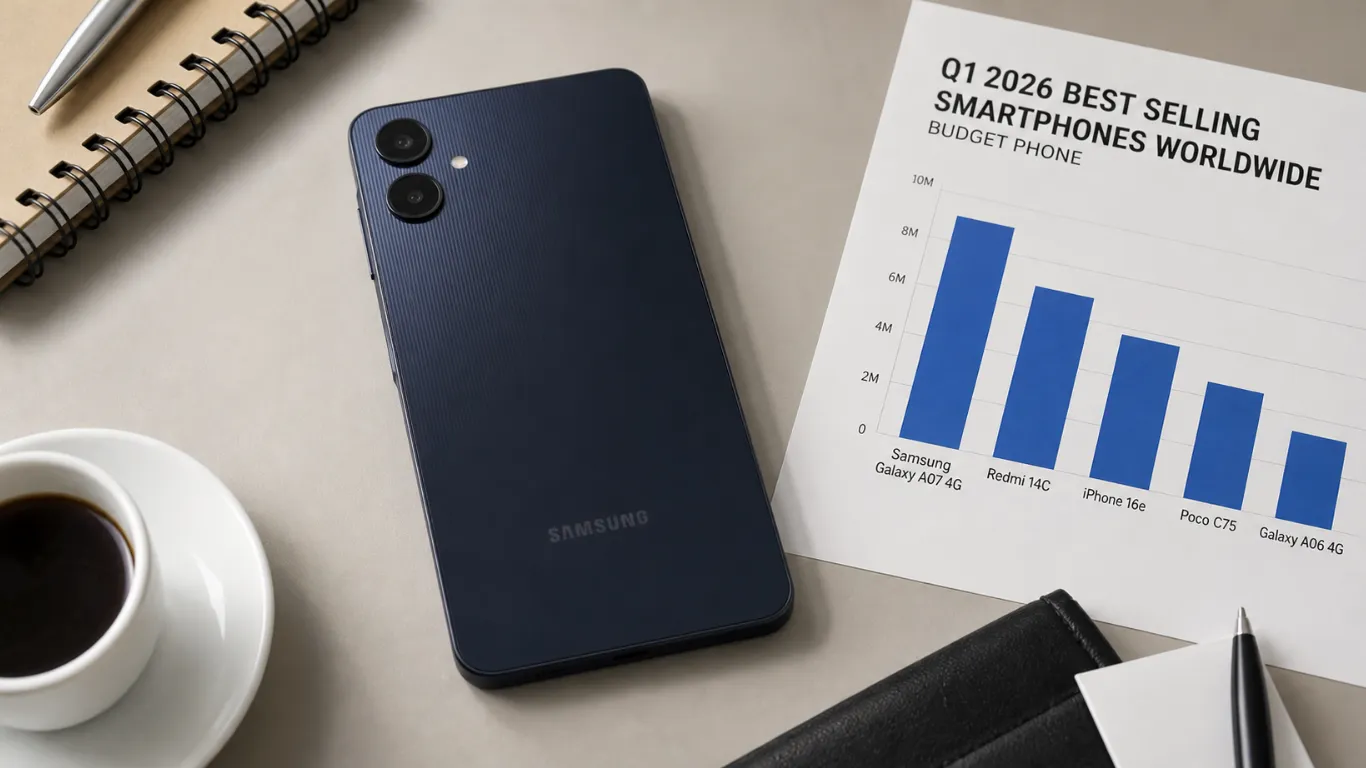
Cause 5: Outdated Software With Bugs
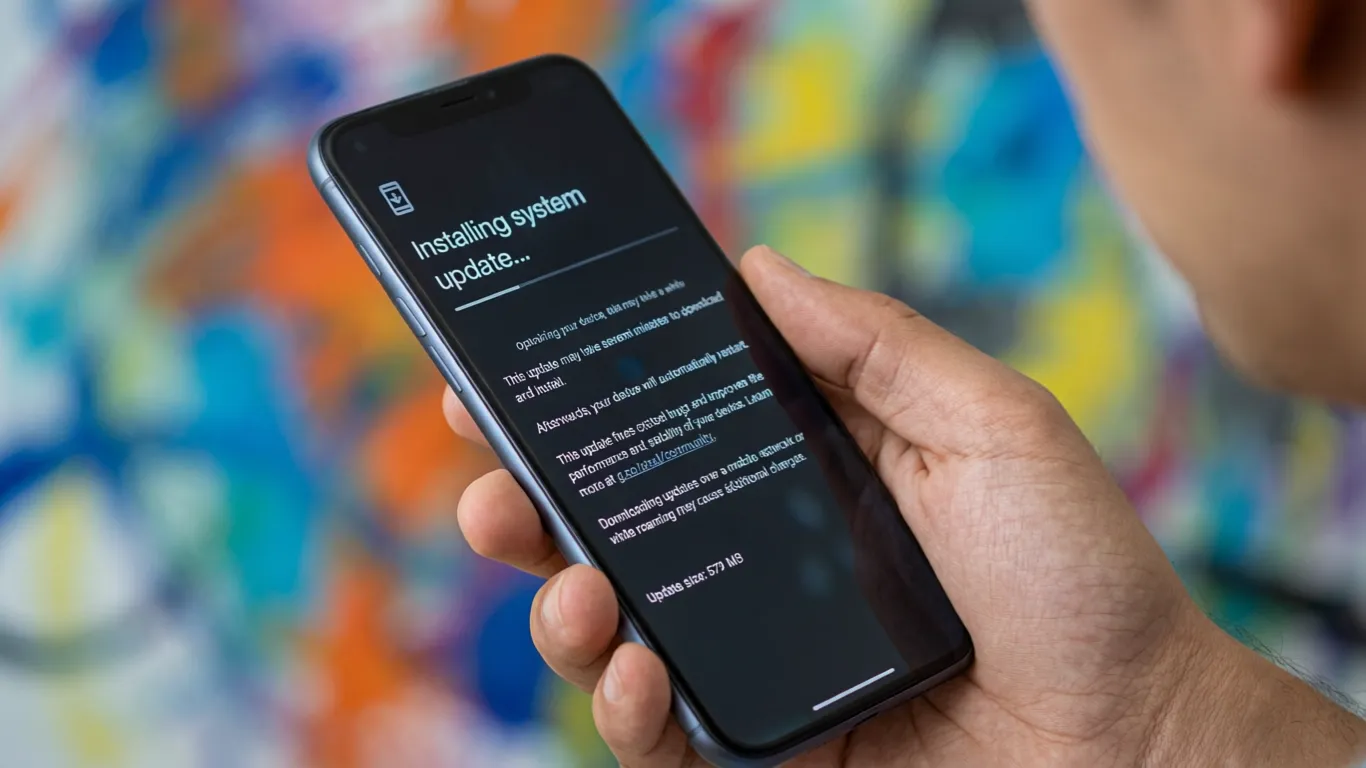
Bitdefender explains that outdated apps or a pending operating system update can contain software bugs that cause an app to get stuck in a loop or use far more CPU than necessary. This unnecessary work generates excess heat and drains your battery.
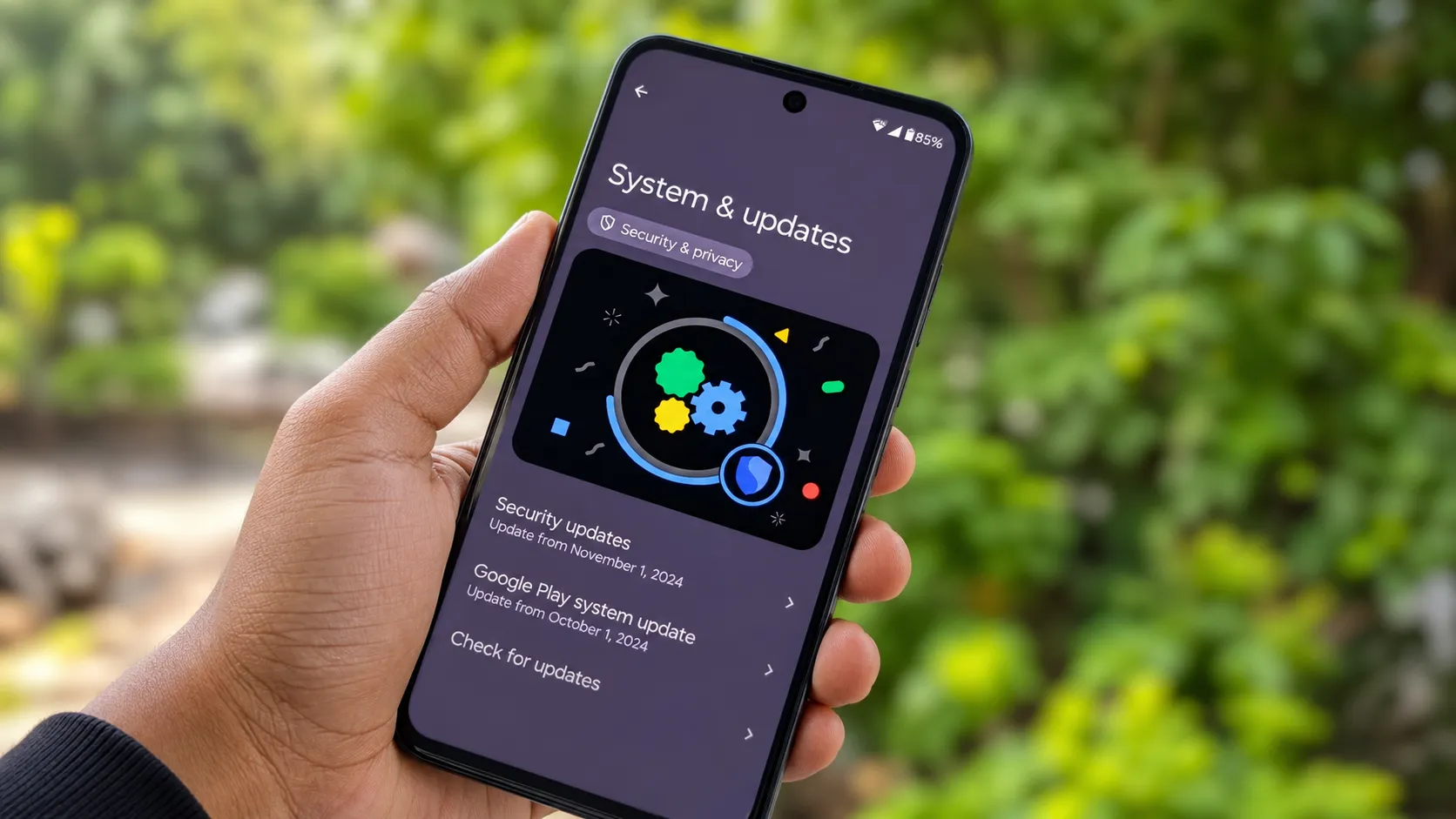
The fix on Android: Go to Settings > System > Software Update. Then open the Play Store, tap your profile icon, and update all apps.
The fix on iPhone: Go to Settings > General > Software Update. Then open the App Store, tap your profile icon, and update all apps.
For context, the Android June 2026 security update released this month includes specific fixes for background processes — one of the most common heat-generating bugs this year.
Cause 6: Thick Phone Case Trapping Heat
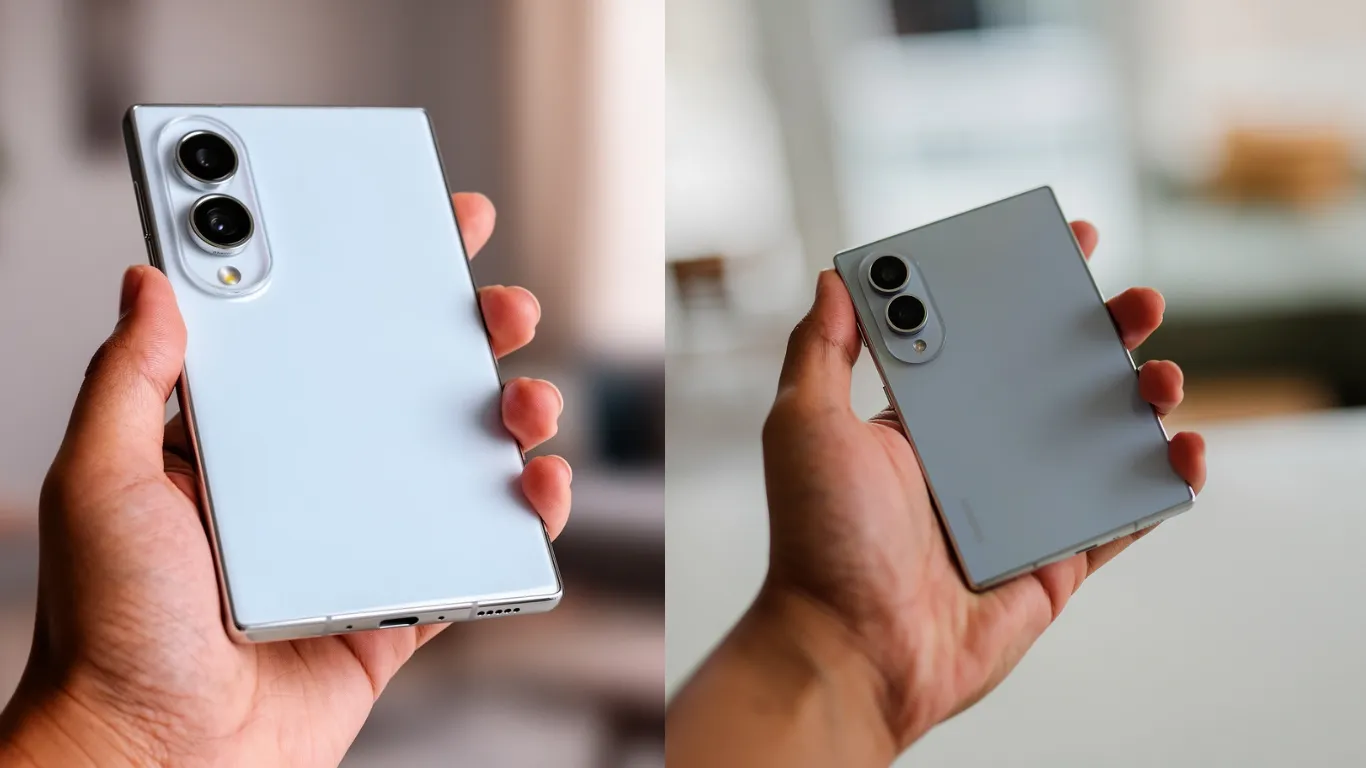
Technogyed’s overheating fix guide confirms that many phone cases, especially thick or rugged ones, can trap heat and prevent your phone from dissipating it effectively. Removing the case can provide immediate relief by allowing air to circulate directly around the device.
The fix: If your phone feels warm, remove the case for 10 to 15 minutes. This is the fastest physical step you can take. If your case consistently traps heat, consider switching to a thinner case or one made from heat-dissipating material.

Cause 7: Weak Wi-Fi or Cellular Signal
Your phone works harder when it is searching for a connection. If you are in a dead zone or spotty coverage area, the antenna ramps up power consumption — and that creates heat.
The fix: Turn on Airplane Mode for 30 seconds, then turn it off. This forces the phone to reconnect cleanly. If you are in a known dead zone, leave Airplane Mode on until you move to a better coverage area.
Cause 8: Faulty or Cheap Charger
ZAGG’s phone cooling guide confirms that using generic, uncertified, or damaged charging accessories is a common cause of overheating. Cheap chargers may not regulate voltage correctly, sending inconsistent power to your phone and stressing the battery or charging circuitry.
The fix: Use the charger that came with your phone. For replacements, buy one certified by your phone manufacturer — USB-IF certified for Android, MFi certified for Apple. Check cables regularly for fraying. A damaged cable is both a heat risk and a safety risk.
Cause 9: Malware or Rogue App
M-KOPA’s phone overheating tips confirms that malware essentially hijacks your phone’s memory and CPU, taxing the hardware and causing excessive heat. Clicking on a corrupt link, opening a malicious email, or using a bad app can all cause this.
The fix on Android: Open the Play Store, tap your profile icon, then Play Protect > Scan. Delete any app flagged as harmful, plus any app you installed right before the overheating started.
The fix on iPhone: Delete any recently installed app you suspect. If the problem continues, restart your phone.

3 Things You Should NEVER Do to Cool Your Phone
These are popular tips online that actually cause damage.
| Bad Tip | Why It Hurts Your Phone |
|---|---|
| Put it in the fridge or freezer | The rapid temperature change causes thermal shock and condensation inside the device, which can short-circuit the logic board |
| Point a car AC vent directly at it | The direct, intense cold causes the same internal condensation as a freezer |
| Download a “cooling” app | These apps are ineffective at best and harmful at worst — they do not address the root cause |
The safe way to cool your phone: move it to a cool shaded spot, remove the case, close all apps, and let it rest for 5 to 10 minutes.

When to Get Professional Help
Best Buy’s overheating guide recommends professional assistance if your phone gets hot even when idle, the battery drains unusually fast or your phone shuts down unexpectedly, or your phone’s performance has significantly slowed without a clear reason.
A constantly overheating phone that does not respond to any of the fixes above may have an internal hardware issue, a failing battery, or a damaged charging circuit. Take it to an authorized service center.
Frequently Asked Questions
Why does my phone overheat while charging?
Fast charging generates heat naturally, but combining it with gaming or streaming multiplies internal stress. Use a certified charger and charge the phone on a hard, flat surface — not on a bed or pillow.
Is it normal for my phone to get warm?
Some warmth is normal during charging, gaming, or long calls. If the phone is too hot to hold comfortably or you see a temperature warning on screen, that is not normal and requires action.
Can phone overheating damage my battery permanently?
Yes. Consistent overheating shortens battery lifespan and can cause unexpected shutdowns and reduced performance. In extreme cases, it can cause battery swelling or failure.
Does closing all apps really help with overheating?
It helps reduce the load on your processor. Having multiple heavy apps open simultaneously consumes more energy and increases temperature. Closing unused apps is one of the fastest first steps.
Pixel Reviews will update this guide as new phone models and software versions introduce new heat management features.