

How long do phones last before you need a new one?
BankMyCell’s smartphone lifespan data confirms the average cell phone lasts between 2 and 3 years before most users replace it — though the hardware is often capable of lasting 4 to 5 years with proper care and continued software support.
That gap between “when people replace” and “when the phone actually dies” is important. Most people buy a new phone long before the old one stops working. This guide shows you how long each brand actually lasts, what kills phones early, and when upgrading makes real financial sense.
Phone Lifespan by Brand: The Real Numbers
Not all phones last the same amount of time. The brand you buy matters more than most people realize.
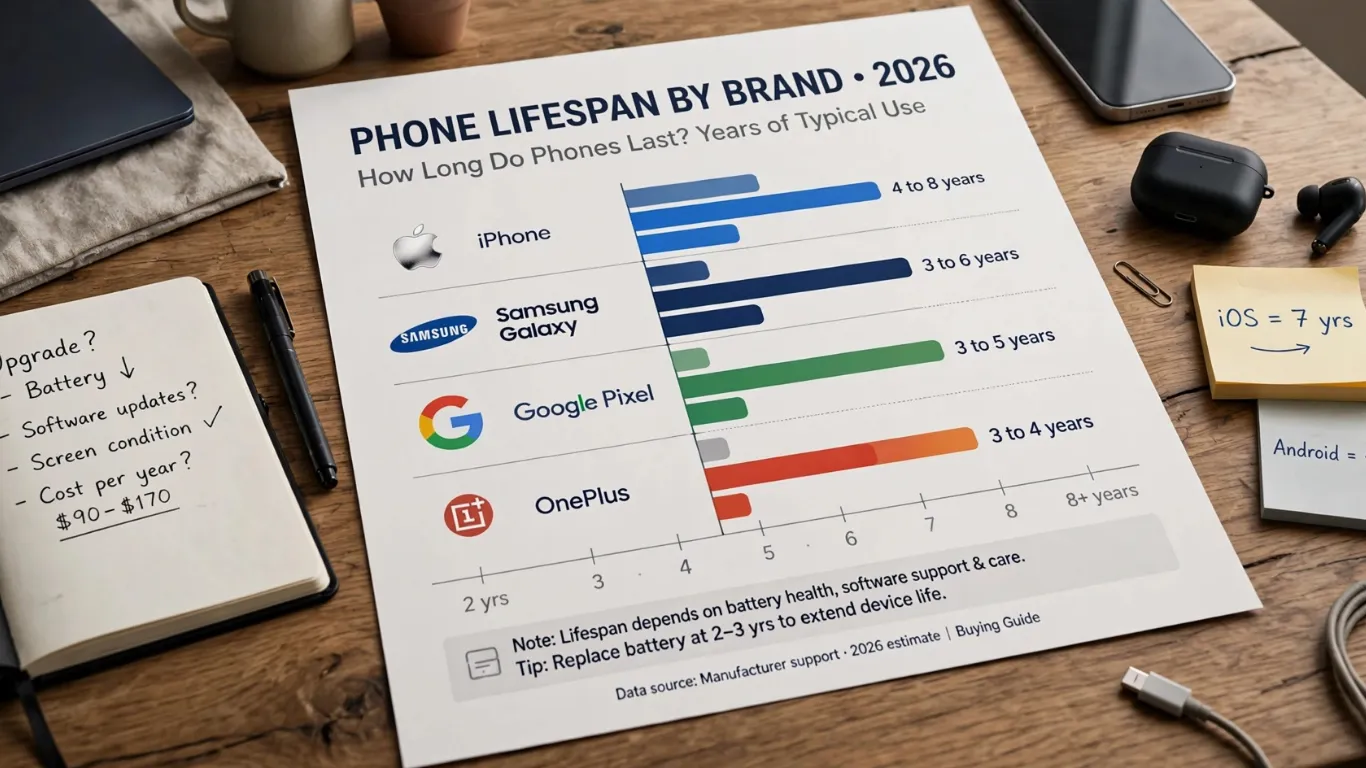
BankMyCell’s research confirms the iPhone lasts 4 to 10 years, followed by Samsung units at 3 to 6 years. Xiaomi and Huawei average 2 to 4 years, while OPPO averages 2 to 3 years.
| Brand | Typical Lifespan | Software Update Support | Best Value Window |
|---|---|---|---|
| Apple iPhone | 4 to 8 years | 7 years of iOS updates | Keep it 5 years |
| Samsung Galaxy S/Z | 3 to 6 years | 7 years OS + security | Keep it 4 to 5 years |
| Google Pixel | 3 to 5 years | 7 years OS + security | Keep it 4 to 5 years |
| OnePlus | 3 to 4 years | 4 years of updates | Keep it 3 years |
| Motorola | 2 to 3 years | 2 to 3 years of updates | Keep it 2 years |
| Xiaomi | 2 to 4 years | 3 to 4 years of updates | Keep it 3 years |
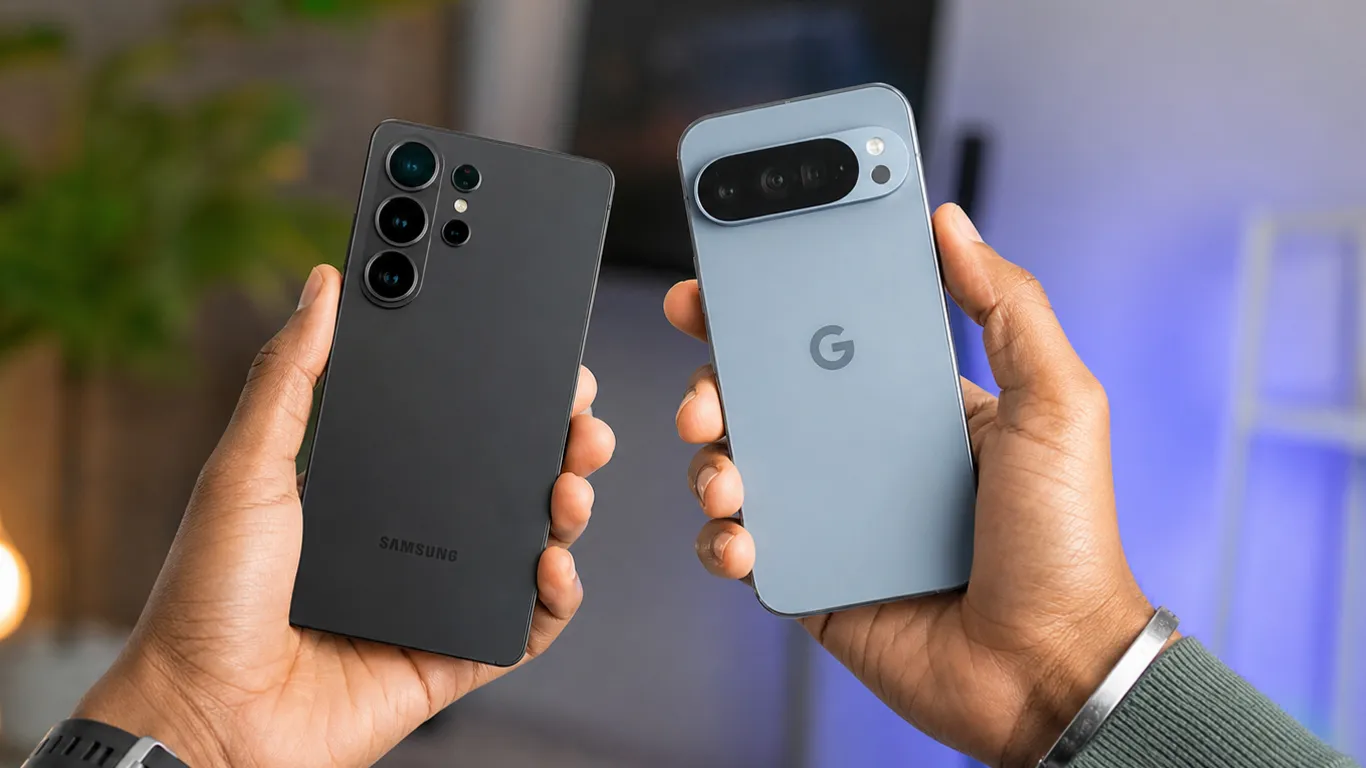
iPhones typically last longer because Apple provides 5 to 7 years of software support. Samsung and Google have now matched this with 7-year commitments on their flagship lines — meaning a Galaxy S26 or Pixel 10 bought today is supported until 2033.
For current pricing on the best-supported phones, see our best Android phones June 2026 guide.
The 4 Things That Kill Phones Before Their Time
RepairScore EU’s smartphone lifespan guide identifies the main factors affecting a smartphone’s lifespan as the condition of the screen, the hardware, and the battery’s health. Here are the four biggest ones.
1. Battery Degradation
BankMyCell confirms that if you charge your smartphone once a day, it will last about 300 to 500 charge cycles — or roughly 16 months of daily full charges before capacity starts dropping meaningfully.
After 2 to 3 years of daily charging, most phone batteries hold 80% or less of their original capacity. That is why a phone that used to last all day starts dying by 3 PM.
The fix: Replace the battery at the 2 to 3-year mark instead of buying a new phone. Battery replacements typically cost $40 to $100 — far cheaper than a new device. For guidance on slowing this degradation, see our charge phone overnight safe guide.
2. Software Updates Ending
RepairScore EU confirms a smartphone becomes a security risk when it stops receiving security patches. Without patches, known vulnerabilities go unfixed, making banking apps, payment systems, and personal data increasingly exposed.
This is the real reason phones become obsolete. A phone that stops receiving security updates in 3 years is functionally obsolete no matter how strong the hardware is. Check the software support commitment before you buy.
3. Physical Damage — Screens and Charging Ports
A cracked screen that touches the digitizer, a damaged charging port, or sticky buttons are the most common reasons people replace phones that still work perfectly fine. Sundr’s longest-lasting smartphone guide confirms that physical durability — including IP rating and drop protection — significantly affects how long your specific unit lasts.
4. Slow Performance From Aging Hardware
BankMyCell confirms that around the 3-year mark, you will notice that your phone’s hardware is significantly outdated, and your battery will have substantially less capacity. New apps require more processing power and RAM than older hardware can efficiently provide.
When Should You Actually Replace Your Phone?
RepairScore EU recommends the 50% rule: if the repair cost exceeds 50% of the price of a comparable new phone, replacement is usually the better economic choice. Below 50%, repair.
| Situation | Decision |
|---|---|
| Battery dies by noon | Replace the battery ($40–$100), not the phone |
| No more security updates | Upgrade to a new phone |
| Screen cracked + battery dying | Upgrade if repair costs more than 50% of a new phone |
| Phone works fine but is 3 years old | Keep using it if it still gets updates |
| Phone works fine but is 5 years old | Start shopping — but no rush if updates continue |
How to Make Your Phone Last Longer
Five habits that extend phone lifespan significantly:
- Keep the charge between 20% and 80% when possible
- Use a case and screen protector from day one
- Install software updates the week they arrive
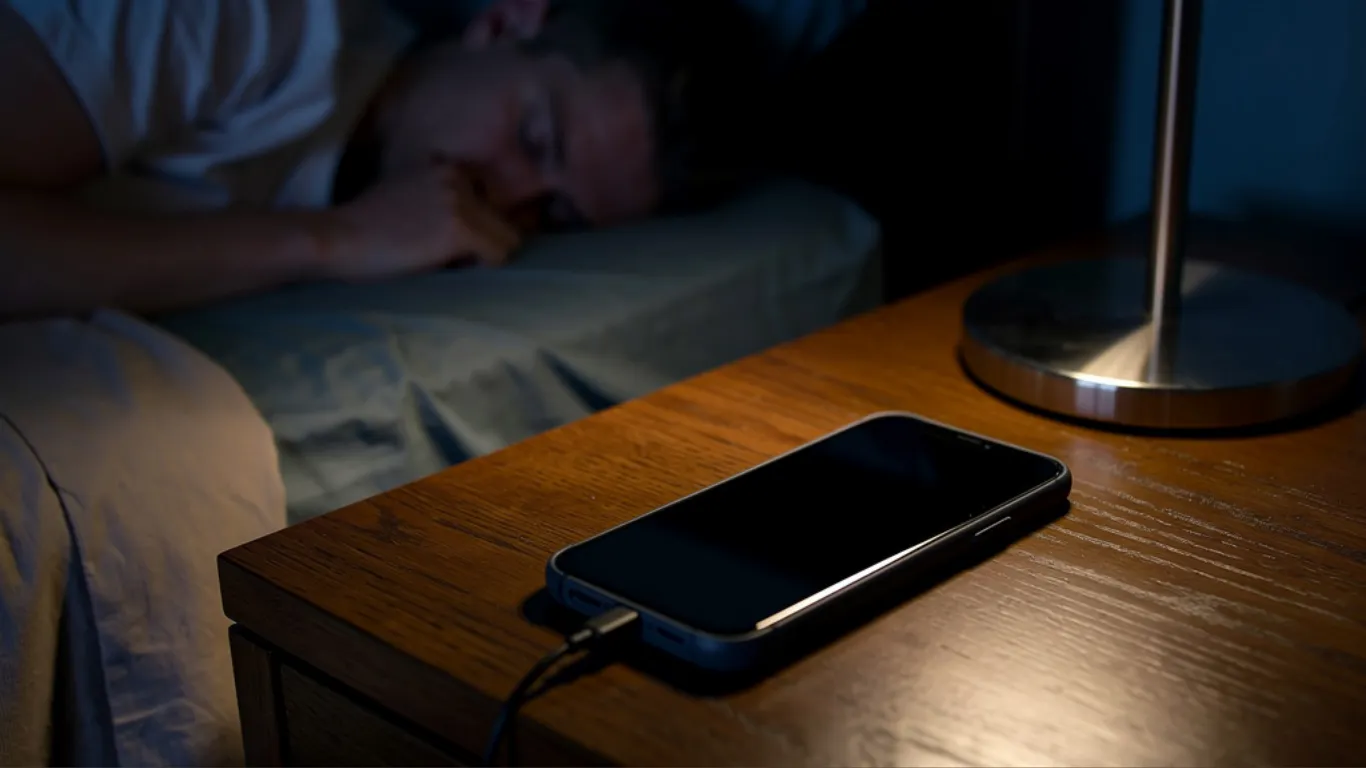
- Avoid extreme heat and never charge on a bed or pillow
- Replace the battery at year 2 to 3 instead of buying a new phone
For the heat avoidance habits specifically, our phone overheating causes and fixes guide covers exactly what damages your hardware long-term.
The Cost Per Year Math That Changes How You Buy Phones
Sundr’s durability guide confirms that frequently replacing cheap phones often costs more over time than buying a durable phone once.
| Phone | Price | Keep For | Cost Per Year |
|---|---|---|---|
| Pixel 10a | $449 | 5 years (7-year updates) | $90/year |
| Galaxy S26 Ultra | $999 (deal) | 6 years (7-year updates) | $167/year |
| Galaxy S25 FE | $550 | 5 years (7-year updates) | $110/year |
| Motorola Moto G | $300 | 2 years (2-year updates) | $150/year |
The Pixel 10a at $90 per year over 5 years costs less per year than a $300 Motorola kept for 2 years. Cheaper upfront does not always mean cheaper overall.
Pixel Reviews updates this guide yearly. Prices and software support commitments change regularly. Always verify current update policies at your manufacturer’s website before buying.
