
Quick Summary
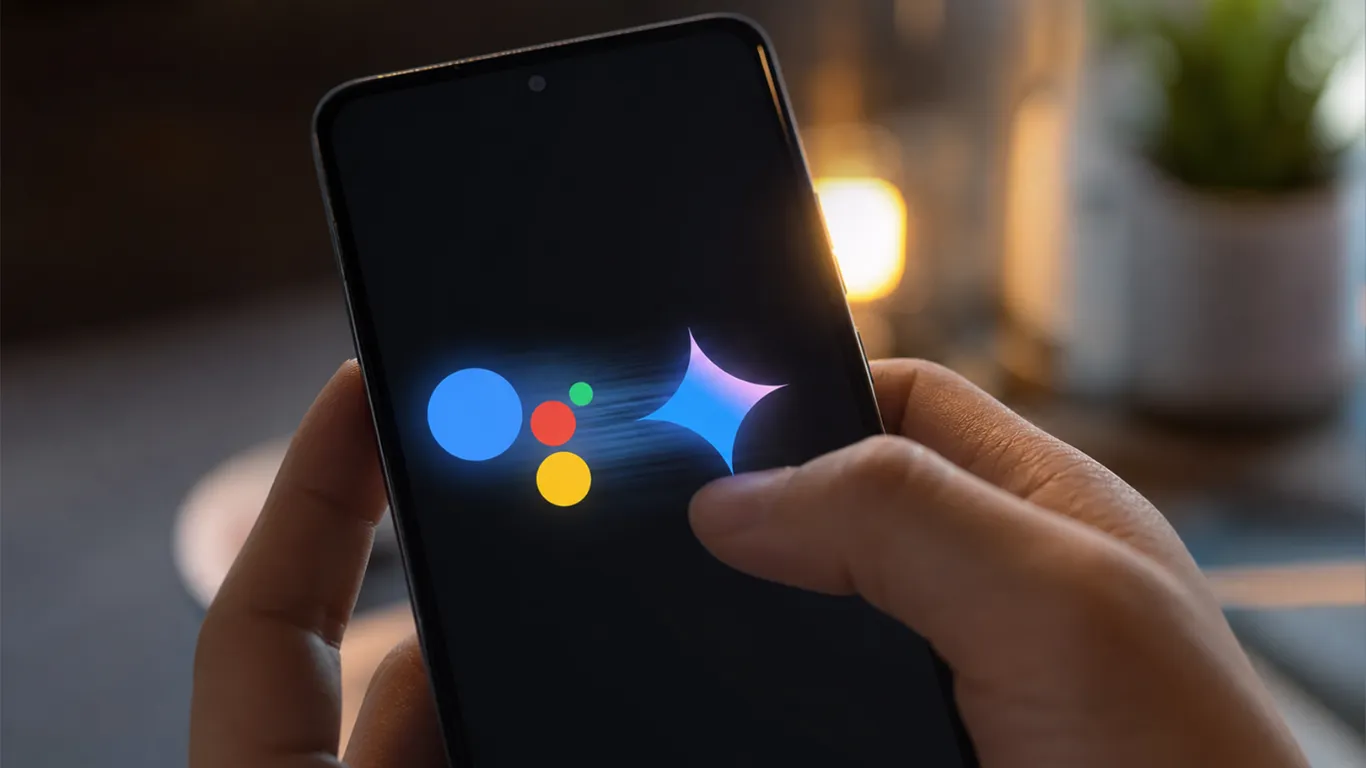
- What: Google Assistant is being permanently removed from Android phones, tablets, Wear OS watches, headphones, and Android Auto starting September 4, 2026
- Once it is gone: You cannot switch back. The option disappears permanently
- What replaces it: Google Gemini becomes your new default assistant
- What Gemini still cannot do: Interpreter Mode, some podcast and radio controls, certain third-party music services
- Who is NOT affected: Cars with Google built-in (not Android Auto projected from your phone), Google Home speakers, Google TV devices
- Time left: 5 days from today, August 30
Google has confirmed it will shut down Google Assistant on Android and Wear OS from September 4, 2026, replacing it entirely with Gemini, its large language model-powered AI assistant. If you received an email from Google over the past few weeks with the subject line “Google Assistant is going away on mobile devices,” that email was real and this deadline is real.
Once your device switches, you cannot switch back. This fits a pattern from 2026, as Google has folded Gemini into Search, Workspace, and most of its other products. Assistant was one of the last apps holding out. Now it is done.
Here are 7 things every Android user should do before September 4.
What Is Actually Disappearing on September 4
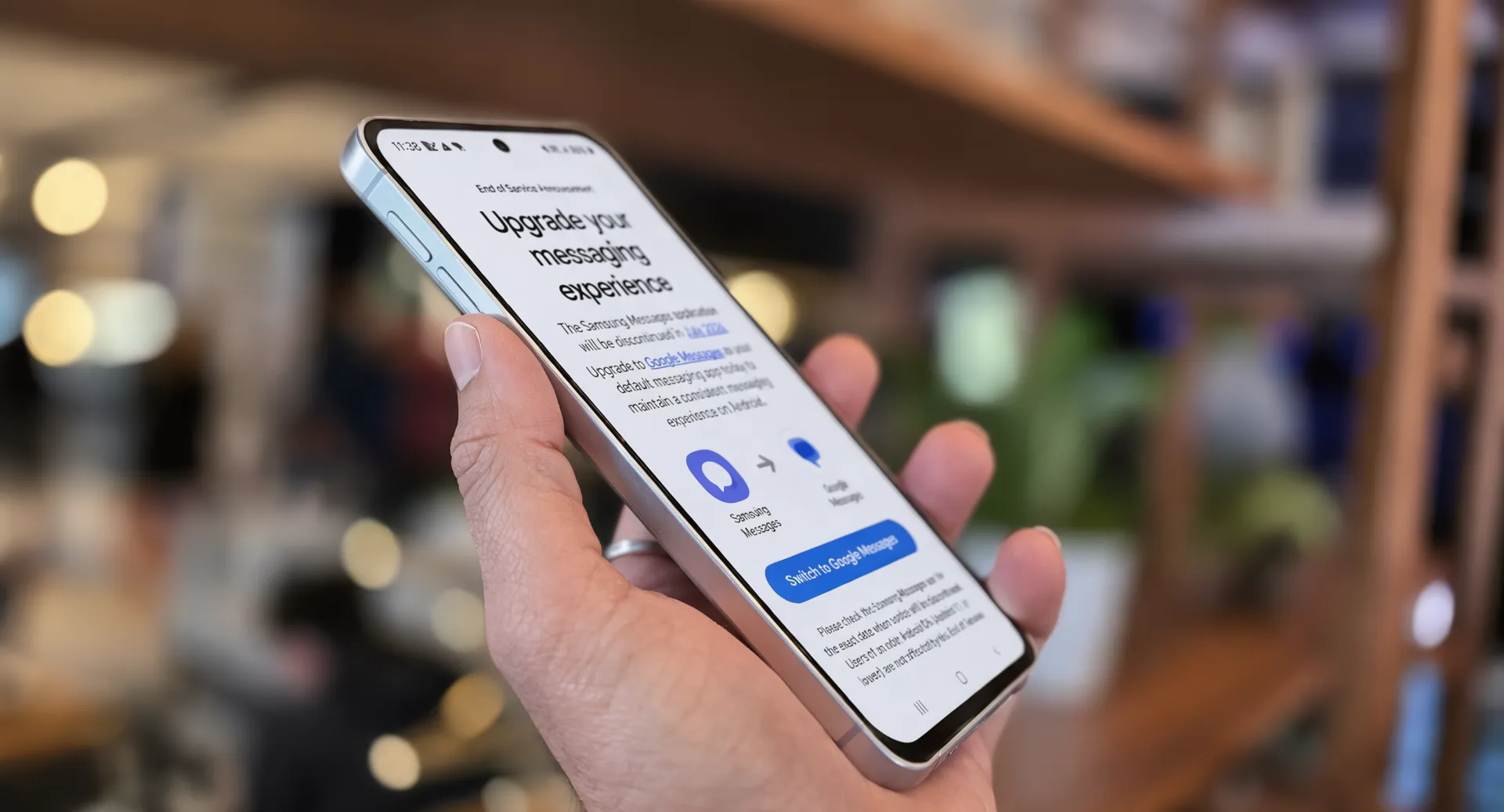
Before the checklist, you need to understand exactly what is going away. Users who have relied on Assistant for everyday voice commands — setting timers, sending messages, controlling smart-home devices — will need to adapt to a fundamentally different underlying technology on their best Android phones in 2026.
GizGuide’s coverage of the Google Assistant shutdown outlines that Google will begin removing access to Google Assistant on mobile devices starting September 4, a process it expects may take a few weeks to reach all users. Once access is removed, users will no longer be able to use or switch back to Google Assistant on their phone, tablet, or paired devices. Four platforms are affected: smartphones, tablets, Wear OS smartwatches, and Android Auto in-car systems. However, cars with Google built-in, Google Home devices, and Google TV are not part of this specific shutdown.
What Gemini Still Cannot Do
This is the part most tech sites are not telling you clearly. Google will begin removing the Google Assistant from Android phones and connected devices on September 4, forcing remaining users onto Gemini even though its replacement still cannot perform every Assistant function.
MLQ.ai’s assessment of features disappearing highlights that Gemini still lacks some Assistant functions, including Interpreter Mode and support for some podcast, news, radio, and third-party music services.
Here is an honest breakdown of what changes and what may not work the same way:
| Feature | Google Assistant | Gemini |
|---|---|---|
| Basic voice commands (timers, alarms, calls) | ✅ Works | ✅ Works |
| Hey Google hotword | ✅ Works | ✅ Works (triggers Gemini) |
| Smart home control | ✅ Works | ✅ Works (with Google Home) |
| Interpreter Mode | ✅ Works | ❌ Not yet available |
| Podcast / radio / news playback | ✅ Works | ⚠️ Partial, some services missing |
| Third-party music services (Spotify, etc.) | ✅ Works | ⚠️ Limited compatibility |
| Wear OS voice commands | ✅ Works | ✅ Transfers when phone switches |
| Android Auto (projected) | ✅ Works | ✅ Transfers when phone switches |
| Free-flowing conversation | ❌ Very limited | ✅ Much stronger |
| Multi-step web tasks | ❌ Cannot do | ✅ Gemini Spark handles this |
If you use Interpreter Mode for real-time language translation, this is the gap that will affect you most. Google has not confirmed when Gemini will support it.
7 Things to Do Before September 4
Work through this list today. Once September 4 arrives, some of these options disappear.
Step 1 — Check Your Assistant Routines Right Now
Open the Google Home app on your Android phone. Tap the profile icon in the top right. Go to Settings > Assistant > Routines. Write down or screenshot every routine you have built. Once a device transitions, routines, data, and third-party integrations either carry over into Gemini’s framework or are lost in the migration. Do not assume they transfer automatically.
Step 2 — Test Gemini Before You Lose the Choice
Users can switch between Assistant and Gemini until Assistant is removed from their device. Use that window. Download the Gemini app now from Google Play if you have not already. Spend 10 minutes testing the exact commands you use daily. Find out now which ones work and which ones do not, while you still have a fallback.
Step 3 — Check If Your Phone Meets Gemini’s Minimum Requirements
The standard Gemini mobile app requires Android 9 or newer and at least 2GB of RAM. Eligible Android Go phones use the separately distributed Gemini Go replacement. If your phone is very old and does not meet these requirements, check with your manufacturer about what happens to your assistant experience after September 4. If you are planning an upgrade to a newer system to ensure compatibility, check the latest Android 17 updates and Pixel phones roadmap to see what hardware is coming.
Step 4 — Reconfigure Your Wear OS Watch
Once Gemini is set as the mobile device assistant, it also becomes the assistant on paired Wear OS watches, Gemini-compatible headphones or earbuds, and vehicles running Android Auto projected from the phone. Open the Wear OS app on your phone. Check that your watch is running the latest update. Test voice commands on your watch before September 4 to confirm Gemini responds correctly.
Step 5 — Know Your Android Auto Situation
This is an important distinction for people who use voice commands in their cars. People who use projected Android Auto will have Gemini replacing Google Assistant, while those with Google built into their car will not see any changes. Check your car’s infotainment system. If you use Android Auto by plugging in or connecting wirelessly from your phone, Gemini will take over. If your car has Google Built-in natively, you keep Assistant for now.
Step 6 — Update Your Privacy Settings in Gemini
Turning off Gemini’s Keep Activity setting prevents future chats from being used to train Google’s models unless feedback is submitted, but Google retains chats for 72 hours and disables integrations including Maps, Home, Workspace, and YouTube. Decide which trade-off you are comfortable with. Open Gemini app > Profile > Gemini Apps Activity to manage this. Keeping your device secure and optimized is key; you can also read our guide on how to extend battery life and manage background apps on Android.
Step 7 — Learn the New Commands That Actually Work Better
Gemini is genuinely stronger than Assistant in specific areas. With the user’s permission, Gemini Spark can access logged-in accounts and saved passwords to complete multi-step tasks on the web such as schedule appointments, fill out forms, and complete routine online activities that previously required manual input. None of that was possible with the old Google Assistant.
Google refers to the move as an “AI upgrade,” describing on its website: “Gemini is better at understanding how to help with everyday tasks, but it is also better at free-flowing chats or brainstorms. When you want to have an even more free-flowing conversation, you can say ‘Hey Google, let’s chat’ to talk to Gemini Live.”
Who This Change Will Hurt Most
The honest answer is: people who built complex Google Assistant routines over years. If you have a morning routine that dims your smart lights, reads your calendar, plays a specific radio station, and reads traffic — test every part of that in Gemini this week. Radio and third-party music services are the most likely points of failure.
Smart home users who control lights, thermostats, and locks through Assistant will largely be fine. Google said it has separate plans to bring Gemini to Google TV devices and to Google Home speakers and smart displays. Basic device control transfers cleanly.
Older phone owners should check their Android version. Phones running Android 8 or below will not get Gemini at all. Phones that do not meet Gemini’s minimum system requirements or that operate in regions where Gemini is not yet available will be carved out from the September 4 cutoff.
Is Gemini Actually Better
For most people: yes, once you spend a week adjusting. Gemini understands context across a conversation in a way that the old intent-based Assistant never could. You can ask follow-up questions. You can give it a task and have it reason through multiple steps. You can have it read a photo and respond to what it sees.
Assistant was good at the basics: set a timer, check the weather, play a song, dim the lights. Gemini does all of those and handles far more complex requests on top of them. The adjustment period is real but short for most users.
The people who will genuinely miss Google Assistant are power users who relied on Interpreter Mode and built detailed routines around third-party services. For everyone else, Gemini is the stronger product. Google is ending Assistant because it does not need it anymore.
Pixel Reviews Verdict
Switch now. There is no point in putting off the inevitable since you cannot opt out after September 4. Take 10 minutes to test your critical smart home and navigation routines in Gemini today so you can fix any broken connections before the Assistant service goes dark permanently.
FAQ — Google Assistant Dies September 4
Can I keep using Google Assistant after September 4?
No. Google will begin removing access starting September 4, 2026, and once access is removed, users will no longer be able to use or switch back to Google Assistant on their phone, tablet, or paired devices.
Will my Google Home speakers also lose Assistant?
No, not yet. Google said it has separate plans to bring Gemini to Google Home speakers and smart displays. The September 4 shutdown covers only mobile devices and accessories paired to a phone.
My car has Android Auto. Will it switch to Gemini?
If you use projected Android Auto from your phone, Gemini will replace Google Assistant. If your car has Google built-in natively, it will not see any changes on September 4.
What if my phone is too old to run Gemini?
The standard Gemini app requires Android 9 or newer and at least 2GB of RAM. Eligible Android Go phones use the separately distributed Gemini Go replacement. If your phone does not meet these requirements, check with your manufacturer about your options