
Quick Summary
- What is it: Samsung One UI 9 beta, built on Android 17
- Who gets it now: Galaxy S26, S26 Plus, and S26 Ultra owners in the US
- How to join: Open Samsung Members app and apply for the beta program
- Beta 2 status: Already rolling out with June 2026 security patch included
- Full release: Expected with Galaxy Z Fold 8 and Z Flip 8 launch, later in 2026
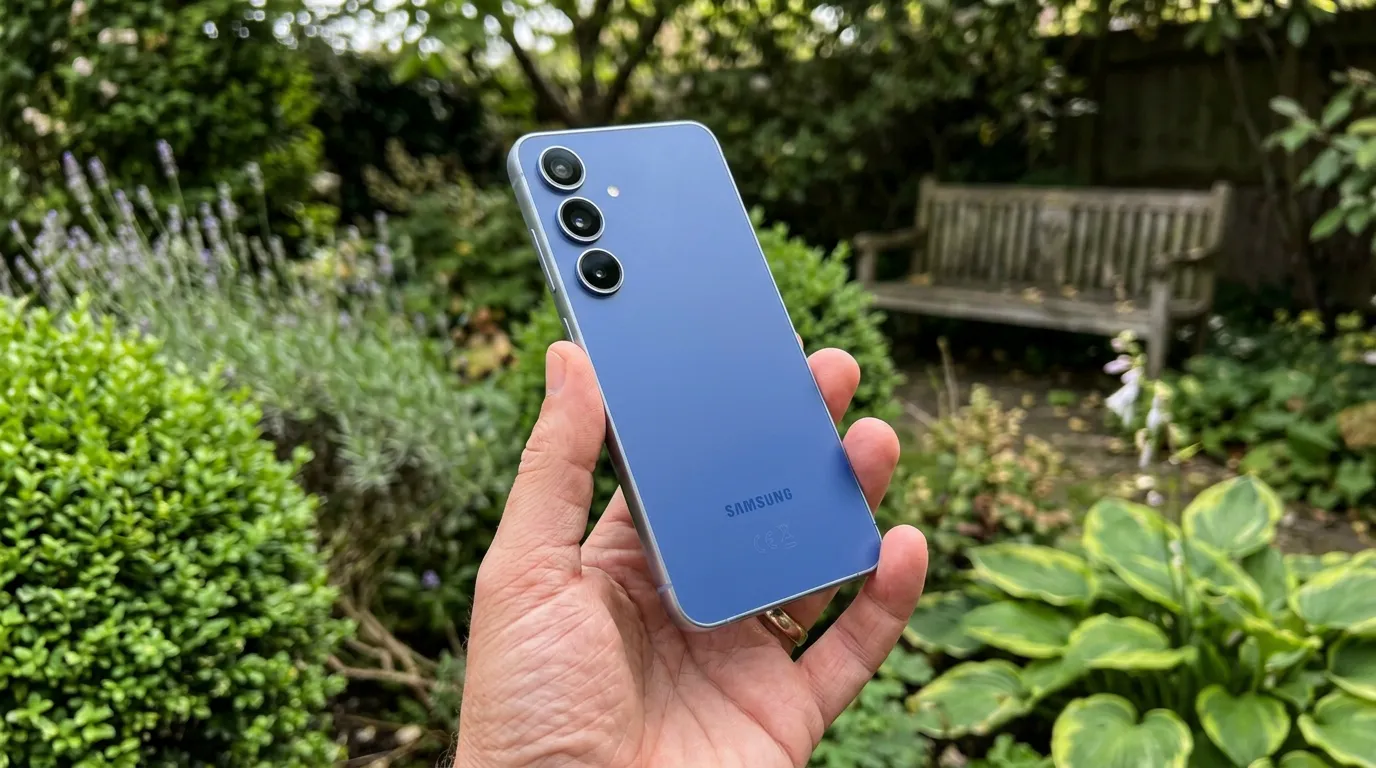
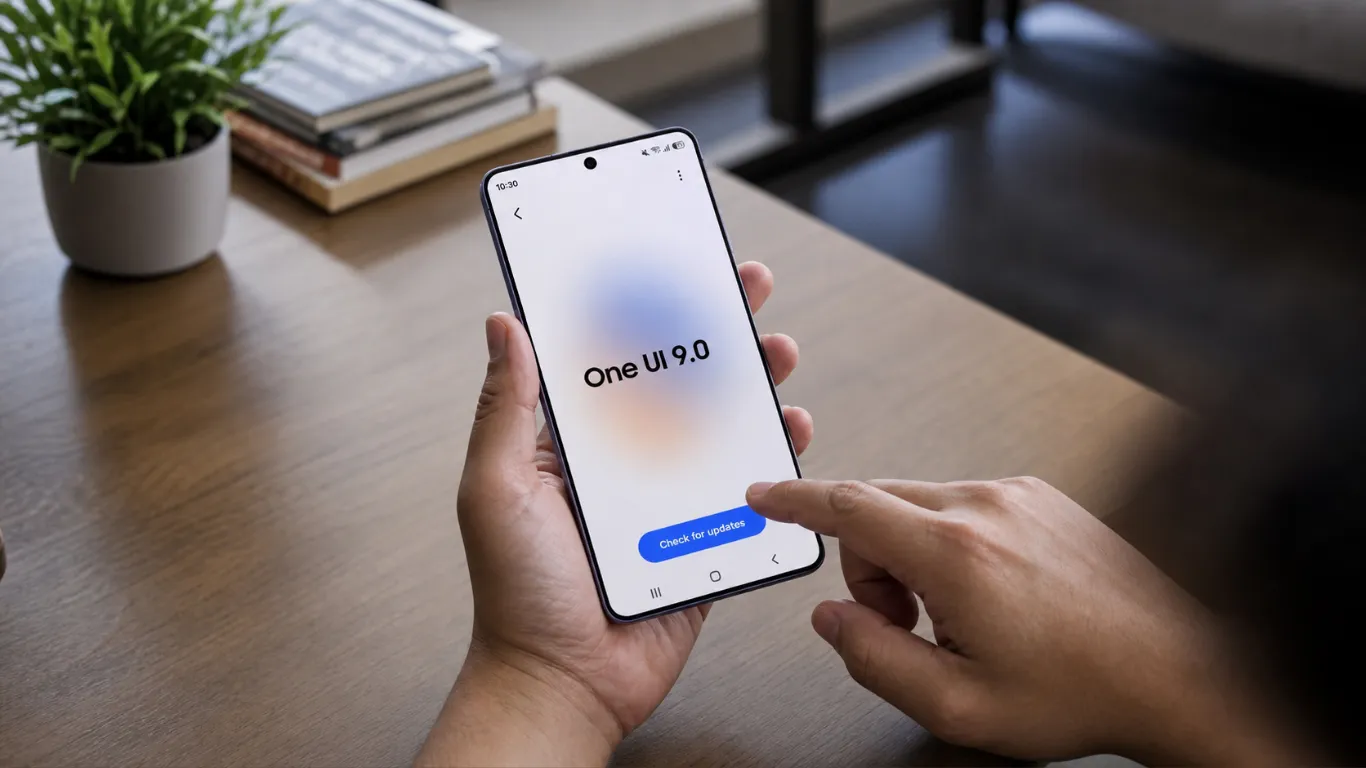
Samsung has launched the One UI 9 beta program for Galaxy S26 series users. Samsung’s official Global Newsroom confirmed it is built on Android 17 and brings expanded creative tools, customization options, and stronger security features.
This is not a massive visual overhaul. Samsung is focusing on small, practical upgrades that make daily use smoother. Here are the 5 changes that actually matter for US Galaxy S26 owners.
What Changed in One UI 9 Beta for Galaxy S26
SammyFans confirmed Samsung is moving quickly with One UI 9 development — just under two weeks after the first beta build, the company rolled out One UI 9 Beta 2 for the Galaxy S26 series.
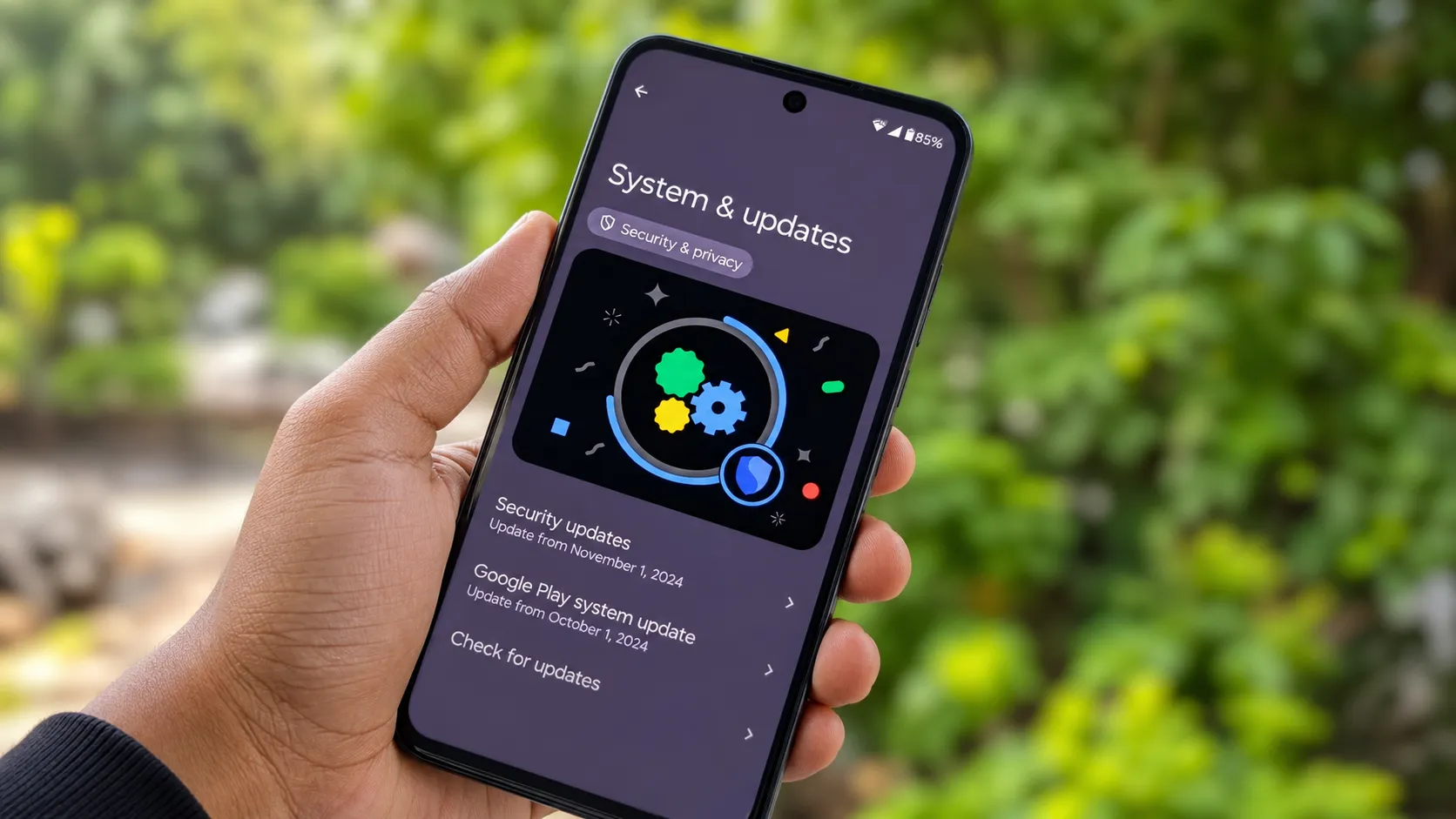
Android Central’s Beta 2 coverage confirmed the 1,680MB update includes the June 5, 2026 security patch and fixes key issues involving the lock screen, routine app, system status bar, and bulk message deletion.
That is a fast pace. Samsung took much longer to move from beta to beta with One UI 8.5 last year.
Change 1: The Quick Panel Gets a Makeover
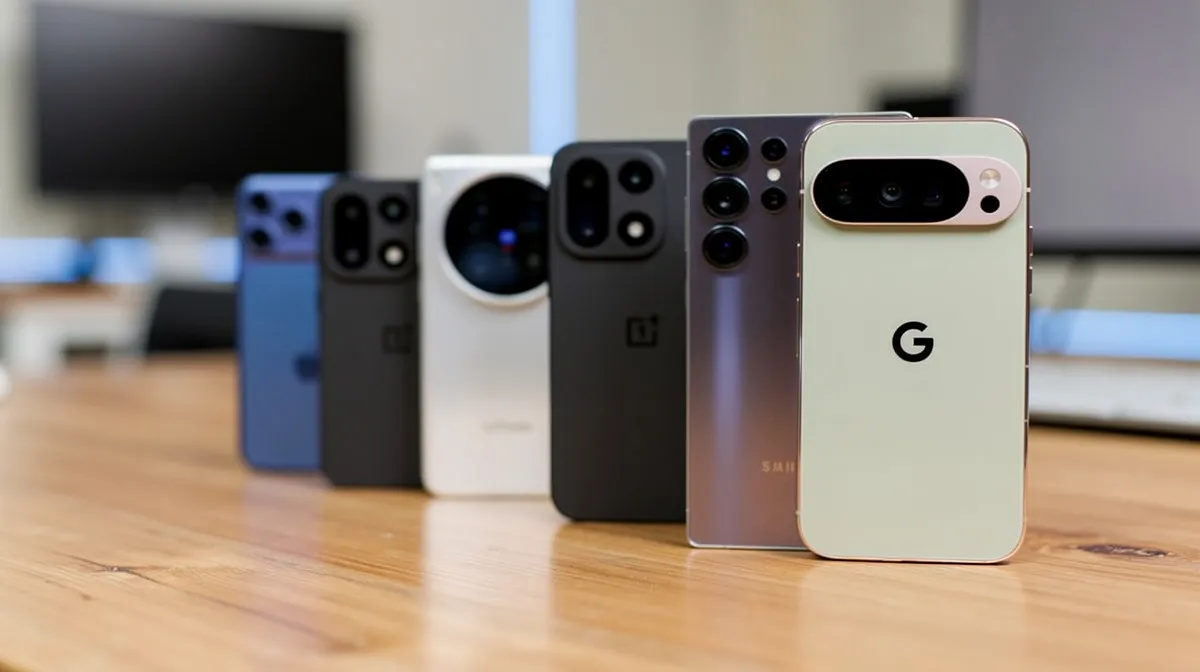
The first thing most users will notice is a cleaner Quick Panel. HowToGeek’s One UI 9 breakdown confirmed a new layout that includes separate controls for media and system sound.
Previously, media volume and system sounds shared the same slider. Now they are split. If you have ever accidentally turned off notification sounds while trying to lower a video, you will appreciate this fix right away.
Change 2: Samsung Notes Gets New Creative Tools
Samsung’s US newsroom confirmed Samsung Notes gains new creative tools, including decorative tapes and a wider variety of pen line styles. The Contacts app now offers direct access to Creative Studio for personalized profile cards without switching between apps.
Small additions — but Samsung Notes users who sketch or organize visually will notice the difference.

Change 3: A Security Block for Risky Apps
Engadget’s One UI 9 feature summary confirmed One UI 9 includes a new security feature that detects high-risk apps, warns you about them, and blocks their installation.
This works at the OS level, before an app installs. It adds a real layer of protection for anyone who occasionally downloads apps outside the Play Store.
Change 4: Text Spotlight and Better Accessibility
HowToGeek confirmed a new Text Spotlight feature lets you zoom and clarify selected text inside a floating window. TalkBack, Samsung’s screen reader, is now integrated with Google’s version of the feature as well.
Text Spotlight is genuinely useful for anyone reading small print in screenshots or images.
Change 5: Mouse Key Speed Control for External Keyboards
HowToGeek confirmed One UI 9 beta includes the ability to adjust mouse key speed for people who use external keyboards with their Galaxy phone.
Niche feature — but Galaxy users who connect Bluetooth keyboards and use DeX mode will get better control over cursor sensitivity.
What Is Not in Beta Yet
Samsung’s official announcement confirmed the full One UI 9 experience will arrive with upcoming Galaxy flagship devices later in 2026, with more AI features included. 9to5Google noted the stable release is expected alongside the Galaxy Z Fold 8 and Z Flip 8, likely in late summer 2026.
What you see in beta right now is a fraction of the full One UI 9 feature set. The bigger AI additions are coming later.
x
How to Join the One UI 9 Beta on Your Galaxy S26
The beta program is available to Galaxy S26 series users in Germany, India, Korea, Poland, the UK, and the US.
- Open the Samsung Members app on your Galaxy S26
- Look for the One UI 9 Beta Program banner
- Tap Register and agree to the terms
- Go to Settings → Software Update → Download and Install
- Install the update and restart your phone
SammyMobile’s beta download guide confirmed after joining, you can download the latest firmware through Settings → Software Update → Download and Install.
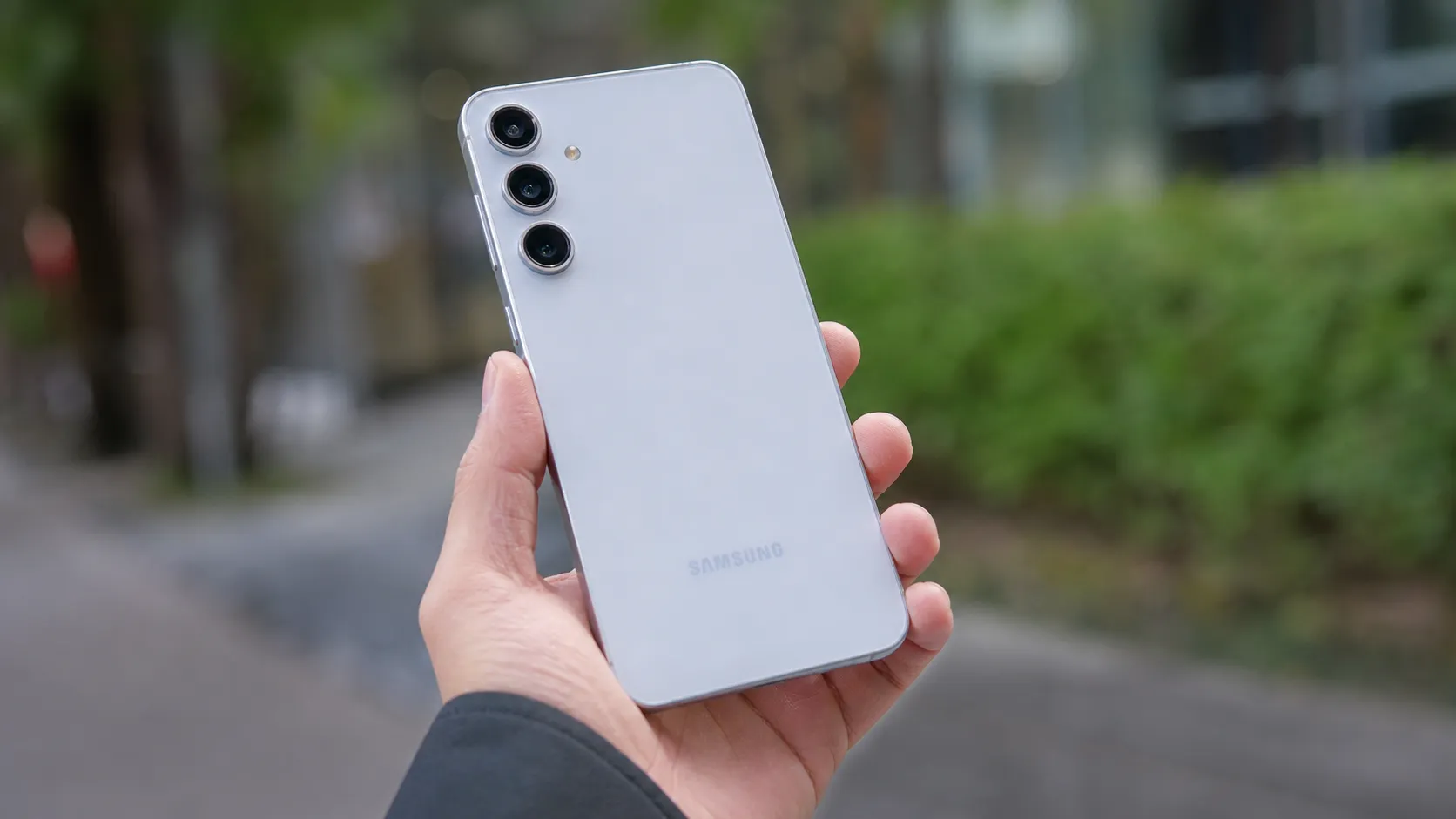
If you use the Galaxy S26 Ultra reviewed on Pixel Reviews, see our Samsung Galaxy S26 Ultra review for context on what hardware these software improvements are running on.
Should You Install the One UI 9 Beta?
If you use your Galaxy S26 as your daily driver, wait a few more weeks. Android Authority’s Beta 2 report confirmed Beta 2 focuses on bug fixes, stability improvements, and performance optimizations — but beta software can still have unexpected issues.
Make sure your important data is backed up before installing.
Frequently Asked Questions
How do I get the One UI 9 beta on my Galaxy S26 in the US?
Open the Samsung Members app, find the One UI 9 Beta Program, and register. After approval, go to Settings and Software Update to download it. The program is live in the US as of this week.
What is One UI 9 built on?
One UI 9 is built on Android 17. It delivers expanded creative tools, customization options, and stronger protection against security threats.
Is One UI 9 stable enough to use as a daily driver?
Beta 2 is more stable than Beta 1 with most reported bugs fixed. For a primary device, proceed with caution and keep a backup.
When will One UI 9 reach stable release?
The stable release is expected alongside the Galaxy Z Fold 8 and Z Flip 8 launch, likely in late summer 2026. Samsung will continue releasing beta builds in the weeks ahead.