
Quick Summary:
- The Problem: Some Galaxy S26 Ultra screens are developing a red or pink tint in the center of the display
- How Widespread: Unknown exact numbers, but reports date back to March 2026 and continue to grow on Reddit, Naver, and Samsung’s community forum
- Samsung’s Response: Samsung confirmed it is a software color calibration error, not a hardware defect
- The Fix: A software update (OTA) is in preparation. Samsung service centers can also recalibrate affected screens now
- Suspected Cause: The new Privacy Display feature combined with display optimization software that malfunctions under strong ambient light at maximum brightness
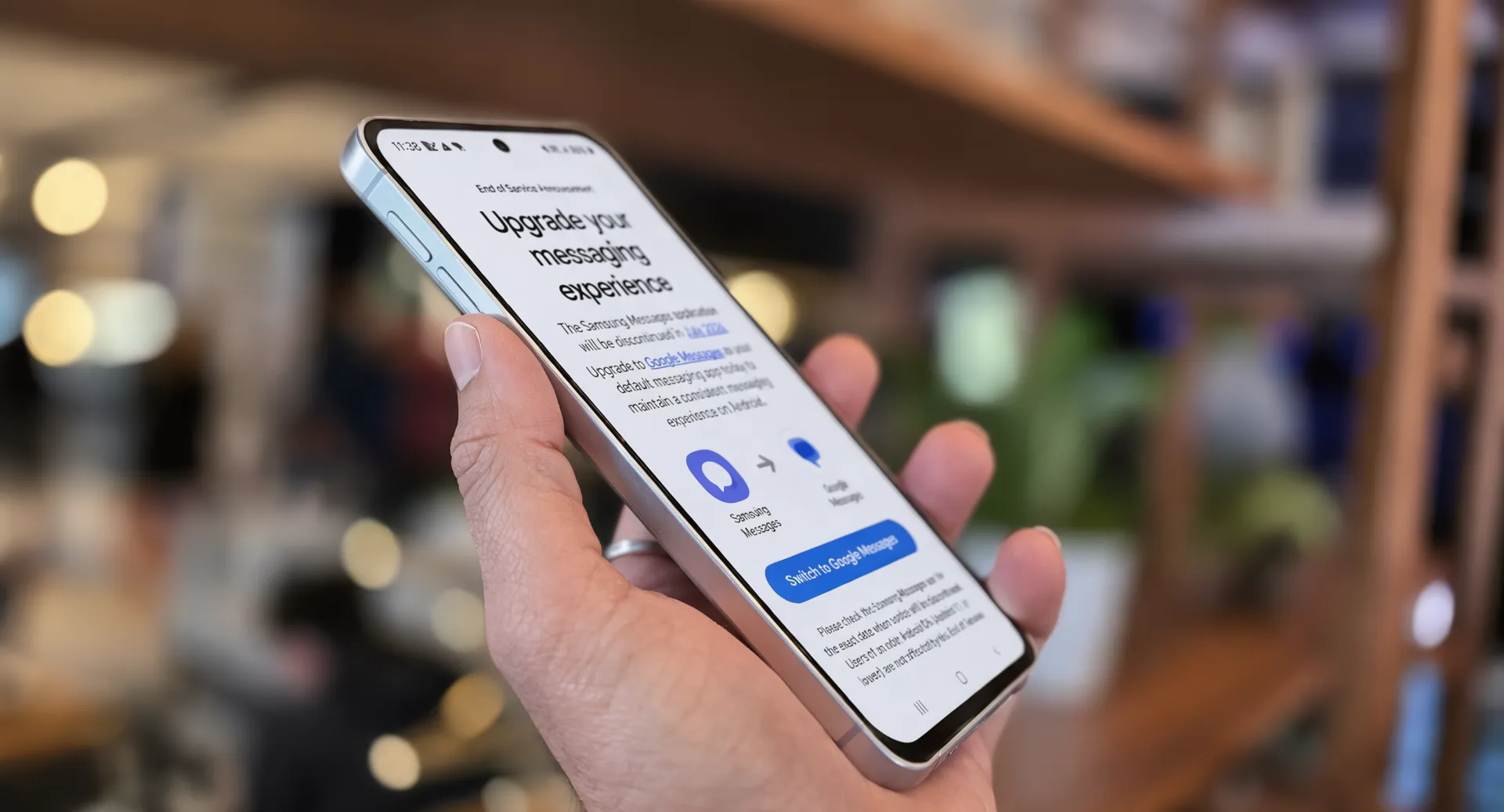
The Galaxy S26 Ultra red screen problem has now been officially acknowledged by Samsung, and the company says a fix is on the way. If you follow Samsung smartphone discussions online, you have likely seen the growing number of reports about Galaxy S26 Ultra screens developing a reddish tint. Samsung has confirmed the issue is caused by a software color calibration optimization error rather than a display hardware defect.
Here is everything Pixel Reviews has confirmed about the problem, what is causing it, and what you should do if your phone is affected. If you want the full performance picture of this phone before dealing with the screen issue, the Samsung Galaxy S26 Ultra review has the complete breakdown.
What Is Happening to Galaxy S26 Ultra Screens
Multiple user reports on Reddit and the Korean social media platform Naver show that Galaxy S26 Ultra displays are slowly picking up a red tint, rendering colours differently from when the phone was first purchased. Affected users say the reddish hue appears in the center of the screen — it was not there when the phone was unboxed, but developed over two to three months of use.
Android Police’s initial user report coverage showed photos of devices with a pink rectangle forming in the center of the screen. For most people, the effect looks like a subtle shade of pink rather than a solid red spread across the display. Some reports date as far back as March 2026, shortly after the device launched. Many of the more recent posts say the red colour appeared gradually after several months of use, and the issue has also been spotted on in-store demo units.
Why This Is Happening
Engadget’s coverage of Samsung’s statement confirmed Samsung concluded that the issue is caused by a newly introduced display optimization technology that malfunctions when strong ambient light is combined with maximum display brightness. The problem can be resolved by adjusting the colour correction software, and no hardware repair is needed.
The Galaxy S26 Ultra is Samsung’s only current smartphone with the Privacy Display feature, which has led to speculation that this feature is connected to the problem. In order to prevent anyone from seeing the screen unless they are looking directly at it, the display dims pixels on the sides and boosts them in the center — exactly where the discoloration is showing up.
It is worth noting that the Privacy Display drew separate complaints earlier this year. Some buyers had to return their Galaxy S26 Ultra units after experiencing eye strain, headaches, nausea, and dizziness when using the phone — discomfort that continued even with the Privacy Display feature turned off. The Samsung One UI 9 beta coverage on Pixel Reviews highlighted how closely Samsung’s software updates and this phone’s display firmware are intertwined.
What Samsung Is Doing About It
Android Police confirmed Samsung’s investigation conclusion — the finding, reported by South Korea’s News1, is that this comes from “software optimization” and is not hardware-related.
Two fixes are available or coming:
Fix 1 — Samsung Service Center (available now). Samsung found that the problem is tied to the display panel’s colour calibration. It can be fixed through a recalibration of screen colours at Samsung service centers.
Fix 2 — Over-the-Air Software Update (coming soon). Samsung will release a software update that fixes the problem, which will go out to affected users in the near future.
What You Should Do Right Now
If your Galaxy S26 Ultra shows any hint of a red or pink tint in the center of the screen, take these steps today:
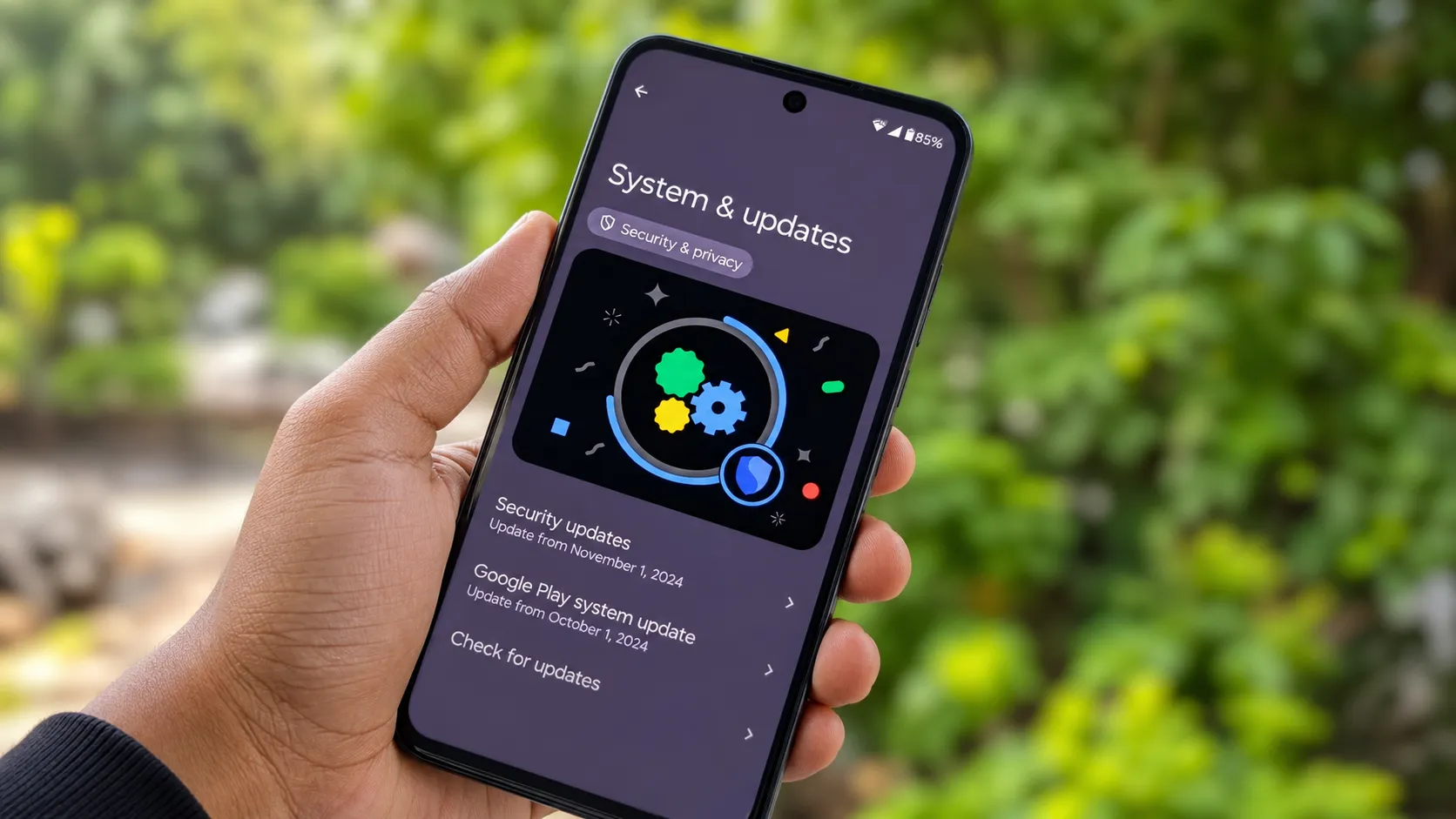
Check for software updates. Go to Settings > Software update > Download and install. Samsung may have already pushed a calibration fix to your region.
Document the problem. Take a photo of the tint with a second device. You will want evidence if you need warranty service later.
Visit a Samsung service center. Samsung is performing screen colour recalibrations on affected units right now. This is the fastest path to a fix.
Do not panic about hardware damage. Samsung has stated this is software-related and can be corrected without replacing the panel.
If you bought your Galaxy S26 Ultra within the warranty period, this repair should be free.
Should You Still Buy the Galaxy S26 Ultra
This is a fair question given the screen complaints. The answer depends on your tolerance for first-generation display technology.
The Privacy Display on the Galaxy S26 Ultra does something no other phone offers right now. It genuinely blocks people beside you from reading your screen. That feature works. But it has introduced side effects that Samsung is still working to resolve.
If you already own one and love the Privacy Display, wait for the software fix. If you are about to buy one, ask the retailer to let you inspect the demo unit’s screen before purchasing. And if screen reliability matters more to you than privacy features, the Galaxy S26 Plus offers the same camera and performance without the Privacy Display layer.
The Samsung foldables lineup coming July 22 will shift Samsung’s attention and marketing budget away from the S26 Ultra — which should produce further price drops on the current flagship as Unpacked approaches.
Who Should Skip the Galaxy S26 Ultra Right Now
Skip this phone if you are sensitive to screen flickering or colour accuracy issues. Some users have reported that the discomfort may be related to the phone’s low Pulse Width Modulation (PWM) dimming rate. If you have experienced headaches from AMOLED displays before, the S26 Ultra’s Privacy Display layer adds an extra variable that could make things worse.
Buyers who need a Samsung flagship today should consider the Galaxy S26 Plus instead. It has the same Snapdragon 8 Elite Gen 5 processor, the same camera system, and a standard AMOLED panel without the Privacy Display complications.
Pixel Reviews Verdict
The red screen is a software problem with a confirmed software fix incoming. It is not a reason to panic if you already own the S26 Ultra. It is, however, a reason to pause before buying one until the OTA update rolls out globally.
Pixel Reviews will update this article when Samsung releases the OTA fix with confirmed rollout dates.
Frequently Asked Questions
Is the Galaxy S26 Ultra red screen a hardware defect?
No. Samsung has confirmed it is a software color calibration error, not a permanent hardware problem. An OTA update is being prepared and service centers can fix it now through recalibration.
Does turning off Privacy Display fix the red tint?
Not necessarily. Some users have reported that the tint remains even after turning off Privacy Display. The OTA update or a service center recalibration is the proper fix.
Will Samsung replace my Galaxy S26 Ultra screen for free?
Samsung has not announced a formal replacement program because it considers this a software issue. Service centers are recalibrating affected units. If your phone is under warranty and the recalibration does not work, push for a full screen replacement.
Should I return my Galaxy S26 Ultra?
If you are within your retailer’s return window and the screen issue bothers you, returning is a reasonable choice. Otherwise, wait for the OTA update, which Samsung says is coming soon.