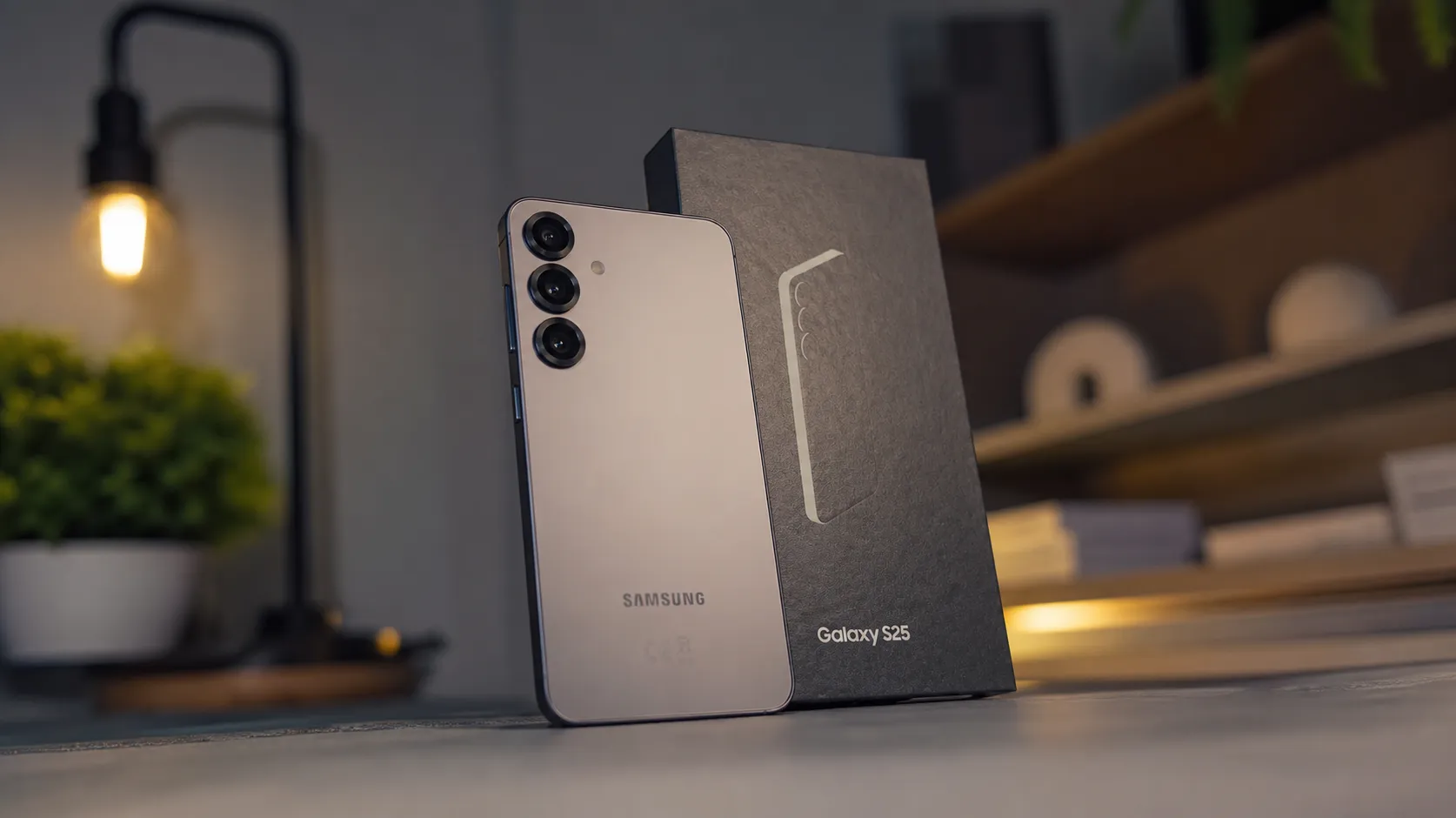

If you own a Galaxy S25 and felt left behind when Samsung loaded the Galaxy S26 with new AI tools, your phone just caught up.
Samsung’s June 2026 update for the Galaxy S25 is not a routine security patch. Besides bumping the security level to June 2026, the ZF1 firmware introduces three new AI-powered notification features that were exclusive to the S26 until now: Prioritize notifications, Summarize notifications, and File Summaries.
Here is what each feature does, how to find it, and whether it is actually useful.
The 3 New AI Features Explained
| Feature | What It Does | Where to Find It |
|---|---|---|
| Prioritize Notifications | AI ranks notifications by importance so you see what matters first | Settings > Notifications > Advanced > Prioritize |
| Summarize Notifications | AI creates short summaries of long notification threads | Settings > Notifications > Advanced > Summarize |
| File Summaries | AI generates quick overviews of PDFs, text files, and voice recordings | My Files app > open a supported file > tap Summary |
Feature 1: Prioritize Notifications
This is the most useful of the three for everyday users.
Your Galaxy phone uses AI to determine each notification’s priority based on its content — flagging time-sensitive messages, reminders, and important conversations. Everything else drops lower. If you get 30 notifications during a meeting, the ones that actually matter surface at the top.
All content is processed locally on the device, with no data sent to Samsung’s servers.
How to turn it on:
- Open Settings
- Tap Notifications
- Tap Advanced settings
- Toggle on Prioritize notifications

Feature 2: Summarize Notifications
Long group chat threads are a constant source of notification overload. This feature takes a stack of messages from the same app or conversation and creates a short summary so you can catch up without reading every single message.
If your family group chat fired off 40 messages while you were in a meeting, Samsung’s AI reads them and gives you a 2-sentence summary.
How to turn it on:
- Open Settings
- Tap Notifications
- Tap Advanced settings
- Toggle on Summarize notifications
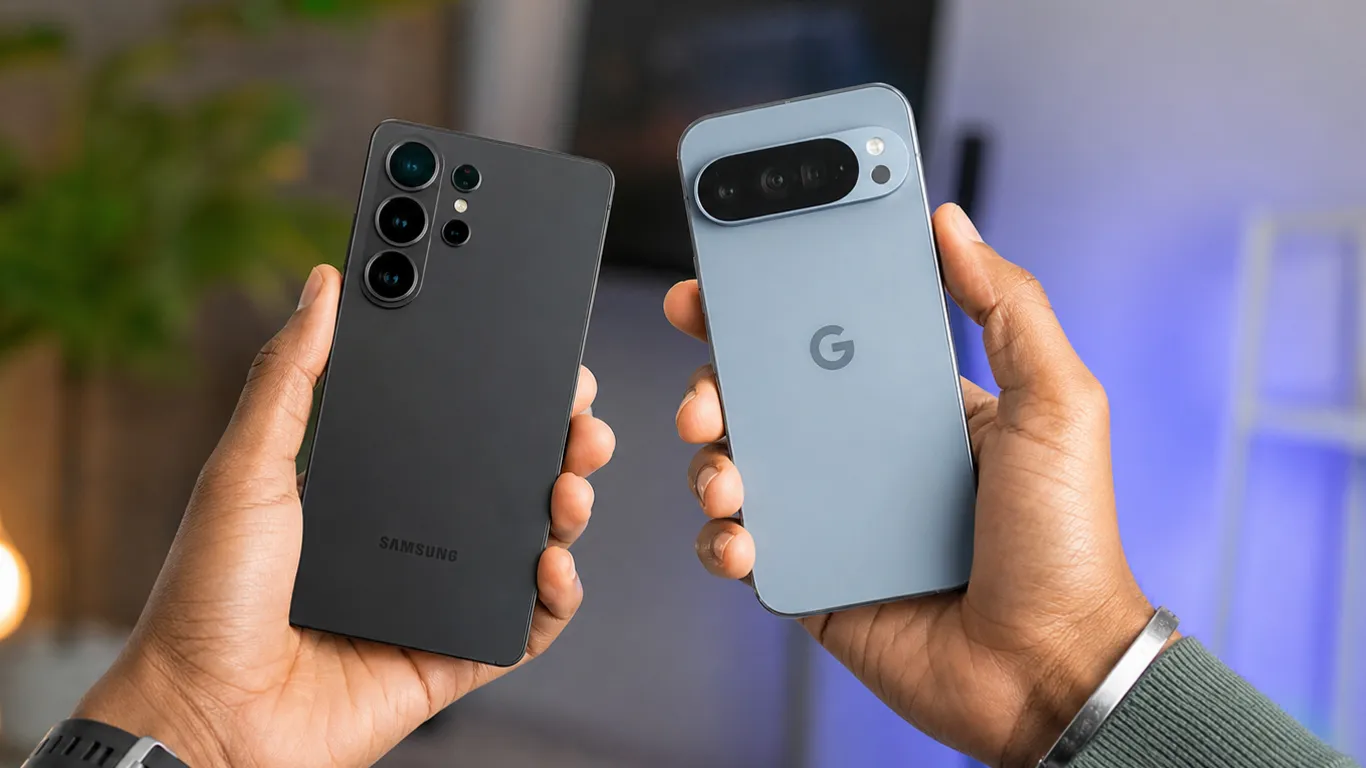
Feature 3: File Summaries
Integrated directly into the My Files app, this feature generates concise summaries of supported content — PDF documents, text files, and voice recordings. Open a 20-page PDF report, tap Summary, and get the key points in seconds.
Android Police’s detailed S25 AI feature breakdown noted the feature is particularly useful for students and office workers dealing with long documents throughout the day.
How to use it:
- Open the My Files app
- Find and tap any PDF, TXT file, or voice recording
- Look for the Summary option at the top or in the menu
- Tap it and wait a few seconds
What Is Still Missing From the Galaxy S25
The June update does not close the full gap between the S25 and S26. Several S26 capabilities are still absent: Now Nudge, 24MP camera support, video softening, and the fingerprint accuracy booster.
Samsung spent roughly five months testing One UI 8.5 on the Galaxy S25 before public release — and it still shipped without these features. The June update is a step in the right direction, but it is not a complete fix.
How to Get the June 2026 Update
The update is rolling out in South Korea first, with North America, Europe, and India expected within the coming week.
Steps to check:
- Open Settings
- Tap Software update
- Tap Download and install
If nothing shows up, check again tomorrow. The rollout is gradual.
Is It Worth Updating for These Features?
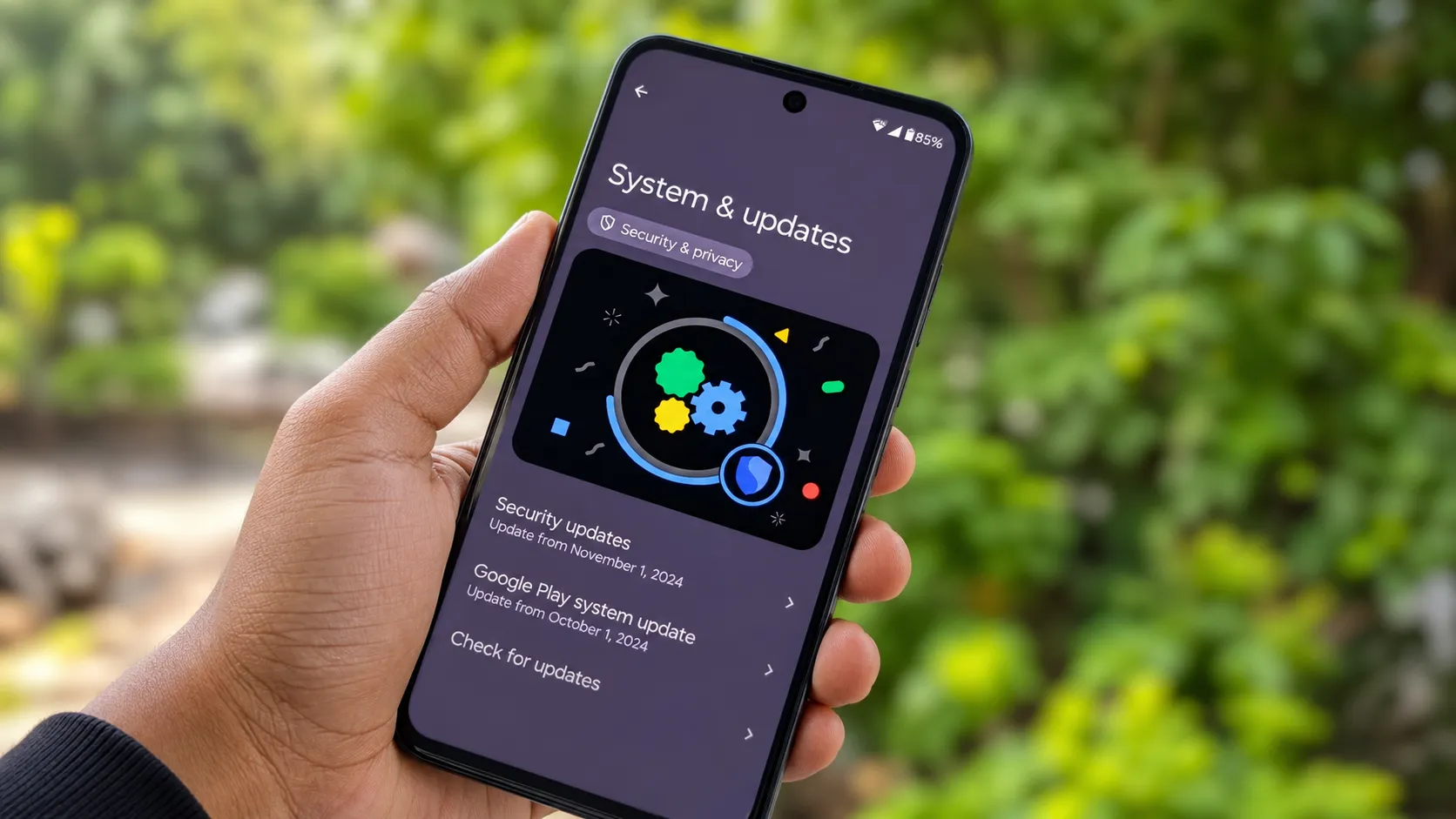
Yes — and not just for the AI additions. The June 2026 patch fixes five critical security vulnerabilities and 28 high-risk bugs. Install it for the security fixes alone, even if the AI notifications do not excite you.
For context on the security fixes in this update, see our Android June 2026 security update article which covers the critical zero-day patch released earlier this month. And if you are considering whether the S25 is still worth owning in mid-2026, our Samsung Galaxy S25 review gives the full picture.
Frequently Asked Questions
Which Galaxy phones get the 3 new AI features?
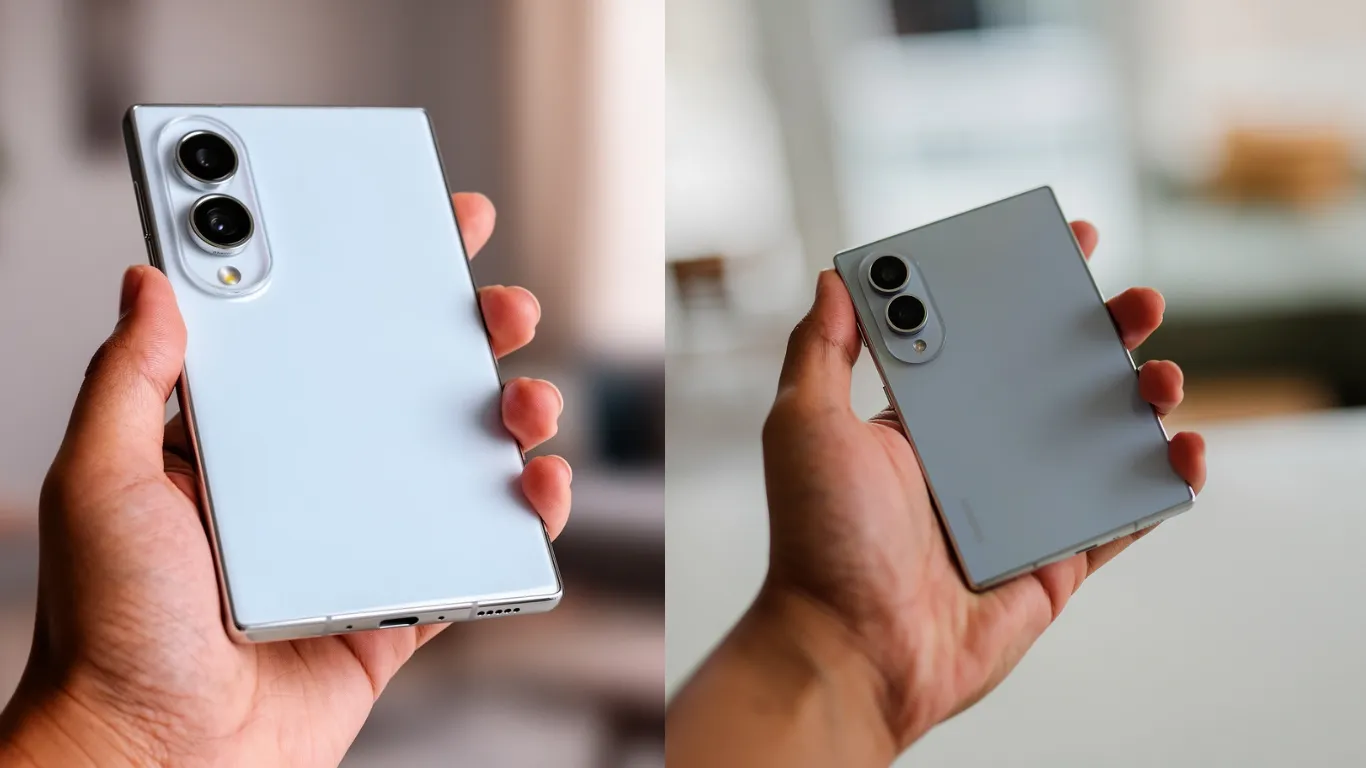
The three features are coming to the Galaxy S25 series, Galaxy Z Fold 7, and Z Flip 7. The Galaxy S24 is not confirmed to receive them yet.
Are the AI notifications processed in the cloud or on my phone?
All content is processed locally on the device. No notification data leaves your phone.
When will US Galaxy S25 owners get this update?
The update launched in South Korea this week. US rollout is expected within days. Check Settings > Software update daily.
Pixel Reviews will update this article when Samsung rolls out the June 2026 update in the US and when remaining S26 features arrive on the S25.