
Quick Summary
- WWDC dates: June 8 to June 12, 2026
- Keynote time: 10:00 AM Pacific / 1:00 PM Eastern
- Where to watch: Apple.com, Apple TV app, and Apple YouTube
- What Apple confirmed: AI updates and new developer tools across Apple platforms
WWDC 2026 starts today, and most iPhone owners only need one thing from it. You want to know what changes are coming to your phone, and when you can try them.
If you plan to install any iOS 27 beta this week, do not do it fast and hope for the best. Take five minutes, follow the checklist below, and you will avoid the usual beta problems.

WWDC 2026 Times That Matter Today
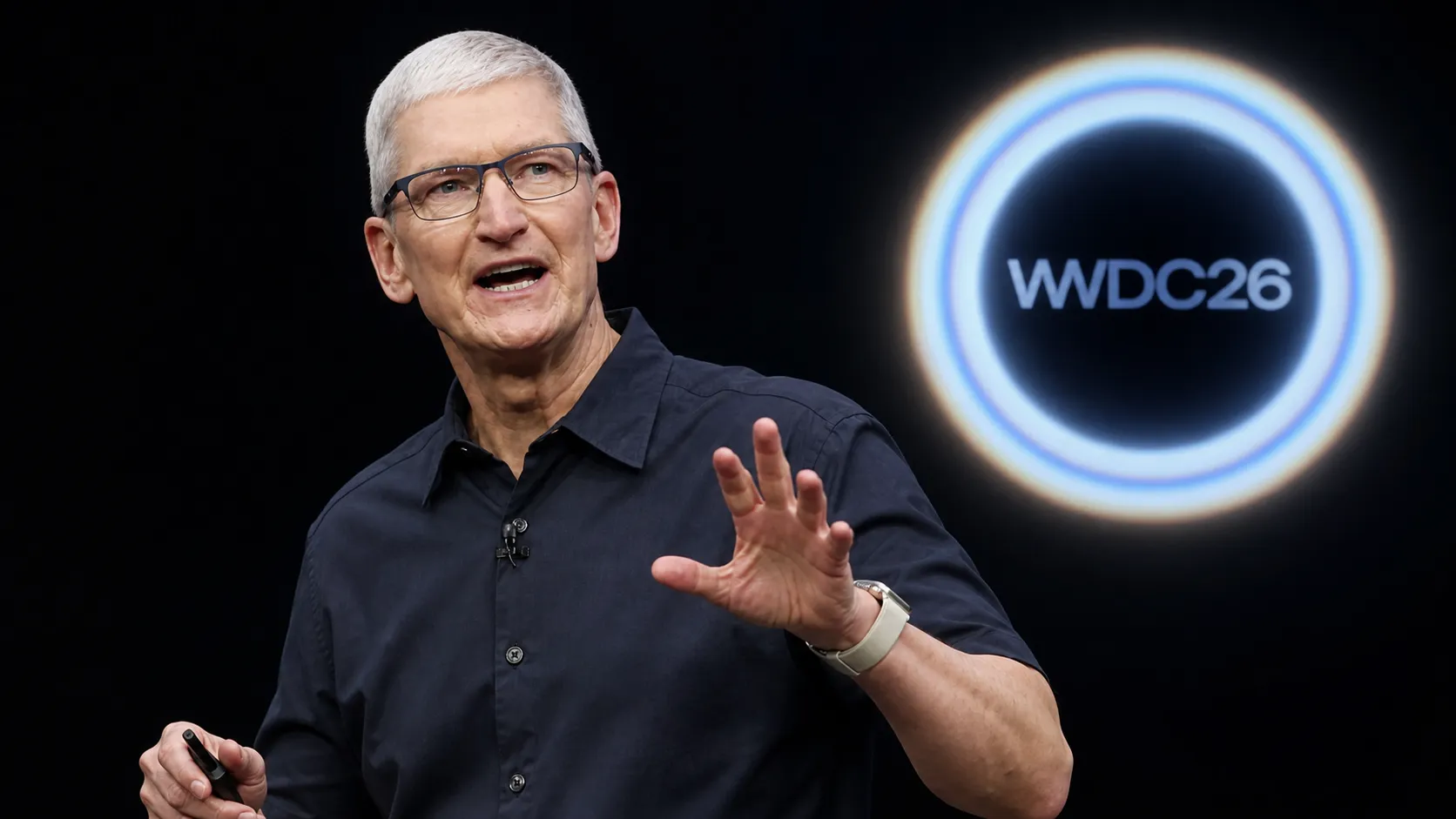
Apple’s official newsroom confirmed WWDC runs from June 8 to June 12. The main keynote starts today at 10:00 AM Pacific / 1:00 PM Eastern.
Apple also scheduled the Platforms State of the Union for 1:00 PM Pacific / 4:00 PM Eastern. That one is more for developers, but it often explains details Apple skips in the keynote.
Where to Watch WWDC 2026
Apple says you can stream the keynote on Apple.com, the Apple TV app, and Apple’s YouTube channel.
If you miss it live, Apple says the replay will be available after the stream ends.
The iPhone Checklist Before You Touch a Beta
A beta can be fine, or it can wreck a normal day. This checklist keeps you safe either way.
1) Make a backup before the keynote ends
Use iCloud if you want the easy option. Use a computer backup if you want the safest option, because it is easier to restore a full device.
2) Check your storage
Betas need space. Clear old videos, delete unused apps, and empty your Recently Deleted album.
3) Decide if this is your main phone
If this is your only phone, wait for the public beta. If you have a spare iPhone, use that for the developer beta.
4) Update your apps after installing
A lot of beta bugs feel like “iOS broke my phone,” but the real issue is an app that needs an update.
What Apple Has Actually Confirmed So Far
Apple’s newsroom confirmed WWDC starts today and said the keynote will introduce updates across Apple platforms with AI updates and new software tools for developers.
Anything beyond that before the keynote is still guesswork. If you see a “confirmed feature list” online before the keynote starts, treat it as a rumor list.
MacRumors’ WWDC 2026 roundup tracks confirmed details versus speculation — worth bookmarking to separate fact from rumor as the day unfolds.
What to Do Right After the Keynote
Wait for Apple’s official iOS 27 page to go live. Then read the device compatibility list and the headline features.
After that, decide if you need those features now or if you can wait for the stable release in the fall. The stable release is when most people should update.
If you are considering switching from iPhone to Android this year, our Switch from iPhone to Android 2026 guide covers exactly what transfers and what does not — worth reading before committing either way.
Frequently Asked Questions
When is the WWDC 2026 keynote?
Apple scheduled it for June 8 at 10:00 AM Pacific, which is 1:00 PM Eastern.
Where can I watch WWDC 2026?
Apple says you can stream it on Apple.com, the Apple TV app, and Apple’s YouTube channel.
Should I install the iOS 27 beta today?
Install it only if you understand the risk. If this is your main phone, it is safer to wait for the public beta.