
Quick Summary
- Google published the Android Security Bulletin for June 2026 on June 1, 2026
- Patch level 2026-06-05 covers all fixes in the bulletin
- Google says CVE-2025-48595 shows signs of limited targeted exploitation
- Check your patch level now — it takes 60 seconds
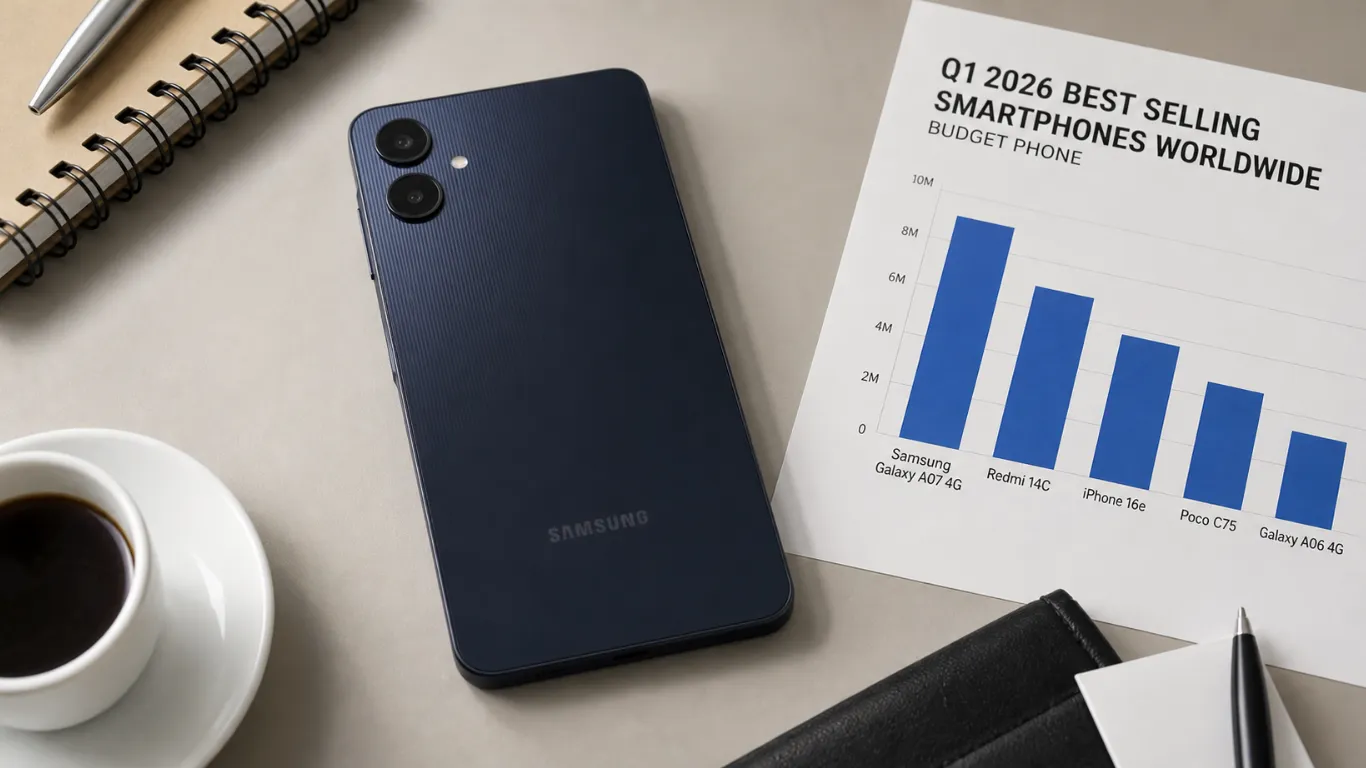
Android Security Bulletin June 2026 matters because it is not just a long list of bugs. Google flags one issue as already being used in targeted attacks, and that is the part you should take seriously.
Most people do not need to read CVE tables. You just need to check your patch level, update if you can, and avoid risky installs while you wait.
What the June 2026 Bulletin Says in Plain English
Google’s official Android Security Bulletin confirmed the most severe issues include a Framework vulnerability that could allow remote elevation of privilege with no user interaction needed, under certain conditions.
Google also confirmed CVE-2025-48595 may be under limited targeted exploitation. That means it is not a mass outbreak, but it is real enough that Google called it out explicitly.
For the full breakdown of what this zero-day means for your phone, see our Android June 2026 security update article which covers the technical details in plain language.
June 1 Patch Level vs June 5 Patch Level
Android bulletins often have two patch levels. Google explains this is to let phone makers ship the first set of fixes faster, then ship the full set after that.
| Patch level on your phone | What it means |
|---|---|
| 2026-06-01 | You have the first set of June fixes |
| 2026-06-05 | You have the full June set, plus the first set |
Google says patch level 2026-06-05 or later addresses all issues in the June 2026 bulletin.
How to Check Your Patch Level in 60 Seconds
On most Android phones, do this:
- Open Settings
- Tap Security and privacy (or About phone)
- Find Android security patch level
- Confirm it shows June 2026
If you see a May date, you are still waiting. That is common, especially on midrange phones.
What to Do While You Wait for the Update
Google confirmed Play Protect helps reduce the chance of successful exploitation and is enabled by default on devices with Google Mobile Services.
Here is what to do until your phone updates:
- Only install apps from the Play Store
- Keep Play Protect on
- Avoid random APK downloads and “modded” apps
- Update your apps weekly
This is not paranoia. It is basic risk control until the patch lands.
Who Should Be Most Careful This Month
If you do any of the following, take this bulletin extra seriously:
- You install apps outside Google Play
- You use your phone for work accounts
- You travel often and use public Wi-Fi
- You keep sensitive files on your phone
Targeted attacks often focus on people with something worth stealing.
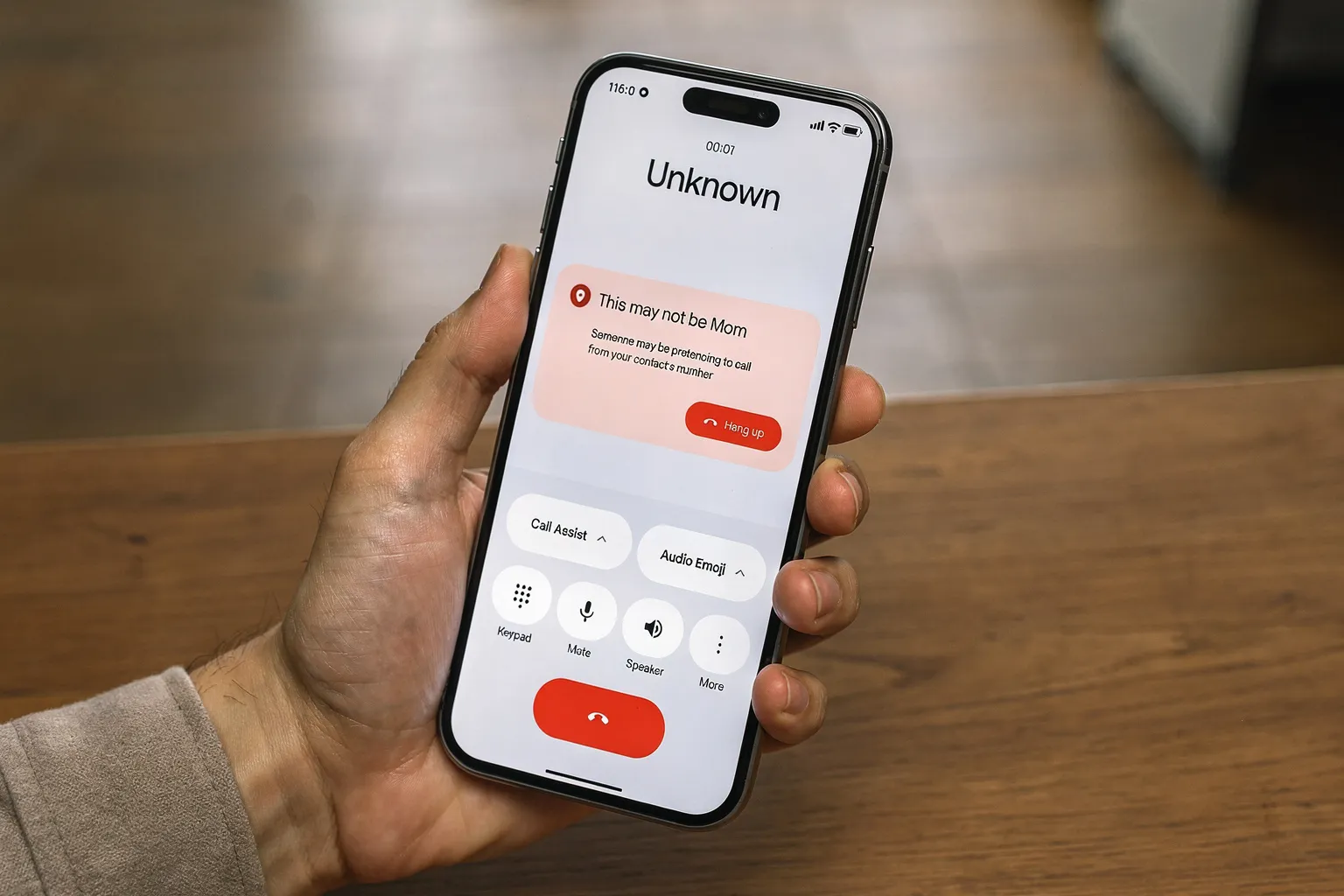
For broader Android security advice, our June 2026 Android Drop features guide also covers the new fake call detection feature rolling out this month — another tool worth enabling for protection.