

Quick Facts
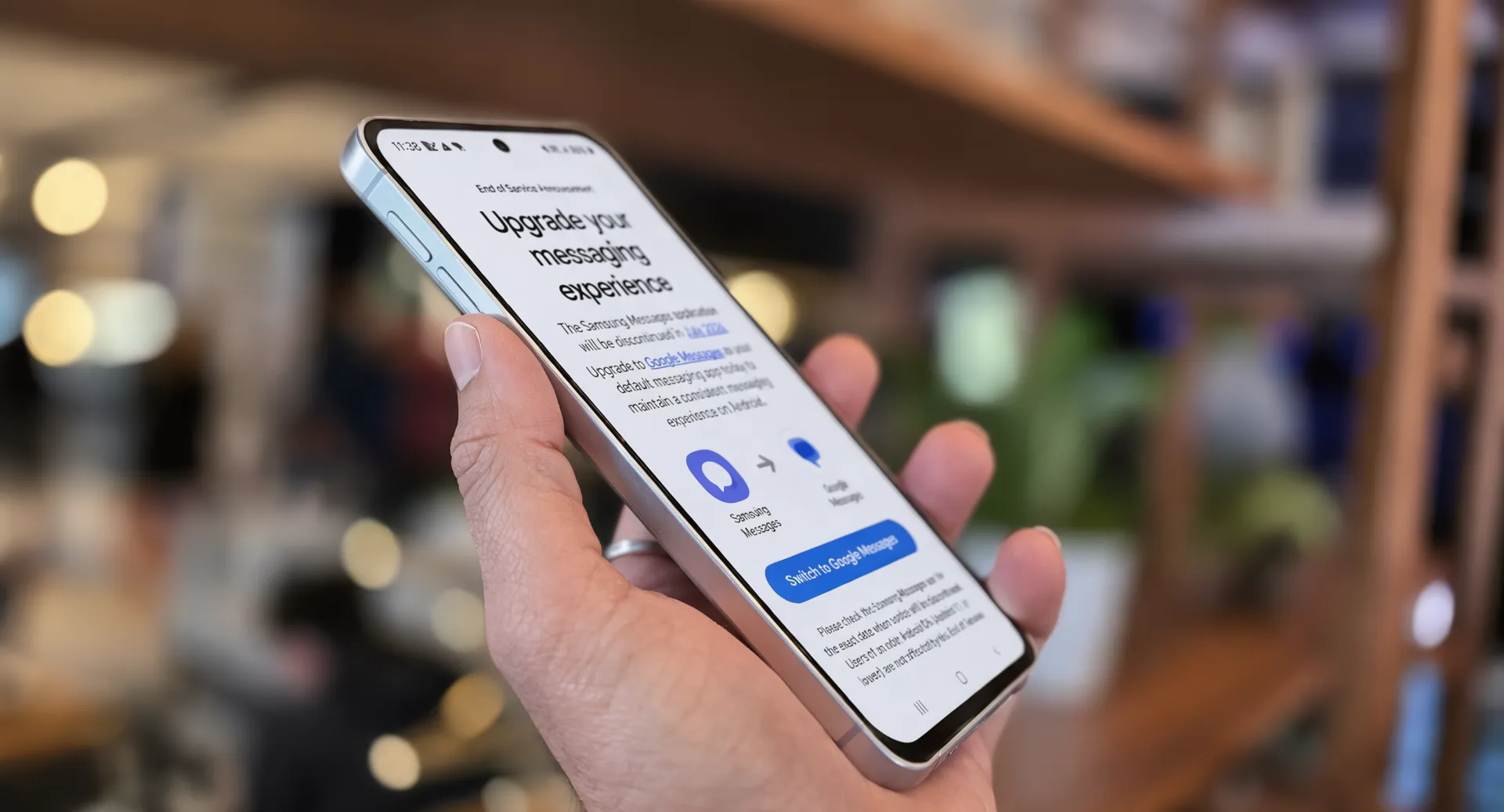
- What: Samsung Messages shut down today in the US
- Who is affected: Galaxy users running Android 12 or newer
- What to do: Switch to Google Messages right now
- Your old texts: They transfer automatically within 24 hours
- Galaxy Watches before Watch 4: Cannot use Google Messages — texting on wrist stops
If you woke up today and your Galaxy phone cannot send a text, here is why. Today, Monday, July 6, Samsung Messages officially terminates standard service for Galaxy smartphone users across the United States.
If you have been repeatedly swiping away those annoying software warnings on your Galaxy smartphone over the last few months, your countdown has officially run out. This is not a glitch. Samsung is killing its own texting app. Your replacement is Google Messages, and this article shows you how to make the switch in 3 minutes flat.
What Just Happened
Android Headlines confirmed the shutdown — the Samsung Messages application is discontinued in July 2026. This applies to the US market only. Users of an older Android OS (Android 11 or lower) are not affected by this End of Service.
So if your Galaxy phone runs Android 12 or newer, Samsung Messages stopped working today. You can still call 911 from the app, but regular texting, group chats, and picture messages no longer go through.
Moving forward, Google Messages serves as the official default messaging alternative for all existing and upcoming US mobile hardware.
How to Switch to Google Messages Right Now
This takes about 3 minutes. Here is exactly what to do.
Step 1: Open the Play Store on your Galaxy phone. Search for Google Messages. If it is already installed, make sure it is updated to the latest version.
Step 2: Open Settings on your phone. Tap Apps. Look for Default apps or Choose default apps. Tap SMS app and select Google Messages.
Step 3: Open Google Messages. Samsung confirmed that all messages and conversations will automatically transfer between Samsung Messages and Google Messages, though the full transfer can take up to about 24 hours depending on the amount of data.
That is it. Your old texts will show up in Google Messages within a few hours. If some conversations look empty right after switching, wait — they need time to transfer.
This is the kind of simple switch covered in the Android tips already on Pixel Reviews. Same principle: a 3-minute setup that makes your phone work better.
What You Lose in the Switch
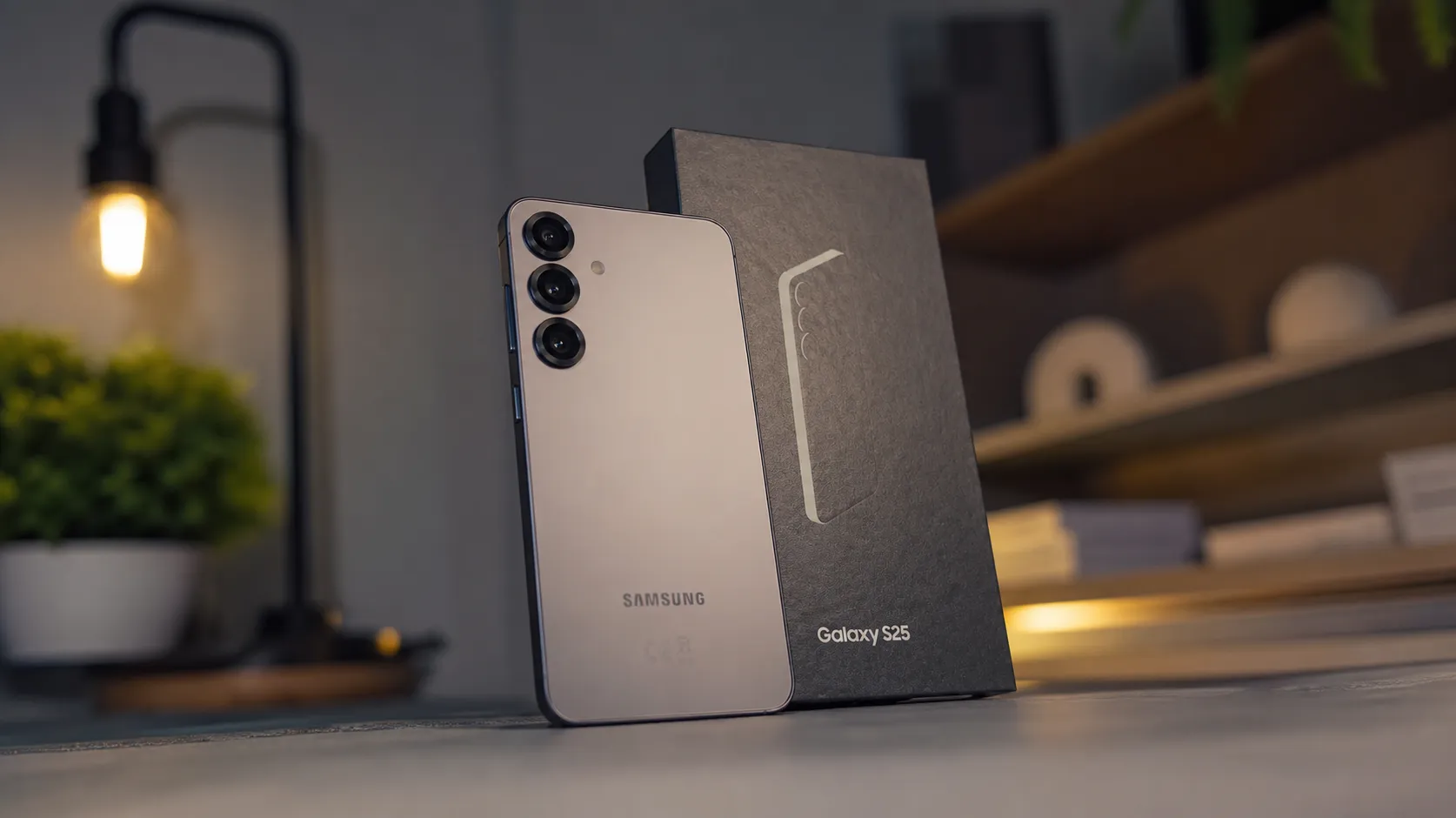
The switch is not perfect. Here are the real things you lose.
Gadget Hacks confirmed Samsung Messages supported chat folders and automatic deletion of old threads. Google Messages has neither. If you organised your texts into folders, that system is gone.
The biggest downside for long-term users is the loss of deep UI customisation. Samsung’s app allowed users to set unique photo backgrounds and adjust text bubble opacities for individual conversations. Google recently rolled out a custom chat themes option to mitigate this issue. It is not as flexible as Samsung’s version, but it is a step in the right direction.
One more thing. Gadget Hacks confirmed that Tizen-based Galaxy Watches released before the Galaxy Watch 4 cannot run Google Messages. If you have an old Galaxy Watch, you lose texting on your wrist.
What You Gain
The switch is not all bad. Google Messages fixes the one problem Samsung could never solve.
Samsung Messages depended on individual carriers to host and maintain the RCS servers that power modern messaging features. When a carrier lets its backend slip, the app silently falls back to standard SMS and MMS — no warning, no read receipts, no quality media. 9to5Google’s shutdown confirmation noted that consistent RCS means high-resolution photo and video sharing, typing indicators, read receipts, message reactions, and end-to-end encryption — features Samsung Messages could offer only when the carrier held up its end.
In simple English: your texts are now more reliable. Photos send in full quality. You get read receipts. Your messages are encrypted. Samsung Messages could only do these things sometimes, depending on your carrier. Google Messages does them all the time. This is the same encryption and reliability improvement that the June 2026 Android security update was pushing Galaxy devices toward.
Why Samsung Did This
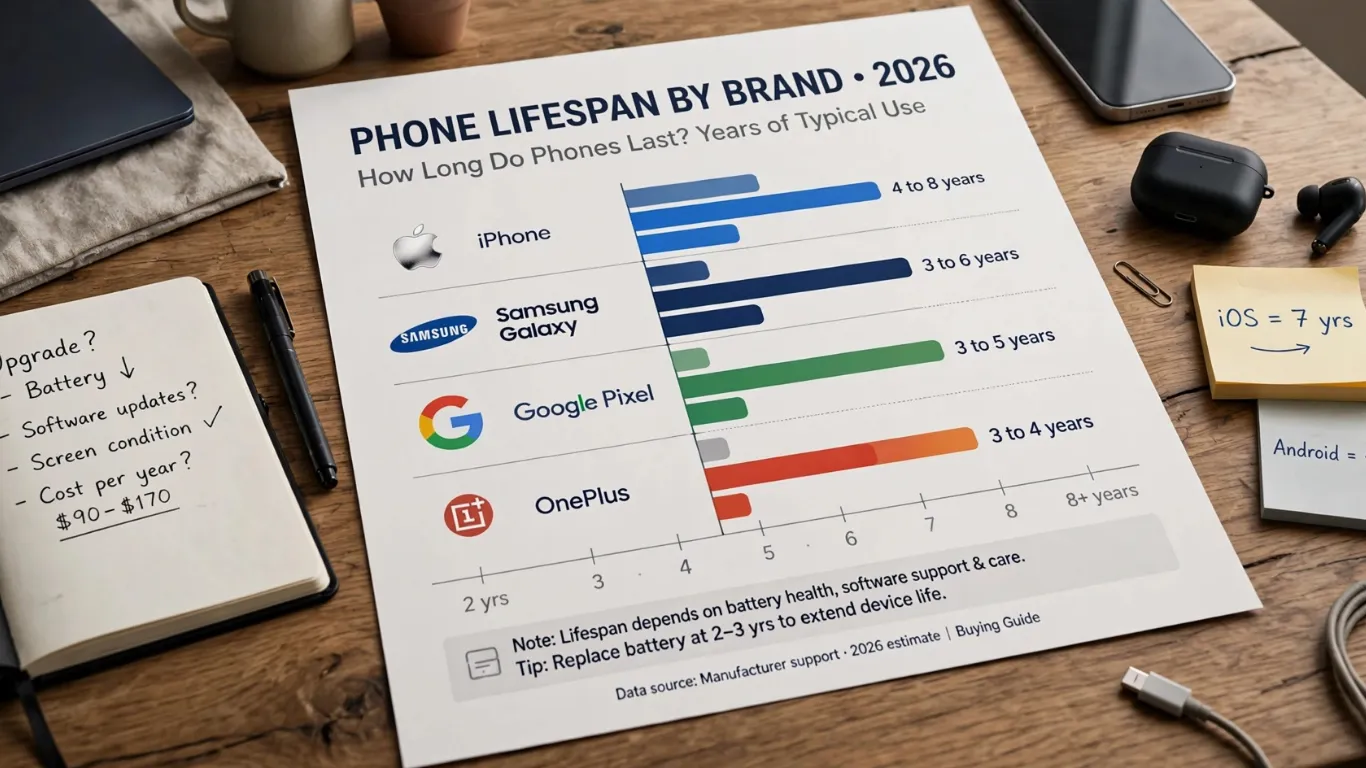
Samsung Messages has been the pre-installed SMS app on Galaxy phones for years, but the rise of RCS has slowly pushed the company away from its own app. Android Authority’s end-date report documented Samsung’s retreat clearly: first demoted from default status, then dropped from pre-installation on newer phones, then blocked entirely for Galaxy S26 users who tried to download it.
Samsung tried to make its own texting app work for a decade. It could not compete with Google’s infrastructure. Instead of keeping a broken app alive, Samsung made the right call and shut it down.
Pixel Reviews Verdict
Switch now. The 3-minute process is painless, your old texts transfer automatically, and Google Messages is genuinely better for RCS reliability. The only real losses — folder organisation and deep bubble customisation — are minor inconveniences, not reasons to delay.
This article will be updated if Samsung announces any changes to the shutdown timeline or if Google Messages adds the folder features Samsung users are missing.
FAQ — Samsung Messages Shut Down
My Galaxy phone cannot send texts today. What happened?
Today, Monday, July 6, marks the firm deadline for Samsung Messages in the United States. The tech giant is officially turning off the lights on its legacy texting platform, betting entirely on Google Messages. Switch to Google Messages through Settings → Apps → Default apps → SMS app.
Will I lose my old text messages?
No. Samsung says your conversations transfer automatically to Google Messages. The transfer can take up to 24 hours. Give it time before worrying.
Does this affect Galaxy phones outside the US?
The shutdown applies exclusively to the United States market. Samsung has explicitly stated that it has no current plans to retire its texting application globally.
My Galaxy Watch is old. Can it still use texting?
Tizen-based Galaxy Watches released before the Galaxy Watch 4 cannot run Google Messages. If you have one of these older watches, you will lose the ability to send texts from your wrist.
