
Quick Summary
- Feature name: Fake Scam Call Detection
- What it does: Warns you if a scammer is pretending to call from a contact’s number
- Setup required: None — turns on automatically if requirements are met
- Requirements: Android 12+, Phone by Google app, Google Messages with RCS active
- Available now: Rolling out to all compatible Android phones in June 2026
Android fake scam call detection is now rolling out to all compatible phones — and if you have ever picked up a call from what looked like your bank or a friend only to find a scammer on the other end, this feature is for you.
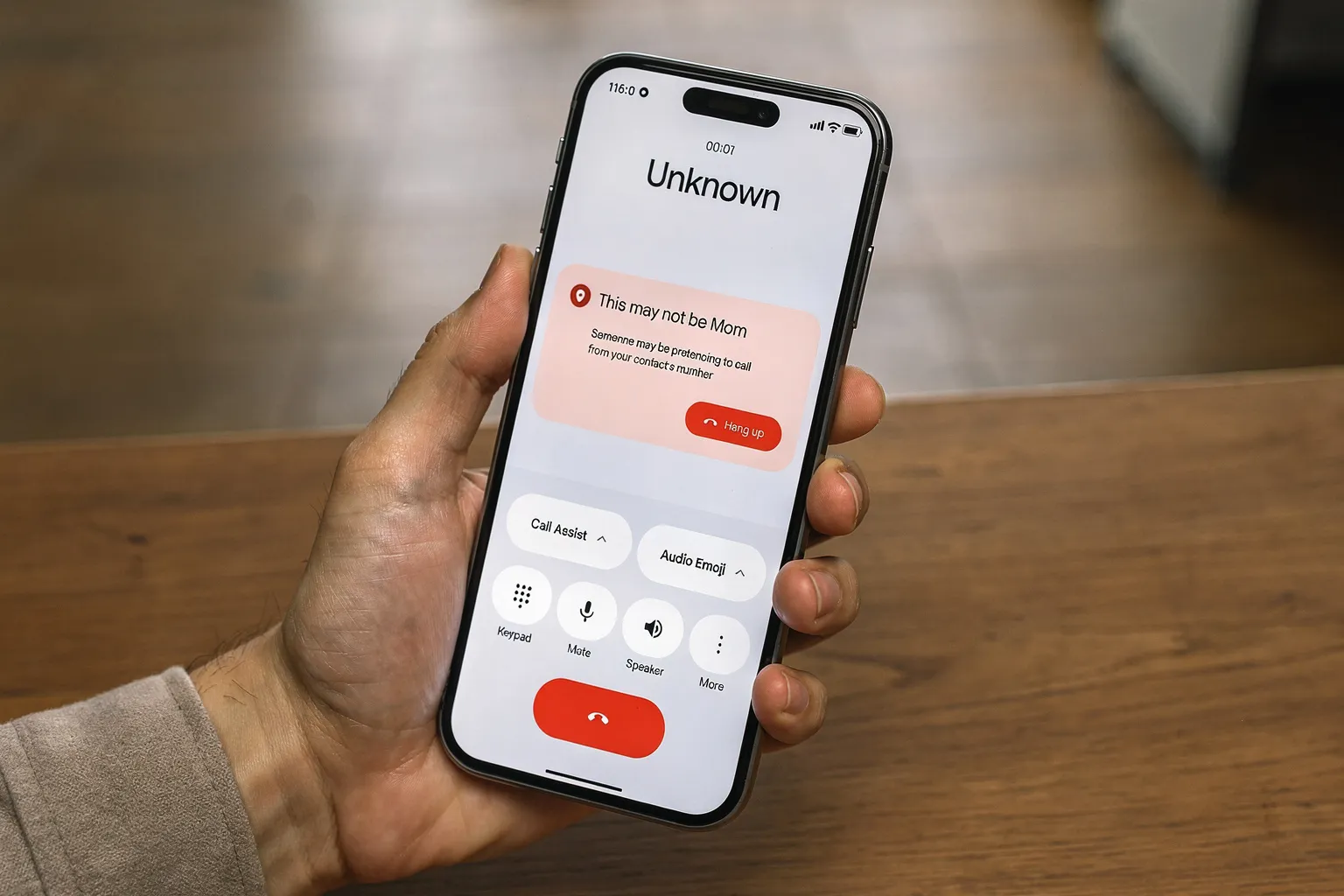
Google’s official Android Drop announcement confirmed it: Phone by Google can now verify if a call is actually coming from your contact’s device. If a scammer pretends to call from a number you trust, you receive a warning so you can end the call fast.
This is the same feature we highlighted in our June 2026 Android Drop features article — but this guide goes deeper on exactly how to get it working on your phone.
How Fake Call Detection Actually Works
Most scam calls that fool people work by spoofing a real phone number. The scammer’s call looks like it is coming from your bank or your doctor — but the call is actually coming from a completely different device.
Android Authority confirmed the Phone by Google app uses encrypted RCS to warn you if a scammer is spoofing a trusted contact’s number.
Here is the simple version:
- You get an incoming call that appears to be from someone in your contacts
- Phone by Google checks if the call is actually coming from that person’s device using an encrypted RCS handshake
- If the number checks out, the call comes through normally
- If the number does not match the actual device, you see a warning on your screen before you answer
This all happens in under a second and runs completely in the background.
Does Your Phone Have It? Check in 4 Steps
- Step 1: Open the Phone by Google app on your Android phone
- Step 2: Tap the three-dot menu in the top right corner
- Step 3: Go to Settings
- Step 4: Look for Caller ID and spam or Call verification — if fake call detection is listed, it is either already active or can be turned on here
If you do not see the option yet, your phone may not have received the update. Keep your Phone by Google app updated through the Play Store and check again in a few days.
Requirements: Does Your Phone Qualify?
| Requirement | What You Need |
|---|---|
| Android version | Android 12 or above |
| Phone app | Phone by Google (latest version) |
| Messaging app | Google Messages with RCS enabled |
| Contacts app | Google Contacts |
| Network | RCS must be active on your carrier |
Both you and the person calling need RCS active for the verification to work. If they call from a regular SMS number without RCS, the feature cannot verify the call — and will not display a warning either way.
How to Turn On RCS in Google Messages
- Step 1: Open Google Messages
- Step 2: Tap your profile picture in the top right
- Step 3: Tap Messages settings
- Step 4: Tap RCS chats
- Step 5: Make sure the toggle for Turn on RCS chats is switched on
If RCS is already on, you will see a green status. If your carrier does not support RCS, contact your carrier to ask when it will be available.
What Fake Call Detection Does Not Cover
This feature has real limitations worth knowing before you rely on it.
It only works when both sides are on RCS. Regular phone calls, SMS-based calls, and calls from numbers not saved in your contacts cannot be verified. It also does not block the call — it shows you a warning and lets you decide. The final choice is always yours.
Which Android Phones Get This First
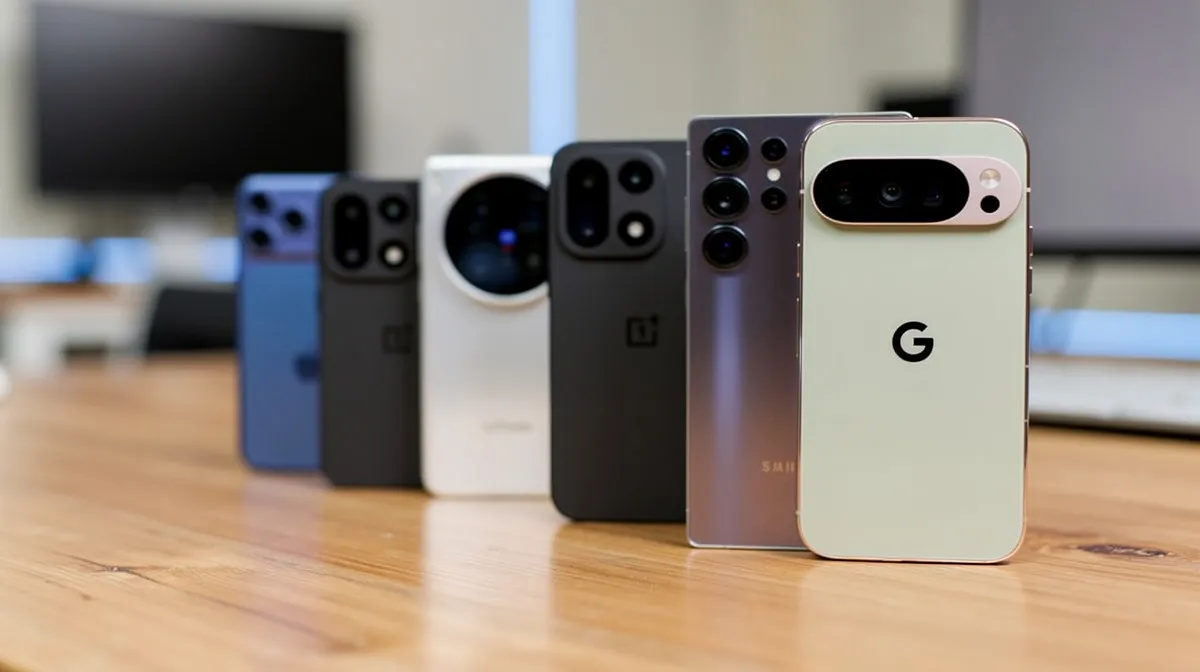
9to5Google’s June 2026 system updates report confirmed Google Pixel phones receive this first. Samsung Galaxy phones with Phone by Google installed will follow as the update rolls out through June. Motorola, OnePlus, and Xiaomi will get it when they update their Phone by Google app version.
For the security update context alongside this feature, see our Android June 2026 security update article covering the critical zero-day patch released this week.