
Quick Summary
- What: Samsung One UI 9 Beta (based on Android 17) is now live for Galaxy S25, S25+, S25 Ultra, S25 FE, Z Fold 7, and Z Flip 7
- When it started: September 1, 2026
- Countries live right now: India, South Korea, United Kingdom, United States
- How to join: Samsung Members app > Beta Programs > One UI 9 Beta
- Download size: Approximately 3.86 GB
- Security patch included: August 2026
- When stable arrives: Mid-to-late September 2026 for the Galaxy S26, followed quickly by the S25 series
- Should you install it? Read the risks section first
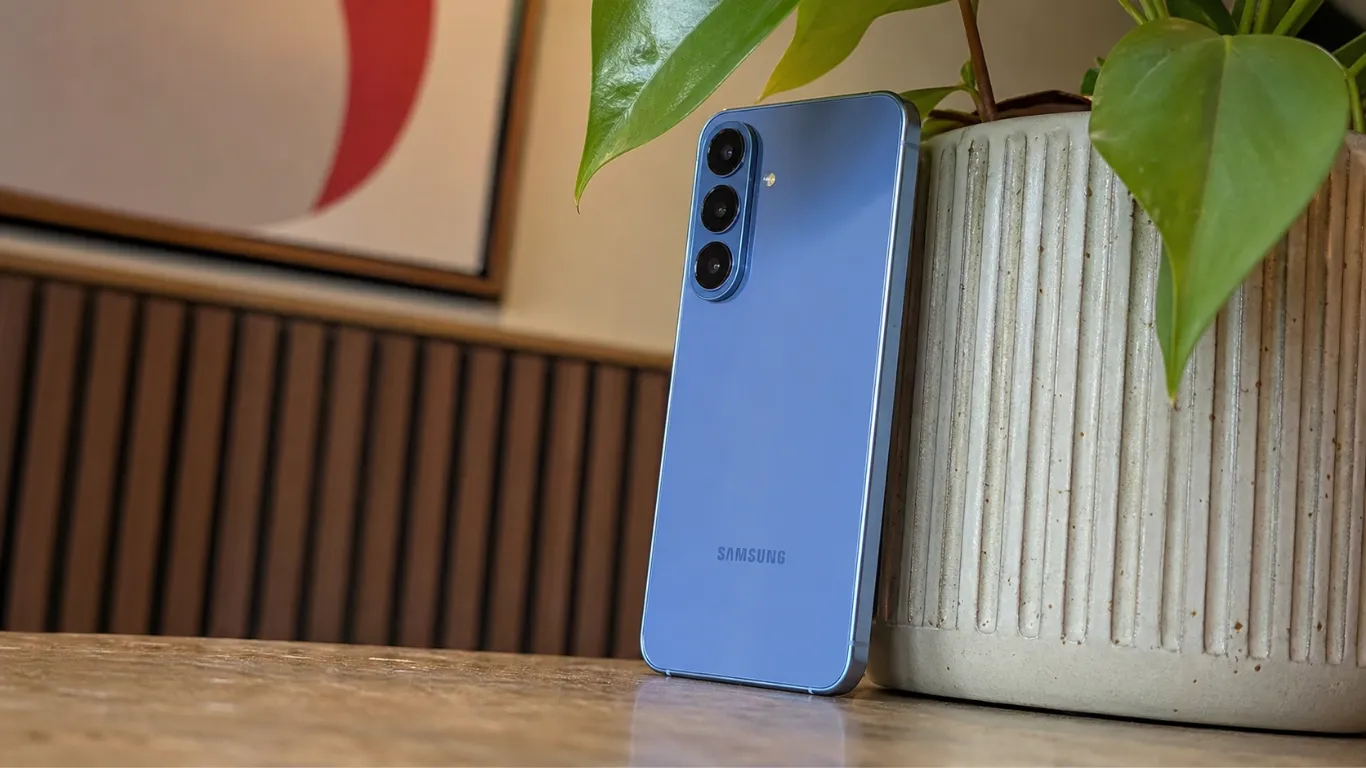
Samsung has officially expanded its Android 17 beta testing initiative beyond the Galaxy S26 lineup, rolling out the first One UI 9 Beta build to the Galaxy S25 series. If you own a Galaxy S25, S25+, S25 Ultra, or S25 FE, Android 17 is now available to test today — weeks ahead of the stable release.
One UI 9, based on Android 17, is live out of the box on the Galaxy Z Fold 8 series and the Flip 8, but it is yet to roll out to the broader Galaxy ecosystem. The beta expansion to the S25 series is Samsung’s signal that the stable rollout is not far away. For context on what the One UI 9 beta already looks like on the Galaxy S26, our earlier coverage has the full feature breakdown.
Which Devices Are Getting One UI 9 Beta Right Now
Samsung has confirmed that the One UI 9 beta is now expanding to the company’s 2025 flagship lineups, including: Galaxy S25, Galaxy S25+, Galaxy S25 Ultra, Galaxy S25 FE, Galaxy Z Fold 7, and Galaxy Z Flip 7.
The initial testing rollout is currently active in South Korea, the United Kingdom, and India, with expansions planned for the United States, Germany, and Poland. The Galaxy S25 Edge is notably absent from the rollout so far, and it is unclear if or when it will join. Samsung has not explained why the Edge model is excluded from this beta wave. Pixel Reviews will update this article when that changes.
Here is the full device and region status:
| Device | Beta Status | Countries Available |
|---|---|---|
| Galaxy S25 | ✅ Live | India, South Korea, UK, US |
| Galaxy S25+ | ✅ Live | India, South Korea, UK, US |
| Galaxy S25 Ultra | ✅ Live | India, South Korea, UK, US |
| Galaxy S25 FE | ✅ Live | India, South Korea, UK, US |
| Galaxy Z Fold 7 | ✅ Live | India, South Korea, UK, US |
| Galaxy Z Flip 7 | ✅ Live | India, South Korea, UK, US |
| Galaxy S25 Edge | ❌ Not yet included | Unknown |
| Galaxy S26 series | ✅ Stable coming soon | All markets |
| Galaxy S24 series | ⏳ Beta coming later | Not yet announced |
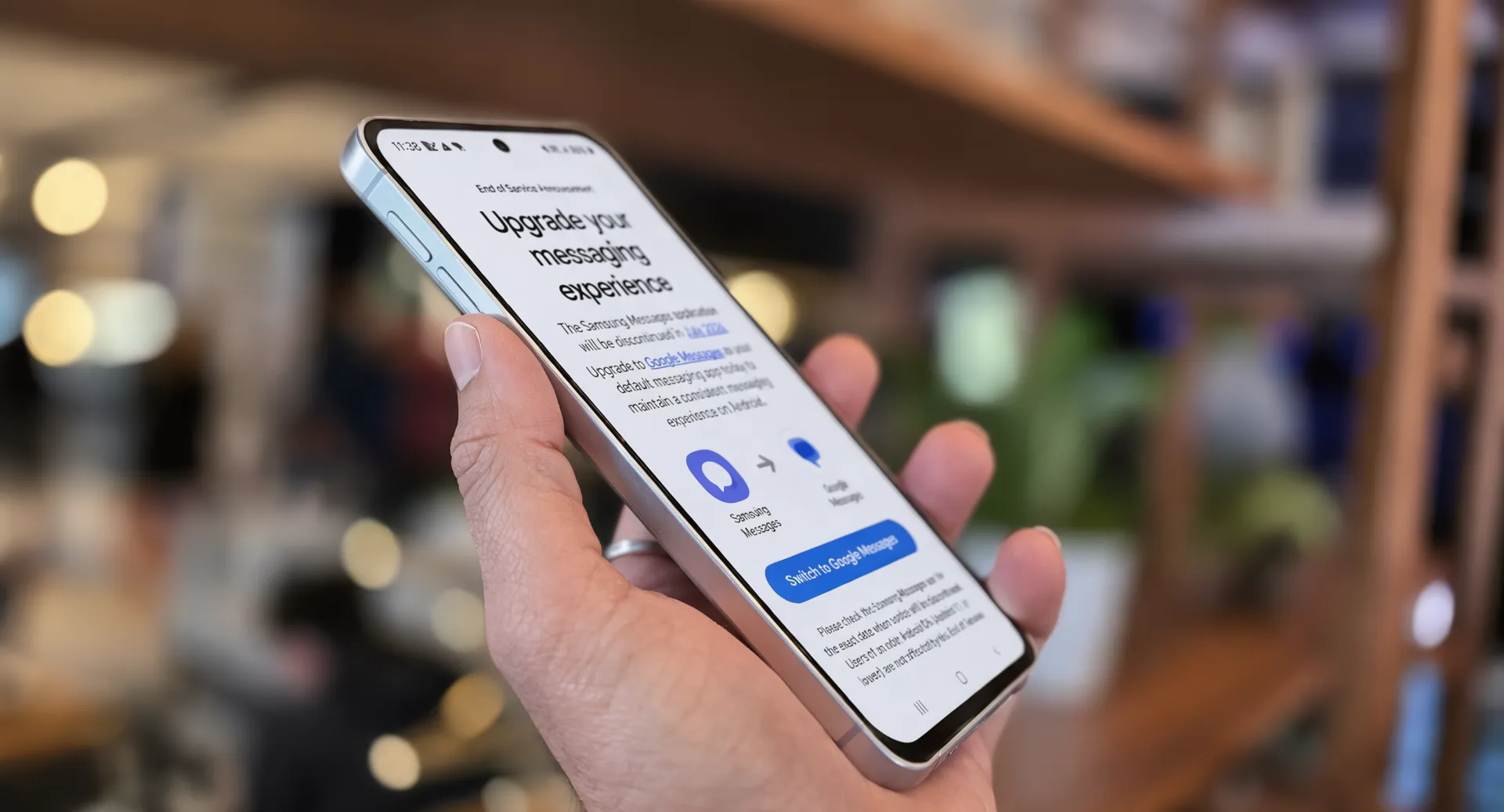
How to Download One UI 9 Beta on Your Galaxy S25 Right Now
Follow these exact steps. The process takes about 10 minutes plus download and installation time.
Step 1 — Check your eligibility. Open Settings > Software update on your Galaxy S25. If your phone is running the latest stable build, you are eligible to join the beta. Confirm your country is one of the four live markets: India, South Korea, UK, or US.
Step 2 — Open Samsung Members. You can sign up for the beta program via the Samsung Members app. Once enrolled, you can download the first beta update from the phone’s Settings > Software update menu.
Step 3 — Find the Beta Programs section. Inside Samsung Members, tap the menu icon in the top right. Look for Beta Programs or One UI Beta. The One UI 9 Beta for your device should appear as an available program. Tap to enroll.
Step 4 — Download and install. After enrolling, go back to Settings > Software update > Download and install. The beta update will appear. The update weighs approximately 3.86 GB depending on the specific handset and packages the August 2026 security patch. Connect to Wi-Fi before downloading.
Step 5 — Back up your data first. This is the step most people skip and regret. Beta builds can have bugs that cause data loss in rare cases. Go to Settings > Accounts and backup > Back up data before installing.
What Is Actually New in One UI 9 — Android 17 for Galaxy S25
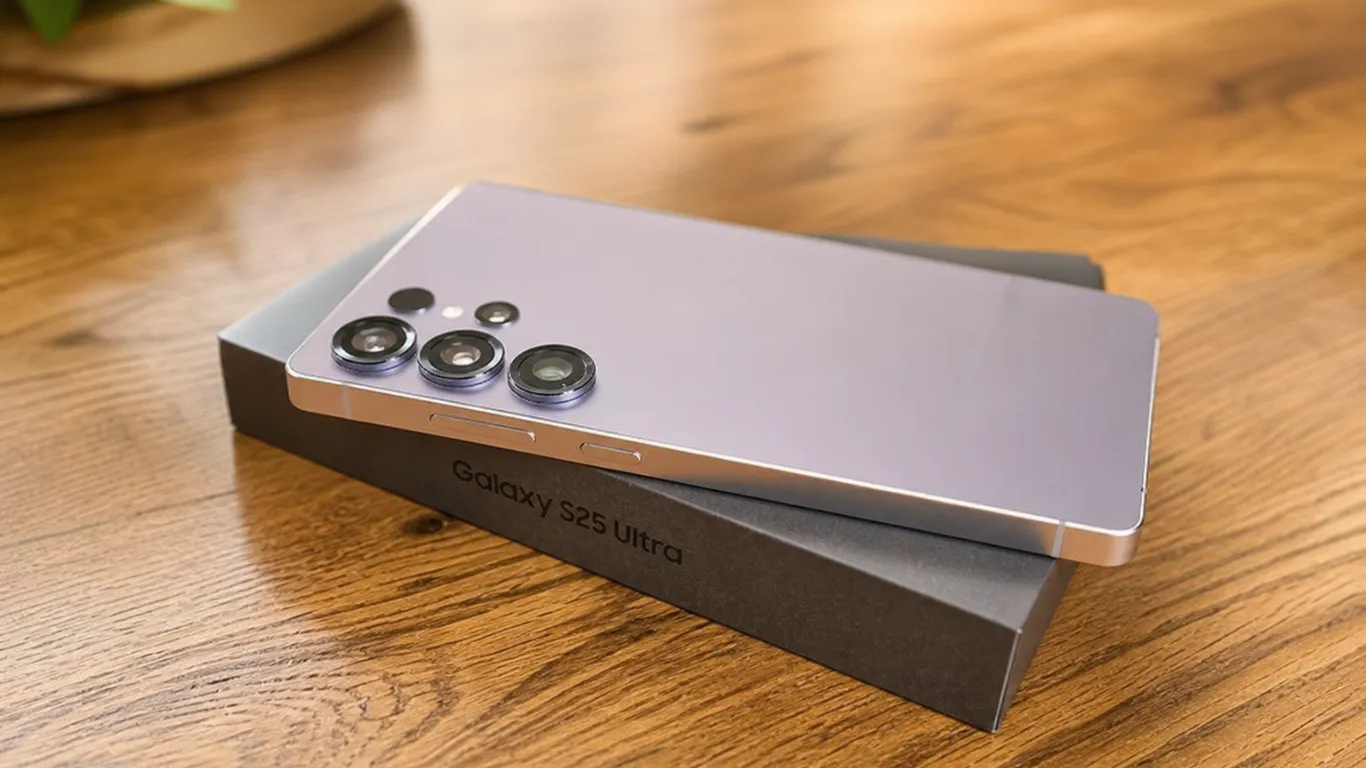
Built on top of Android 17, One UI 9 brings a thoughtful mix of creative tools, deeper customization, meaningful accessibility upgrades, and tightened security. One UI 9 is particularly significant because it is built on Android 17, Google’s Material 3 Expressive Redesign with Gemini Intelligence.
Here is what actually changes for Galaxy S25 users in practical terms:
Galaxy AI gains more customization options. Users can expect more flexible multitasking controls, including new UI density options and improved floating pop-up windows. Samsung is also refining the Quick Panel, while Galaxy AI gains additional customization options. Many of these AI features were first introduced in the One UI 8.5 update earlier this year and are now being expanded.
Cross-platform file sharing improves. One of the more interesting additions is an expanded Quick Share experience that enables direct two-way sharing with compatible AirDrop-enabled devices, potentially making file transfers between Galaxy phones and Apple devices easier.
Gemini Intelligence integration. The Gemini Intelligence features will come to Galaxy S25, S25 Plus, S25 Ultra, and possibly S25 FE devices. This brings the on-device AI experience of the Galaxy Z Fold 8 to the entire S25 lineup, including deeper integration with Google’s Gemini assistant that replaced Google Assistant on September 4.
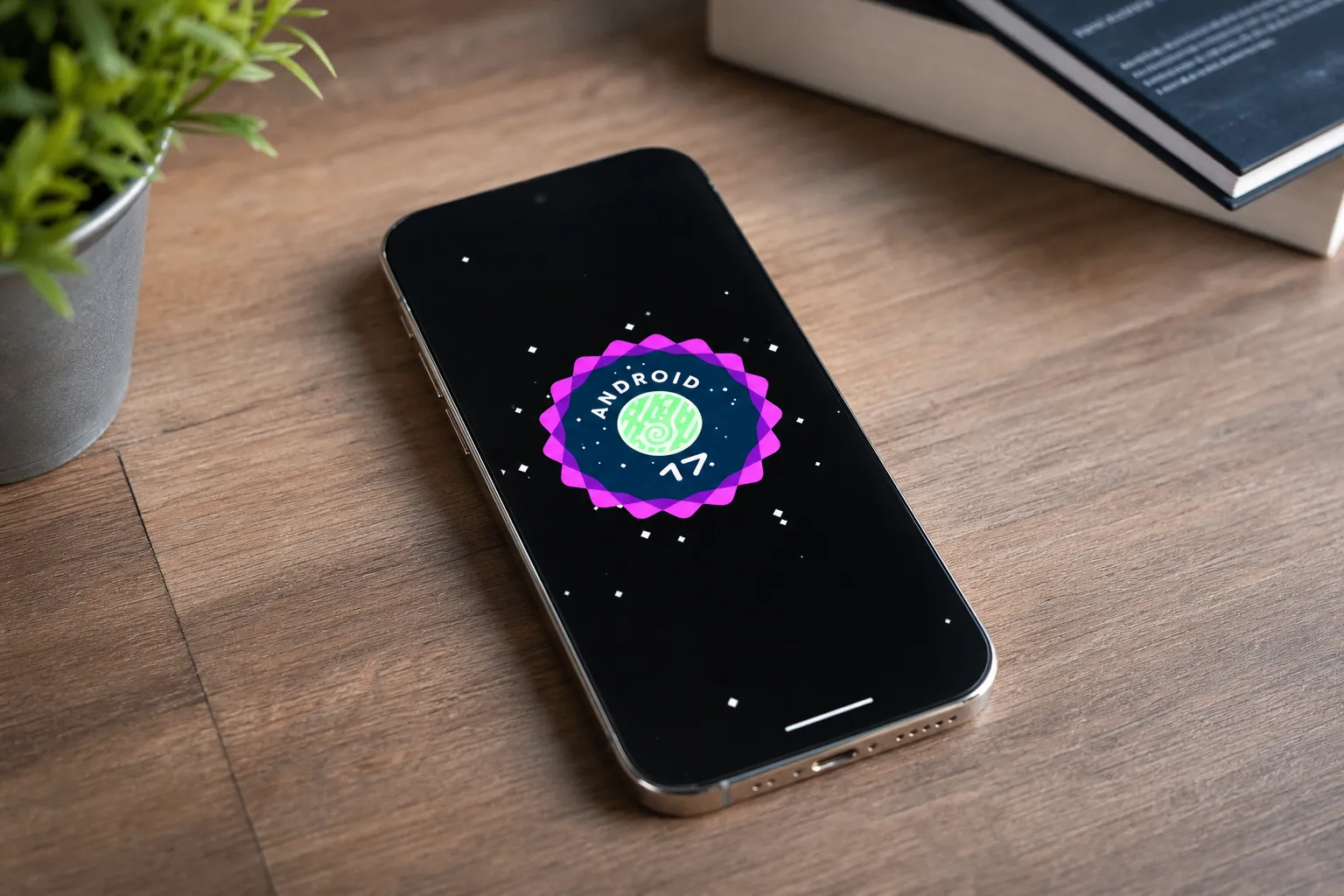
What One UI 9 Does NOT Bring to Galaxy S25 That You Might Expect
One correction to how this story has been covered elsewhere: if you own a Galaxy S25, Z Fold 7, or Z Flip 7, bidirectional AirDrop sharing with iPhones and Macs is not new with One UI 9. It arrived on your device with One UI 8.5 in May 2026, built directly into the Quick Share framework using Apple’s AWDL protocol.
If you have been holding off on updating because you were waiting for cross-device AirDrop — you already have it. Check Settings > Connected devices > Quick Share to confirm.
Should You Install the One UI 9 Beta Right Now
Here is the honest breakdown. Beta builds are not stable software. Installing them means accepting that some things may not work correctly until Samsung releases a fix.
You may have to deal with glitches, UI errors, battery drain, and overheating. Samsung’s own documentation acknowledges these risks for every beta program.
Install the beta if: You are technically comfortable with troubleshooting. You want early access to Android 17’s features. You have a backup of your data. Your Galaxy S25 is not your only device if something goes wrong.
Wait for the stable release if: You use your Galaxy S25 for work. You rely on specific banking or security apps that may flag beta builds. You do not want to deal with unexpected restarts or app crashes during the month.
The stable release is not far away. Based on Samsung’s historical pattern, the stable One UI 9 for Galaxy S25 should arrive in mid-to-late September 2026. For a full assessment of the hardware this software runs on, our Samsung Galaxy S25 review covers the device in detail.
When Will Stable One UI 9 Arrive for Galaxy S25
Android 17 is basically ready from Samsung, and the Galaxy S26 series will likely see a stable release at any moment. If we look back at last year, the Galaxy S25 series received Android 16 in mid-September, and then Samsung continued that push to the Galaxy S24 series and Galaxy Z Fold 6 before the end of the month. Following that same pattern, Galaxy S25 owners should expect stable One UI 9 notifications in mid-to-late September 2026.
Samsung’s community forum post on September 1 indicated the stable Galaxy S26 release was “coming soon.” Once the S26 stable build goes live, the S25 stable release typically follows within two to three weeks.
What About Galaxy S24 and Older Phones
Samsung just launched the Android 17-based One UI 9 Beta Program for the Galaxy S24, S24+, and S24 Ultra in the US. The S24 series beta appears to be rolling out in parallel with the S25 beta in some markets.
The Galaxy S23 series and older phones will receive One UI 9 as well, though Samsung has not confirmed a specific timeline for those devices. Based on prior Samsung update cycles, the S23 series should see One UI 9 by November or December 2026.
If you own a Galaxy S22 or older, your phone is not eligible for One UI 9. The S22 series reached its final major Android update with One UI 8.
Pixel Reviews Verdict
Install the One UI 9 beta only if you have a backup and a secondary device. The features are genuinely good — especially the expanded Gemini Intelligence and Quick Share improvements — but beta instability is real. Most Galaxy S25 owners should wait the two to three weeks for the stable release.
FAQ — Samsung One UI 9 Beta Galaxy S25
How do I get One UI 9 beta on my Galaxy S25?
Open the Samsung Members app, find Beta Programs, enroll in the One UI 9 Beta for your device, then go to Settings > Software update > Download and install. The download is approximately 3.86 GB. Available now in India, South Korea, UK, and US.
When will One UI 9 stable release for Galaxy S25?
Based on Samsung’s historical update pattern, mid-to-late September 2026 is the most likely window. The Galaxy S26 stable release is expected any day now, with the S25 series following within two to three weeks.
Is One UI 9 the same as Android 17?
Yes. One UI 9 is Android 17, which is already on the Galaxy Z Fold 8 and Galaxy Z Fold 8 Ultra. Samsung’s One UI is built on top of Google’s Android, so One UI 9 and Android 17 refer to the same underlying update.
Will the Galaxy S25 Edge get One UI 9 beta?
Not yet. The Galaxy S25 Edge is notably absent from the rollout so far, and it is unclear if or when it will join. Pixel Reviews will update this article when Samsung clarifies the Edge’s beta status.