
Quick Verdict & Overview
- What: Google released its latest ecosystem update delivering five notable consumer enhancements.
- Key Additions: Gemini Find Hub Memory, Motion Assist, Gemini Live Guided Vision, Google Keep in Messages, and Custom Chat Themes.
- Deployment Method: Delivered through Google Play system updates and core app refreshes.
- OS Compatibility: Select features require Android 17, while others extend back across older Android versions.
- Cost: Completely free on all supported Android hardware.
Google has officially rolled out its September 2026 Android Drop, bringing five valuable software additions directly to everyday smartphones. These quarterly feature drops deliver meaningful utility enhancements without requiring an entire operating system overhaul.
This release builds upon the foundation established in previous Android feature drop updates, expanding practical AI integrations and passenger comfort tools. The September 2026 Android feature drop provides immediate quality-of-life improvements across messaging, accessibility, and personal organization.
Here is a practical breakdown of all five features, how they work in day-to-day use, and how to enable them on your phone right now.
1. Gemini Find Hub: AI That Remembers Where You Put Items
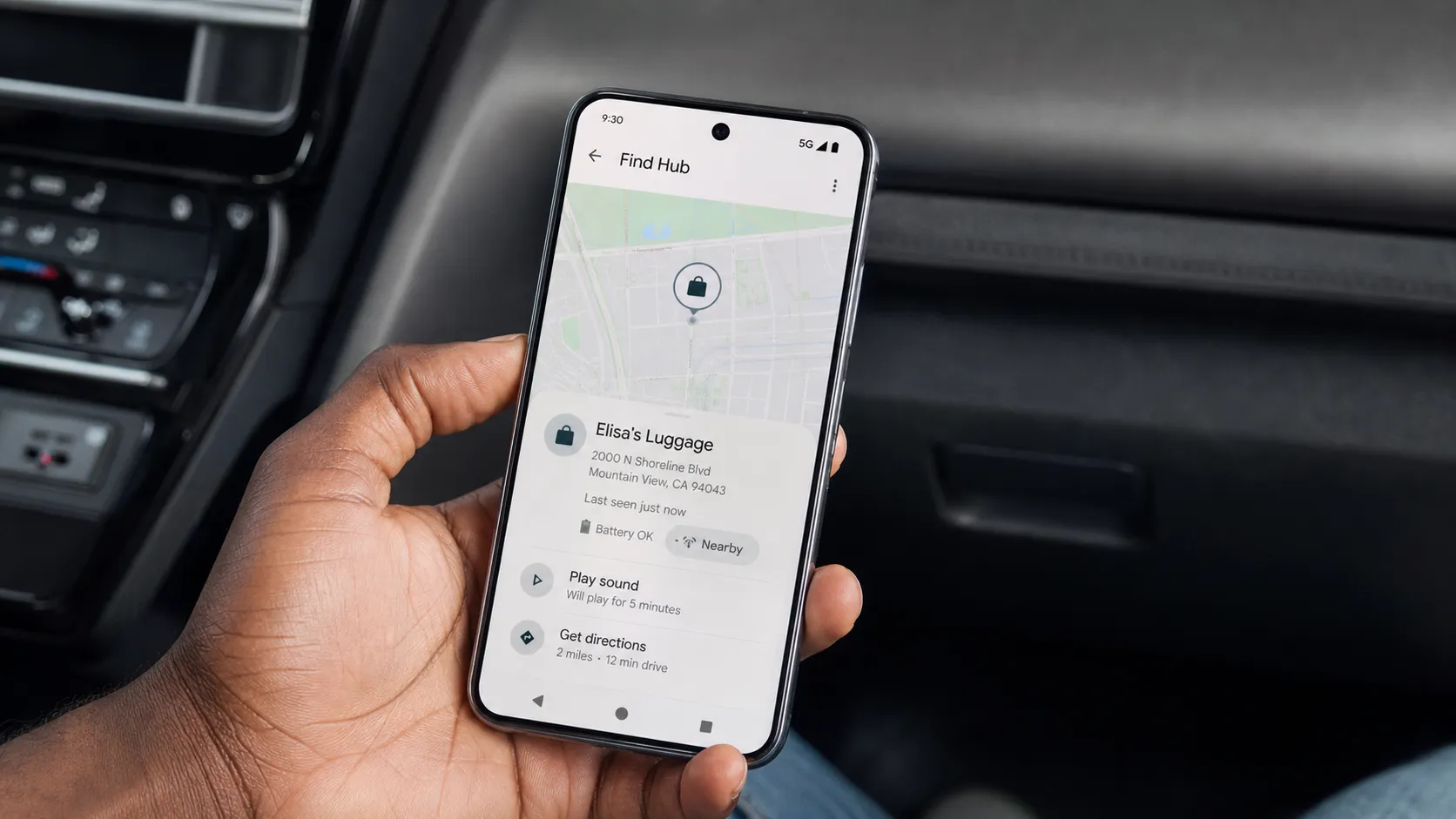
The most practical addition in this release lets you use Gemini to remember the physical locations of misplaced daily essentials. Available for devices running Android 16 and higher, you can speak or type a quick reminder such as, “Remember in Find Hub that I put my spare keys in the hallway cabinet.”
You can also attach a quick reference photo so you have visual confirmation when searching later. All logged items sync directly into a dedicated Remembered tab inside the updated Find Hub application.
This feature functions as an intelligent memory assistant for un-trackable objects rather than a real-time GPS beacon. If you move an item without updating the log, Gemini will only recall the last recorded location.
2. Motion Assist: Reducing Vehicle Motion Sickness on Android 17
Designed specifically for vehicle passengers, Motion Assist helps eliminate screen-induced motion sickness when reading or watching media on the go. The system displays subtle, customizable visual bubbles along the screen edges that dynamically shift in response to vehicle acceleration and turns.
Providing visual peripheral cues that sync with inner-ear balance sensors significantly reduces vestibular conflict. The feature activates automatically upon detecting vehicle movement or via a dedicated Quick Settings tile.
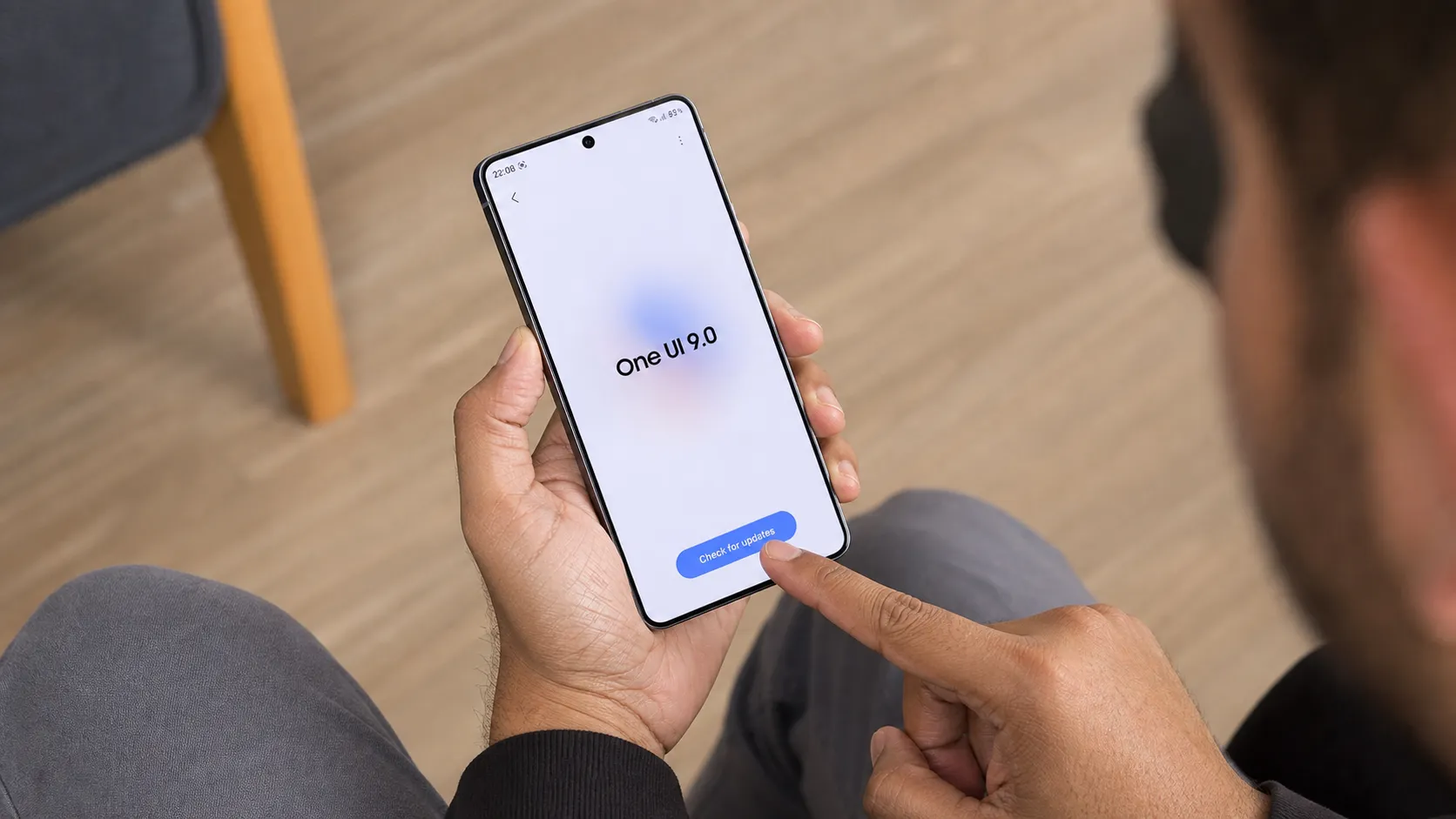
Motion Assist requires Android 17 to function. If you are currently updating your device to One UI 9 on Galaxy hardware, Motion Assist will be accessible in your accessibility and Digital Wellbeing menus.
3. Gemini Live Guided Vision: Audio Descriptions for Daily Objects
Building out accessibility tools, Guided Vision allows Gemini Live to analyze real-time video feeds and describe surroundings out loud. Pointing your camera at complex objects, unfamiliar appliances, or small documents triggers spoken descriptions to assist visually impaired users.
The utility extends all the way back to devices running Android 9 or newer, ensuring broad accessibility across legacy hardware. It is particularly handy for parsing fine-print packaging in low-light environments.
Google notes that Guided Vision is an assistive visual interpreter rather than a certified medical or legal scanner. Critical data like prescription dosages should always be verified directly.
4. Interactive Google Keep Notes Directly Inside Messages
Collaborative note-taking is now embedded straight into Google Messages via RCS chat threads. Tapping the attachment icon inside any conversation lets you share active Google Keep checklists and notes with friends and family.
Rather than pasting static text that quickly becomes outdated, shared Keep lists update dynamically in real time for everyone in the chat. This makes managing grocery lists, travel itineraries, and project tasks effortless without juggling separate apps.
This integration works across most modern Android versions, provided both participants have the latest Google Messages and Google Keep apps installed.
5. Custom Chat Themes and Colors for Google Messages
Google Messages now includes expanded visual personalization through custom Chat Themes. Users can assign distinct color palettes, conversation bubbles, and background contrasts to individual contacts and group threads.
Setting unique aesthetics for specific threads makes distinguishing between work chats, family groups, and friends much faster at a glance. As detailed by 9to5Google, the feature integrates smoothly with your active system theme palette.
To apply a custom theme, open any conversation thread, tap the overflow menu (three dots) > Details > Chat theme, and select your preferred visual style.
Device Compatibility and Rollout Breakdown
Not every feature lands on every Android version simultaneously. Here is the exact compatibility breakdown for this month’s release:
| Feature | Minimum OS Requirement | Distribution Method |
|---|---|---|
| Gemini Find Hub Memory | Android 16+ | Find Hub & Gemini App Updates |
| Motion Assist Overlay | Android 17+ | Core System / Digital Wellbeing |
| Gemini Live Guided Vision | Android 9+ | Gemini App Update |
| Google Keep in Messages | Most Active Android Versions | Google Messages & Keep Updates |
| Custom Chat Themes | Most Active Android Versions | Google Messages App Update |
Rollout schedules confirmed via Droid-Life and Gizmochina.
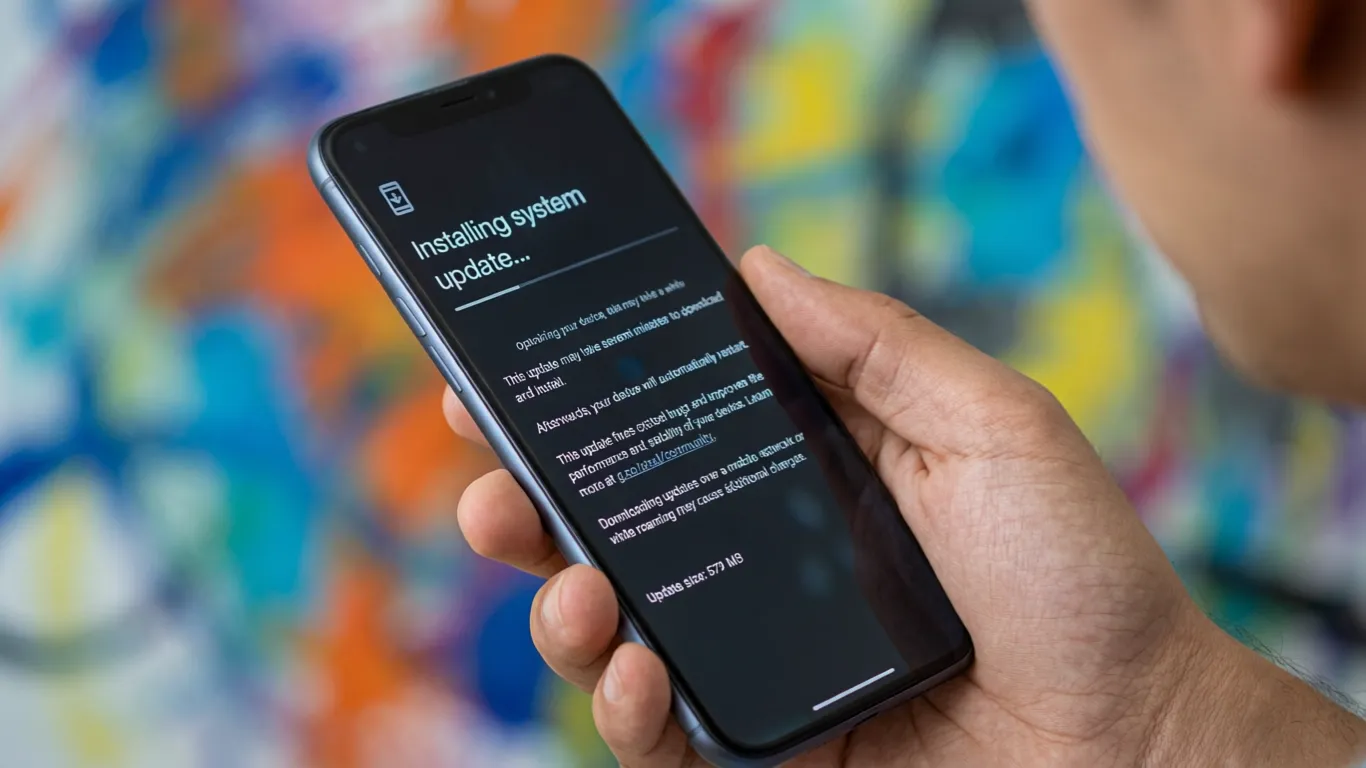
To ensure your phone has access to every supported tool, open the Google Play Store, check for pending updates across your Google application suite, and install any available system patches.
Pixel Reviews Verdict
The September Android Drop delivers practical tools rather than empty AI gimmicks. Gemini Find Hub and interactive Keep lists solve genuine everyday frustrations, making this one of Google’s best mid-year software drops.
Frequently Asked Questions (FAQ)
How do I install the September 2026 Android feature drop?
Open the Google Play Store and update your installed Google apps, including Gemini, Messages, and Keep. Motion Assist will appear automatically in Settings on devices running Android 17.
Does Android Motion Assist work while driving?
No, Motion Assist is engineered strictly for passengers. Drivers should never interact with or view smartphone screens while operating a motor vehicle.
Can Gemini Find Hub track stolen or lost items via GPS?
No, Gemini Find Hub stores the manual physical location you verbally or textually recorded. It serves as an intelligent personal memory log, not a live GPS tracker.
Which devices support Google Keep integration in Google Messages?
Interactive Google Keep lists function on most modern Android smartphones running current builds of Google Messages and Google Keep with RCS messaging enabled.