
Information verified against Samsung, Apple, and Google support pages as of June 2026. Applies to all modern Android and iPhone models.
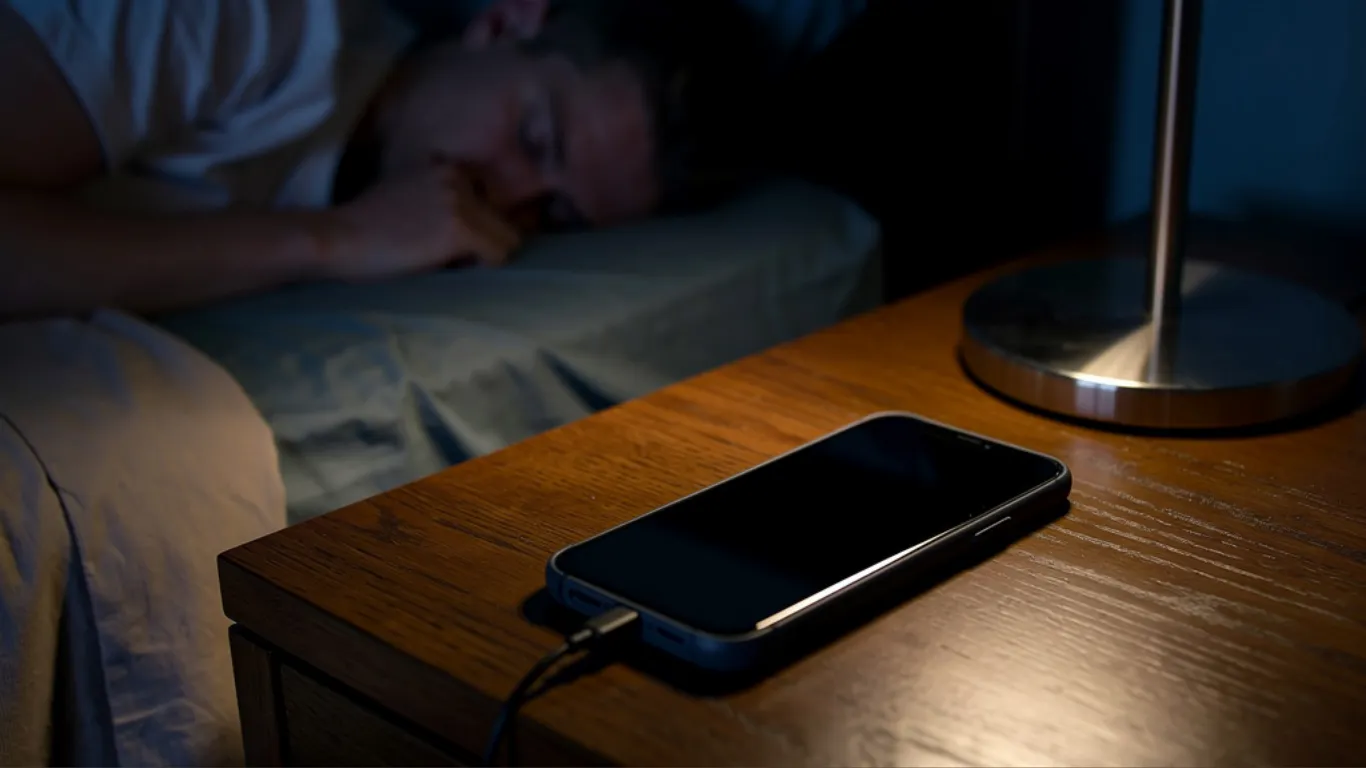
Most people charge their phone overnight without thinking about it. You plug in before bed, wake up to 100%, and start your day. But is this habit slowly killing your battery?
The short answer: charging your phone overnight is safe in 2026 if done correctly. To protect your battery’s lifespan, focus on three things — reducing heat, enabling smart charging features, and using high-quality gear.
Here is the full explanation, what the phone makers themselves say, and the one setting every phone owner should turn on tonight.
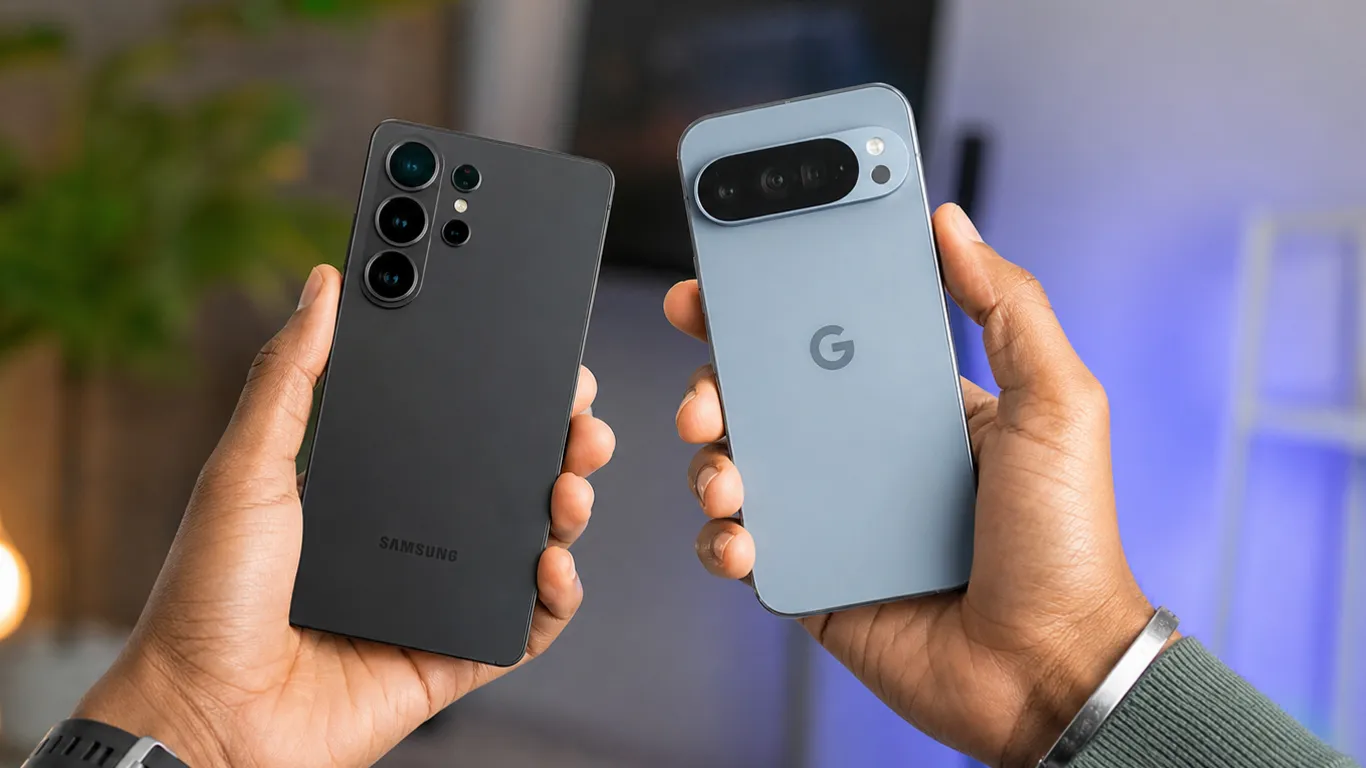
What Actually Happens When You Leave Your Phone Plugged In All Night
Android Authority’s overnight charging analysis confirmed that if you keep your phone plugged in at 100% charge, it simply will not charge anymore. Instead, it sips power from the battery until it drops to 99%, then the cycle repeats itself until you unplug.
Modern electronics automatically stop pulling current once their batteries reach 100% charge. That is the reassuring part.
But there is a caveat that matters. Android Authority notes that lithium-ion batteries survive the longest when kept between 20% and 80% charge. Charging your smartphone to full each time is not ideal for battery longevity over the long run — though the practical difference is less dramatic than many people fear.

What Samsung Says About Overnight Charging
Samsung addressed this question directly on its support page:
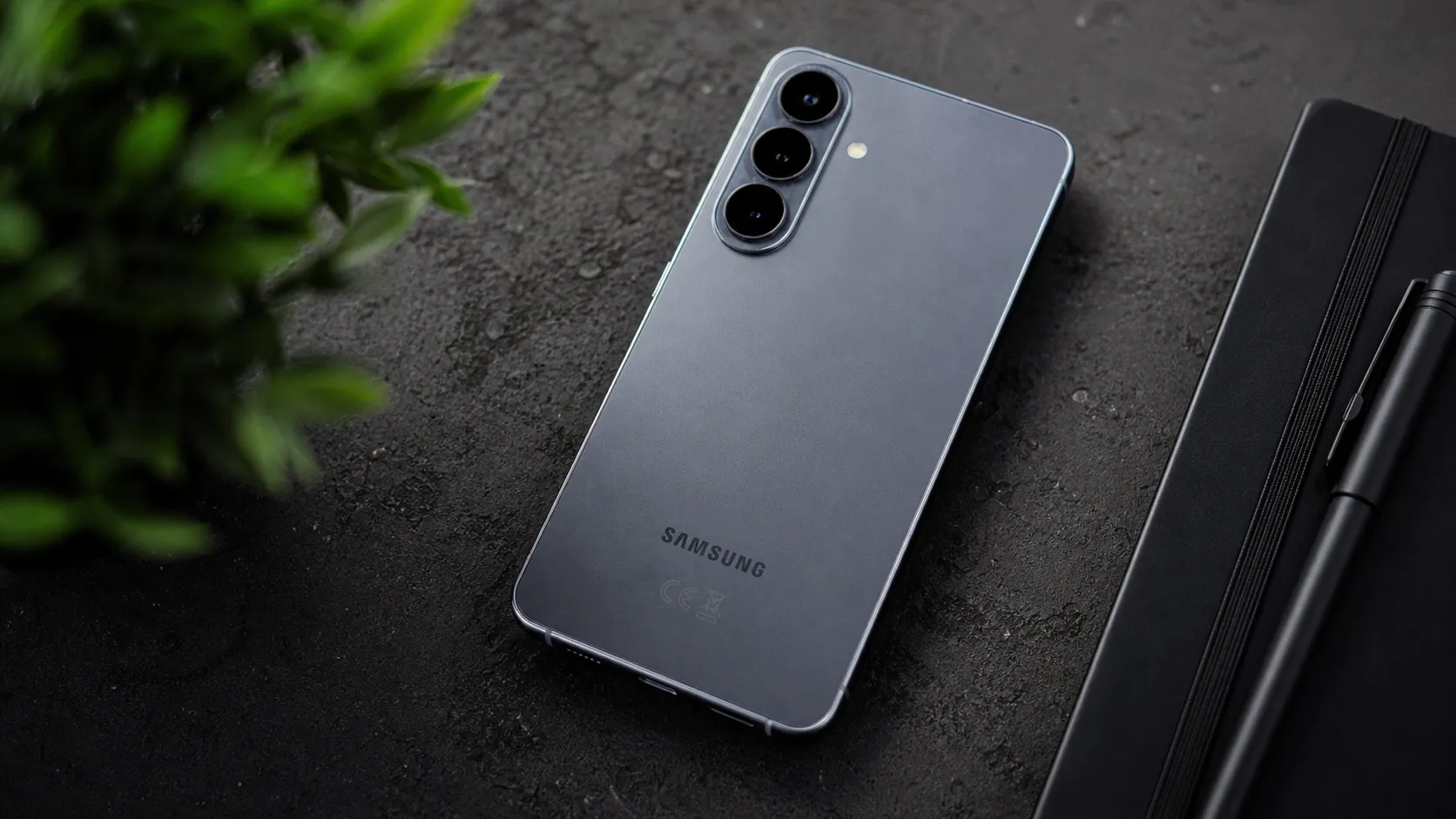
Samsung’s official battery support page confirms your phone’s battery will not be at risk of overcharging if you leave it plugged in overnight. Modern smartphones are equipped with smart charging technology that halts charging once the battery reaches full capacity, only kicking back in occasionally for maintenance charges.
Samsung’s conclusion on the same page: while it is technically recommended to unplug your phone once the battery reaches 100%, the actual benefit is quite minimal. Interrupting your sleep to unplug your phone is not worth it for most people.
The Real Enemy Is Heat, Not Charging
Here is the most important point in this article: overnight charging is fine. Overnight charging under a pillow or on a soft surface that traps heat is not fine.
Tamara Camera Blog’s overnight charging guide confirms that heat is the real issue, not the charging itself. Charging on a bed, under a pillow, or in a thick case traps heat and permanently damages battery cells over time.
This single habit — charging on soft surfaces — causes more battery damage than anything else most people do. The phone cannot dissipate heat the way it was designed to when it is buried in blankets.
The One Setting You Should Turn On Tonight
Both Android and iPhone have built-in features that slow down overnight charging to protect your battery. Most people never turn them on.
On iPhone: Settings > Battery > Battery Health and Charging > Optimized Battery Charging — turn it on.
On Samsung Galaxy: Settings > Battery > Battery Protection — turn it on. This option can cap the charge at 85% to reduce stress on battery cells.
On Google Pixel: Settings > Battery > Adaptive Charging — turn it on. Your phone will automatically slow the charge rate overnight, finishing close to when your alarm is set.
These features learn your routine and often pause charging around 80%, then complete the charge closer to when you wake up. Less time sitting at 100% means less battery stress.
5 Simple Rules for Healthier Overnight Charging
| Rule | Why It Matters |
|---|---|
| Charge on a hard, flat surface | Allows heat to escape naturally |
| Remove your phone case | Thick cases trap heat during charging |
| Use a certified charger | Cheap chargers create uneven voltage and more heat |
| Turn on smart charging | Slows the charge to reduce battery stress |
| Prefer wired over wireless for overnight | Wireless charging produces more heat than wired |
Tamara Camera Blog confirms wired charging is usually the better choice for overnight use because it tends to produce less heat than wireless charging. Save wireless charging for quick daytime top-ups.

The 20 to 80 Rule: Does It Really Matter?
You will hear battery experts say the ideal charge range is 20% to 80%. That is technically correct.
Android Authority confirms the electronics industry’s consensus that lithium-ion batteries survive the longest when kept between 20% and 80%. But here is the honest take: most people are not going to micromanage their charge level every day.
iPhone 15 and later models are designed to retain 80% capacity after 1,000 full charge cycles. Many Android flagships now reach similar numbers. Overnight charging with smart features enabled barely affects these figures. Turn on your phone’s smart charging feature, charge on a flat surface, and stop worrying. You will get years of healthy battery life.
If you want to understand how overheating during charging can compound these effects, see our companion guide: Phone overheating causes and fixes.
When Should You Actually Worry About Your Battery?
Replace your battery or consider a new phone when:
- Your phone cannot last half a day on a charge
- The phone gets hot even when idle
- The battery health shows below 80% in Settings
- The phone shuts down randomly at 20% or higher
Android Authority confirmed that battery replacements typically cost between $40 and $100 — significantly cheaper than buying a new phone if the rest of the hardware is still functional.
For broader context on how phone lifespan and battery health connect, see our how long do phones last guide.
Frequently Asked Questions
Is it bad to charge your phone overnight?
No, it is not bad if you do it correctly. Turn on smart charging features and charge on a hard, flat surface. Heat is the real risk — n
Should I charge my phone to 100%?
Ideally, keep it between 20% and 80% for maximum battery longevity. With modern smart charging features turned on, charging to 100% occasionally is not harmful.
Is wireless charging worse for battery health than wired?
Wireless charging produces more heat than wired charging. For overnight use, wired charging is the better choice. Save wireless charging for quick daytime top-ups.
How do I check my phone’s battery health?
On iPhone: Settings > Battery > Battery Health. On Samsung: Settings > Battery > Battery Health. On Pixel: Settings > Battery > Battery Health. Below 80% suggests a battery replacement is worth considering.
Pixel Reviews will update this guide as new battery protection features arrive in future Android and iOS updates.